How define specific job ro run as another user

Product: PowerShell Universal
Version: 5.6.9
Hi guys, I want to run a specific job that includes code to execute on WSL, but I found out that by default it runs under the local service account. How can I change my scheduled job to run as an administrator?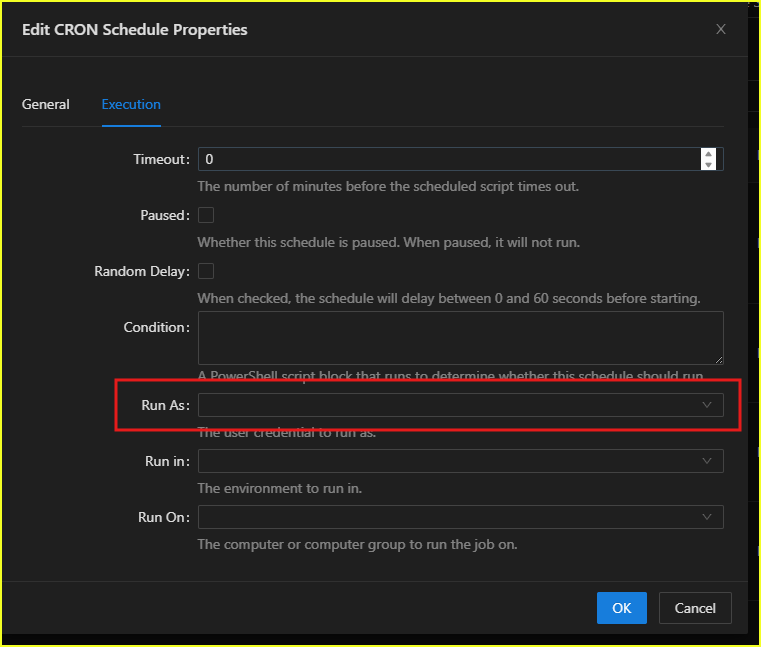
I couldn’t figure out where to define a new user for the “Run as” option.
4e3e68d5ff9516ee93ced5d7943df11572f405e1.png
Recommended Answer
Goto Platform\Variables and make sure you have the account saved as a credential in here, then it’ll be available to the dialog box you’ve shown in your snip.
All Comments (2)
Goto Platform\Variables and make sure you have the account saved as a credential in here, then it’ll be available to the dialog box you’ve shown in your snip.
Thanks for your reply. I believe you’re referring to using the secret option in the variable section. Here are the menu and key points.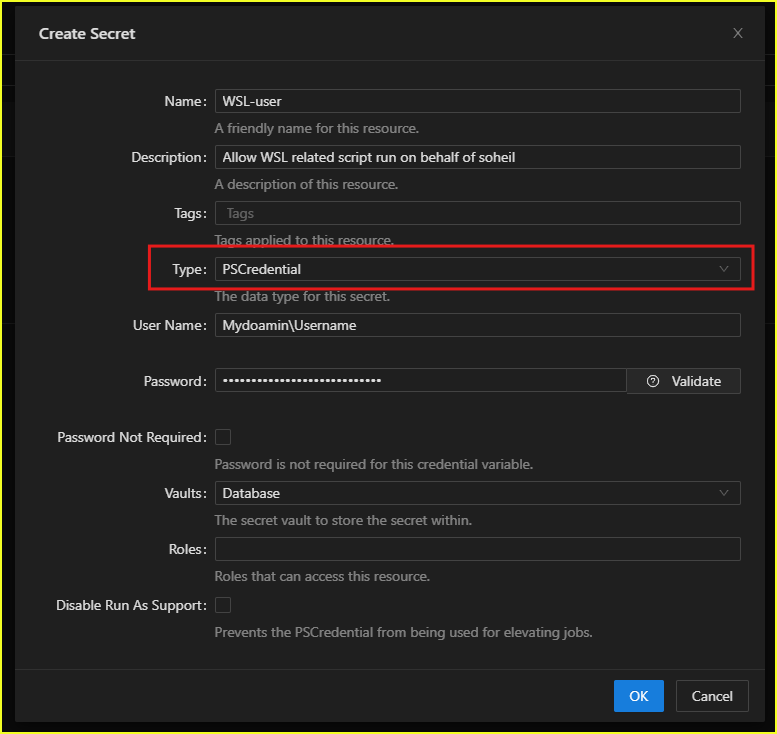
e89c46df7401eb7afd8610f0762d51d7ac119029.png