Variables page is entirely blank post PSU 5.0.14 upgrade

After upgrading from 5.0.13 to 5.0.14, the Variables page is now entirely blank - including any buttons to create new variables. See the screenshot.
Any suggestions, short of downgrading to 5.0.13? Restarting the host made no difference. FYI, I also filed a bug on GitHub for this.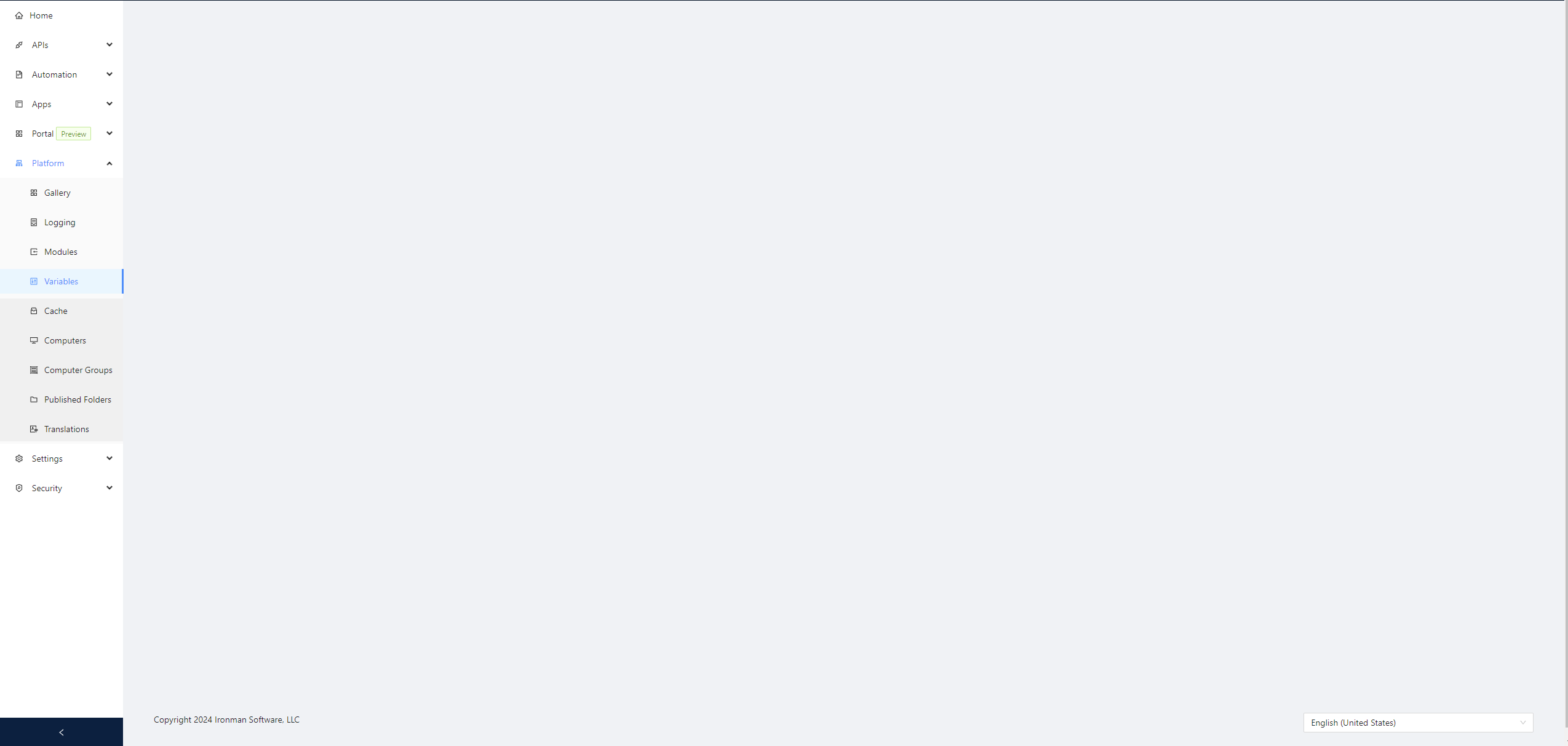
Product: PowerShell Universal
Version: 5.0.14
3a540c90a84486e54dec7196bbc892aae96814ff.png
All Comments (9)
Through some testing, I’ve found that if I comment out the entire variables.ps1 file, I can get the page to display again. So, something I have a variable for doesn’t seem to be liked in 5.0.14 that wasn’t a problem in any of the past versions.
With more testing, I’ve now found that if the first variable in the variables.ps1 file is stored in the database, it results in the following error:
If the first variable is stored in the config (i.e., if it’s not a Secret), it results in the Variables page being blank as I showed in the initial screenshot.
If the variables.ps1 file contains BOTH types, it results in a blank page, regardless of which type is listed first in the file.
@Adam Driscoll ? Any ideas?
a25d9f57576f3606d6a115339d1b2e8a101c7cb8.png
It looks like it has something to do with tags. I can’t reproduce this issue if I don’t have tags but when I have some variables with tags and some without, this can happen.
Adam Driscoll
PowerShell Expert and Developer at Devolutions
It looks like 5.0.14 corrupted the database, and maybe that’s to blame. I reverted back to 5.0.13 with just an uninstall/reinstall, and 5.0.13 then complained that none of the Secret variable values existed in the database. So, I had to restore the VM from a snapshot to get things working again.
Maybe. There weren’t any schema changes in .14 but could be something else. I was able to reproduce this by create 2 variables: one with a tag and one without. Do note that the secret behavior you was mentioned in previous versions but I haven’t been able to reproduce or figure out root cause: Secrets randomly go poof · Issue #3959 · ironmansoftware/powershell-universal · GitHub
Adam Driscoll
PowerShell Expert and Developer at Devolutions
Interesting. I commented on the GitHub issue but I’ll duplicate it here for completeness: I don’t have tags on any of my variables, so I don’t understand how tags are breaking things in my environment when they’re not even in use with variables. The only tags I have are on scripts.
That is interesting. I was able to fix this by avoiding the exception you are seeing but unclear why you’d see it with no tags.
Adam Driscoll
PowerShell Expert and Developer at Devolutions
I just played a bit.
Upgraded from 5.0.13 to 5.0.14 on my dev.
I can create variables, but any tags don’t get saved.
(I can select a tag, click ok, but next time I open the var, it is gone.)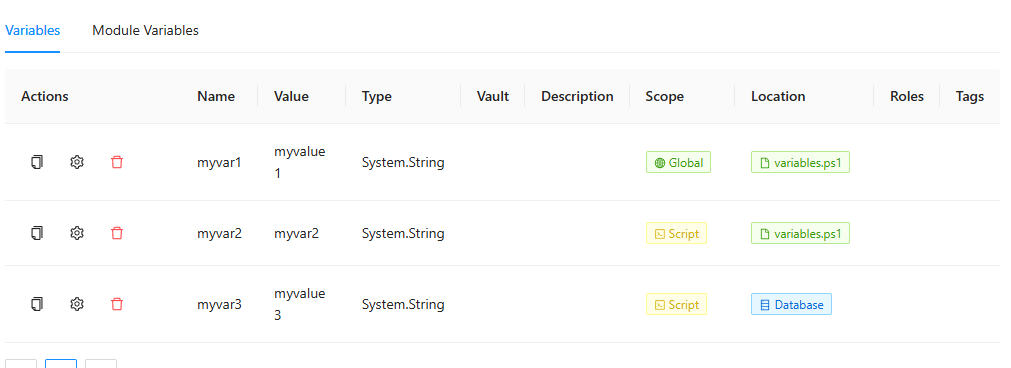
Trying to add a tag to a secret var causes:
Because the secret value field was empty again.
Filling the secret value again on change like adding tag, works.
Then the tag is being displayed.
91ab842a617989f721a07a4235649a5b550e21bd.png
11c0f3c65571469b3fd29b2abe7c235dab0783a7.png
ce463a9c2c84902220ba5efcd825cb137ff9b9ab.png
See the most recent comment on the GitHub issue linked above.