If I run Website entry, the webpage is grey

Hi
I use RDM 2026.1.16 on three computers and I sync my entries via Personal Hub. All works fine except Website entries. They work well on one of my Windows PC, but they did not work on the two of them. If I open website entry, I can see only grey page. Would you know how to fix it? I played with settings on the Autofil and HTML controls, but it did not help.
Thanks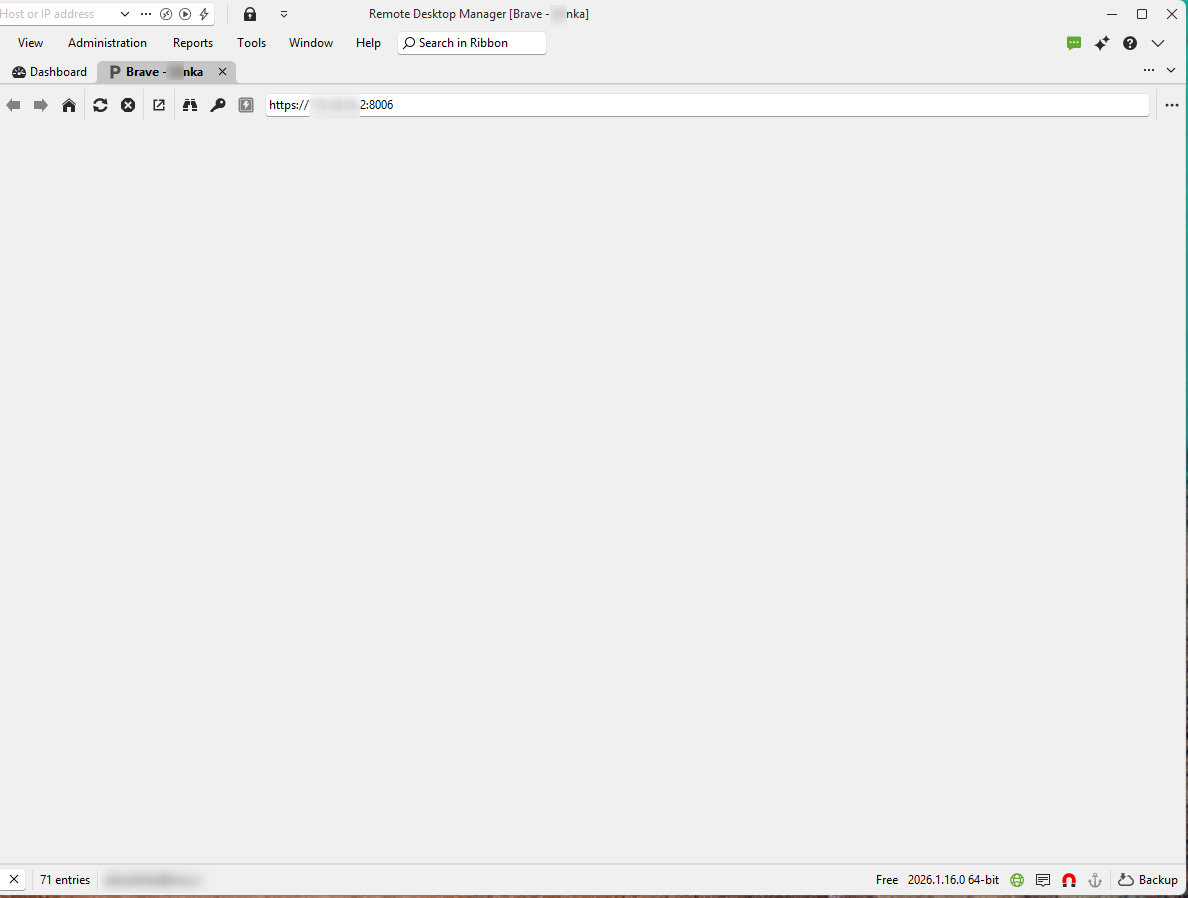
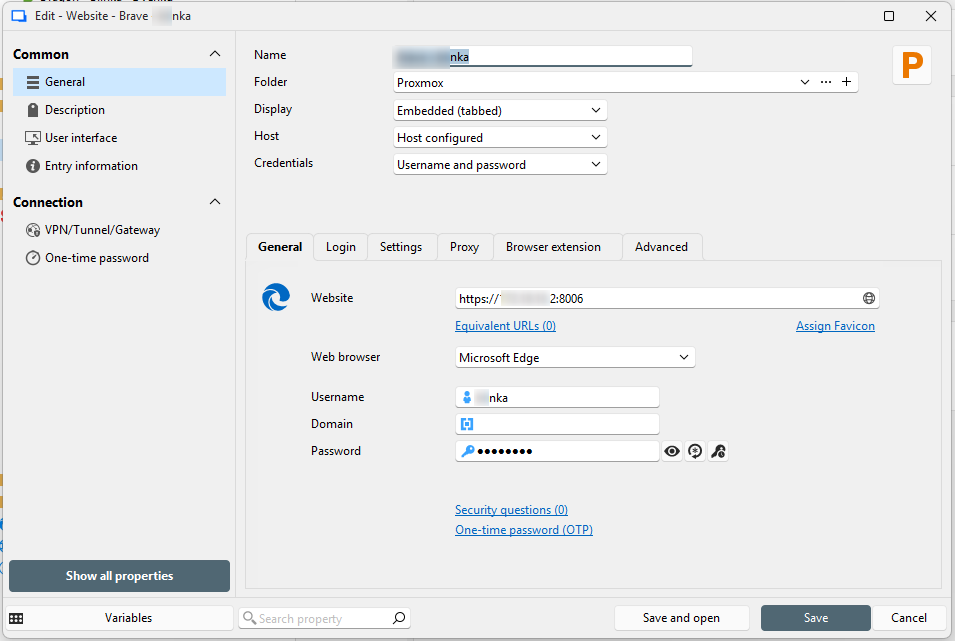
Entry settings.png
Grey window.png
All Comments (7)
Hello,
Thank you for reaching out!
Can you please confirm if all website entries are grey on those two PC's, or only the Proxmox one?
Thank you in advance!
Best regards,
Sam
Hi Sam
On the both PC's for all websites. They are mostly web interfaces for routers and Proxmox.
Regards
AL
Hello,
Thank you for the information.
Can you please create a new web entry directly from one of the machines currently not working and see if you get the same behaviour?
Please try changing the web browser type to see if the result changes.
Lastly, could you also try changing the display to external on the entry configurations to see if it works?
Thank you in advance!
Best regards,
Sam
Hello Sam
I created new web entry and I got the same behaviour no matter if I choose Default or MS Edge as Web Browser. If I switch to External, my webpage is opened in MS Edge.
Thanks for your help, AL
Hello AL,
You are very welcome! Glad the External workaround is working in the meantime.
We would still like to get the 'Embedded' view working for you. Do you mind letting us know the latest WebView2 version on each of the three PCs?
It may not appear in the installed Apps list (especially on newer Windows builds where it ships with Edge), the easiest way to check is in File Explorer at:
C:\Program Files (x86)\Microsoft\EdgeWebView\Application\
The folder name inside is the version number. Please provide the latest version of each. If the folder is missing on any PC, please let us know too.
Best regards,
Sam
Hi Sam
Mystery solved. I applied applocker on my two PCs and it blocked EdgeWebView2.exe because it was not on white list. When I put EdgeWebView2.exe to the white list, I can work with web entries as on the others computers.
Thanks for your help
AL
Hello AL,
Thank you for your feedback!
We are glad to hear it is now working properly. We appreciate you sharing the solution too. This will be valuable going forward.
You are very welcome for the help.
Have a great day!
Best regards,
Sam.