[iOS] sFTP Broken in 2026.1.1.1

Prior to iOS 2026.1.1.1 sFTP was working but now when I connect it just spins trying to load the remote directory.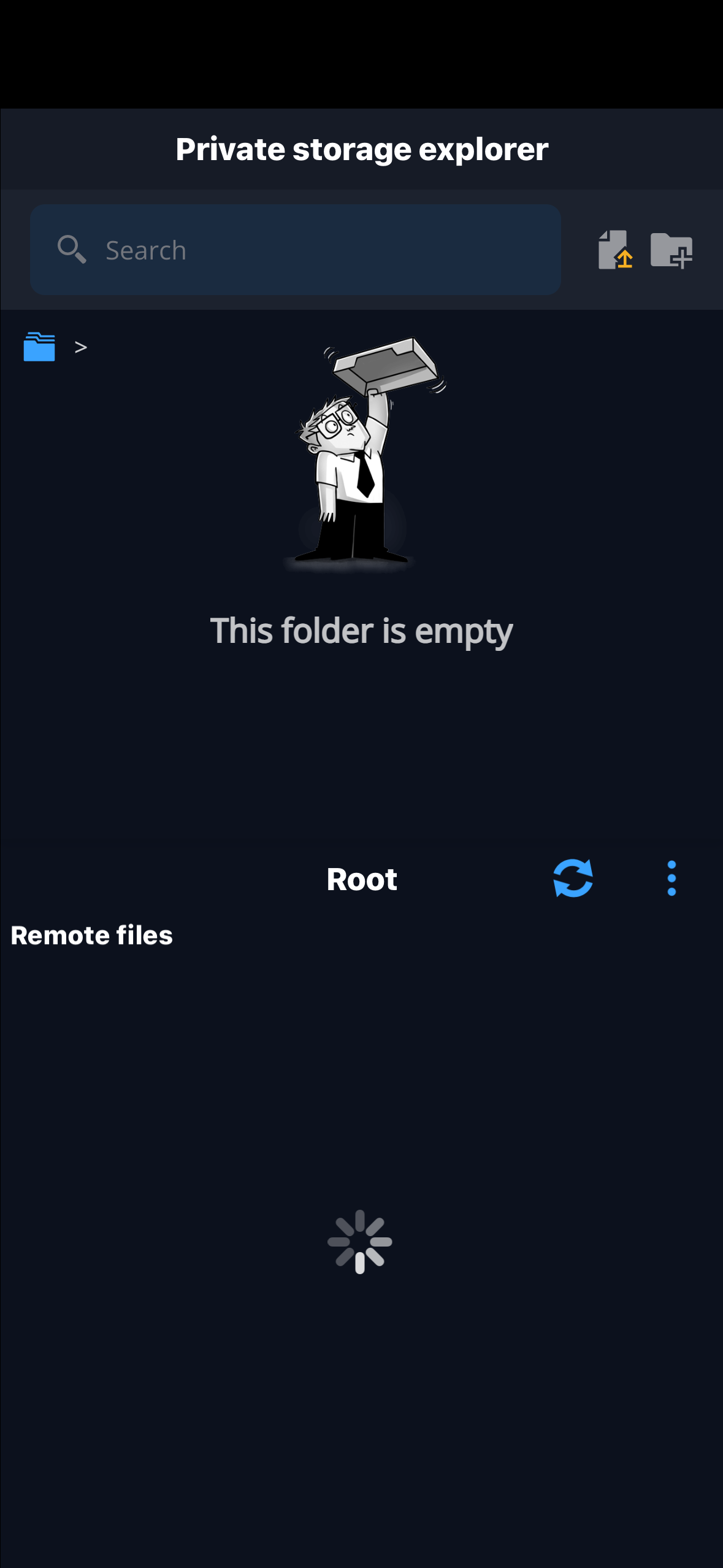
IMG_0457.png
All Comments (12)
More context: prior to 2026.1.1.1, I was connecting to / as my home directory which would put me at the root of the file system. Now it just spins trying to load.
If I do /opt as the home directory it will put me in /opt when connecting and so forth.
If I remove / or /opt as the home directory and put / as the starting directory it puts me in root's home folder (/root).
I need to be able to free browser the file system and having to edit the connection for every path is not practical.
In summary, using / as the home directory is no longer working.
Hello,
Thank you for contacting us regarding this matter.
Could you please confirm whether you have experienced the issue on a PC as well? Additionally, could you let me know what your data source is?
Do you have any logs available? Does the issue affect all entries or only SFTP? Are the other entries working correctly?
Best regards,
Tommy Sanders
Hello,
Thank you for contacting us regarding this matter.
Could you please confirm whether you have experienced the issue on a PC as well? Additionally, could you let me know what your data source is?
Do you have any logs available? Does the issue affect all entries or only SFTP? Are the other entries working correctly?
Best regards,
@Tommy Sanders
I have only experienced this on iOS. Data source is devolutions personal hub. I'll see if I can pull logs. When trying from iOS Termius and Windows WinSCP, works just fine.
I tried connecting again and viewed the log of RDM and it said I was connecting to X.x.x.118:22 when I was really connecting to X.x.x.129:22.
after viewing the log, it wouldn't properly close as it was still partially open. See attached screenshot. At this point, RDM was non responsive to any navigation.
i went to the Home Screen and then back in to RDM where I sat at the splash screen for about 5 seconds before RDM crashed. I was able to reproduce this multiple times.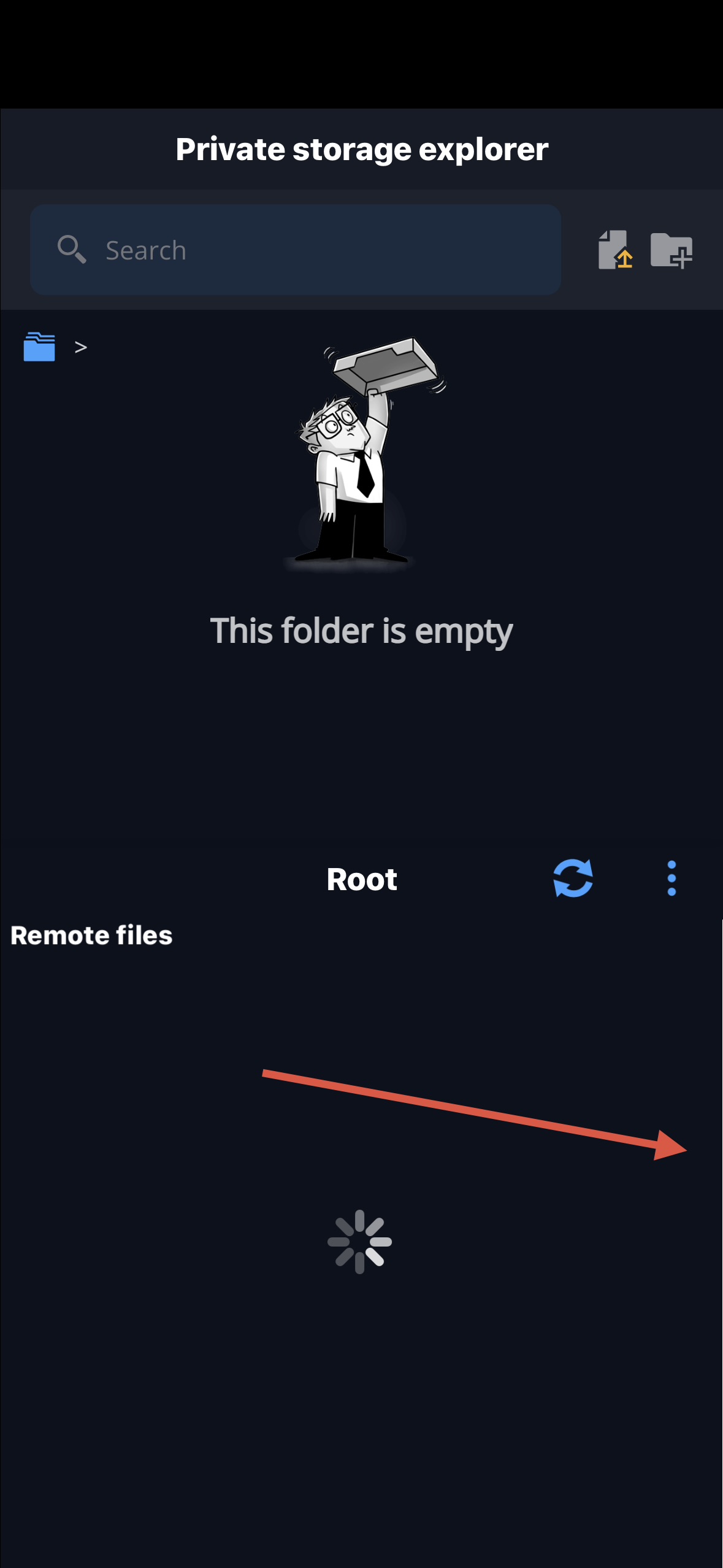
IMG_0470.jpeg
Hi,
You mentioned that prior to iOS 2026.1.1.1, sFTP was working. Could you please tap on the hamburger icon at the top left of the screen, select About, then choose Update History, and send us an image of your update history?
Nicolas Dufour
Screenshot as requested.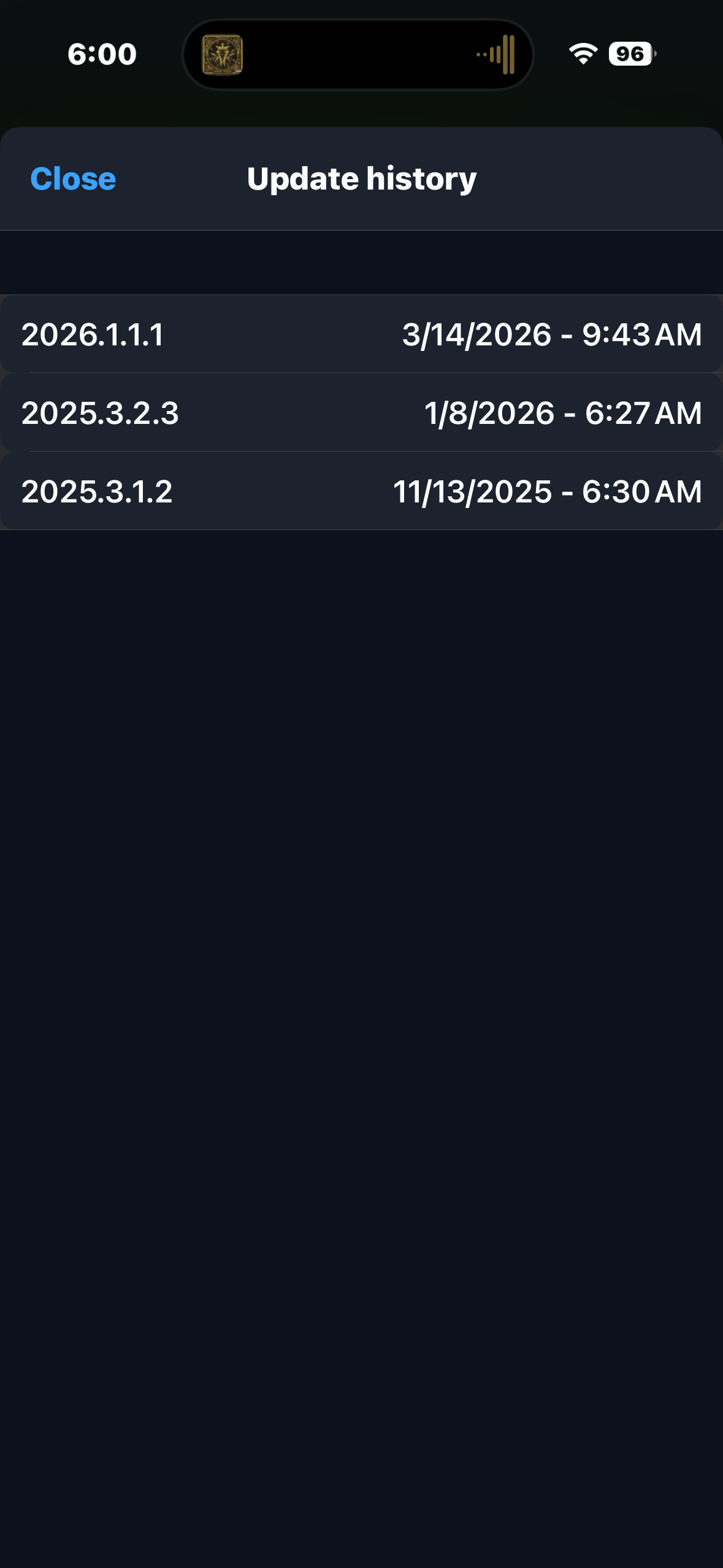
IMG_0477.png
Hi,
We were able to reproduce the issue, or at least what we believe is causing it. We have created a ticket to address it.
We will keep you informed once it is fixed and ready for release.
Best Regards,
Nicolas Dufour
Was the fix included in yesterday's release of 2026.1.2.2?
Hi,
No, a fix has not been found yet.
Best Regards,
Nicolas Dufour
Hello,
Thank you for being so patient!
I'm pleased to inform you that a new version of RDM iOS(2026.1.3.0) has been released, featuring the fix for your issue.
Please let us know if this works or if you encounter any issues.
Best regards,
Maxim Robert
I've tested and it is working.
One thing I noticed is that the view is not in alphabetical order which is a pain sometimes when trying to find opt in /.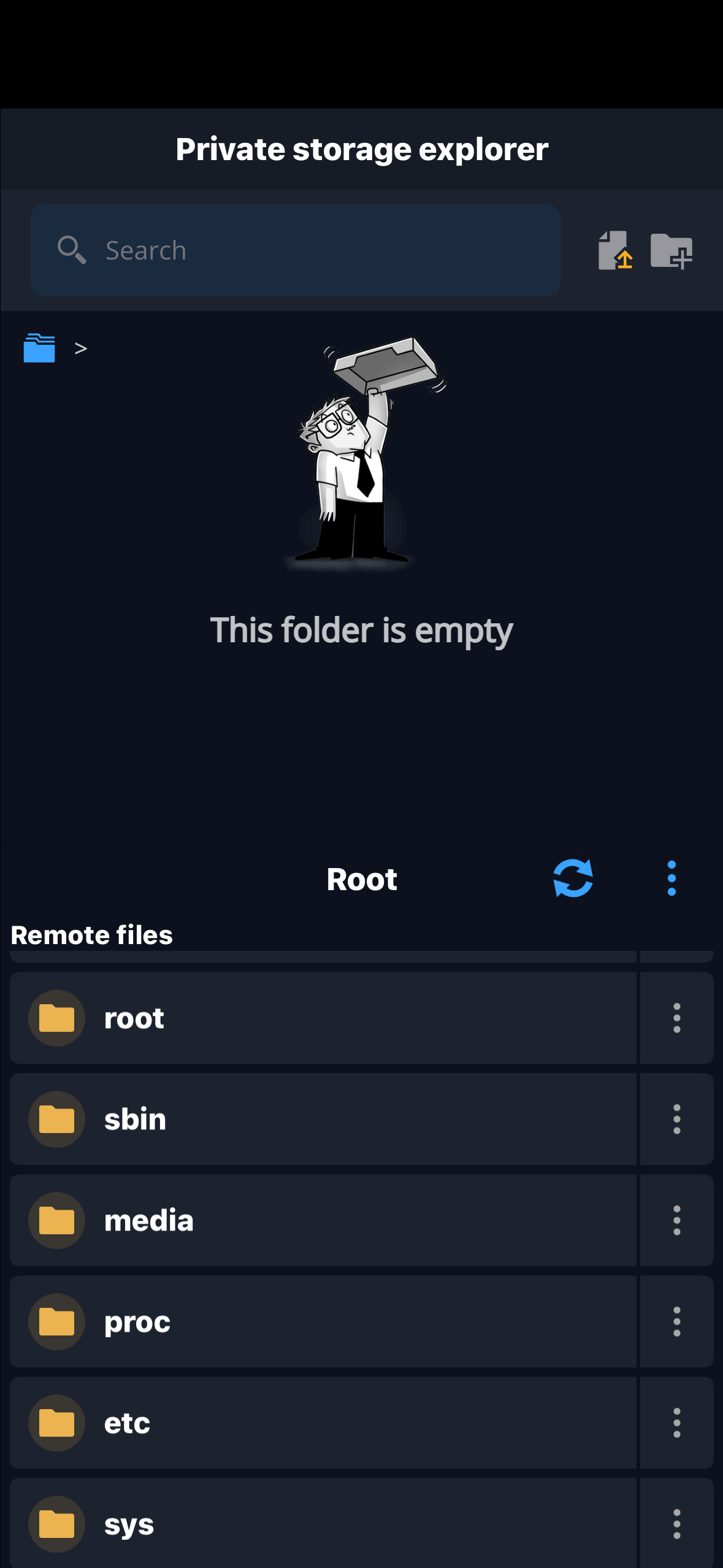
IMG_0832.png
Hi,
Thank you for your feedback. We will create a ticket regarding the alphabetical sorting.
However, please note that we are unable to provide an estimated timeline for its implementation.
Best Regards,
Nicolas Dufour