[iOS] sFTP Broken in 2026.1.1.1

Prior to iOS 2026.1.1.1 sFTP was working but now when I connect it just spins trying to load the remote directory.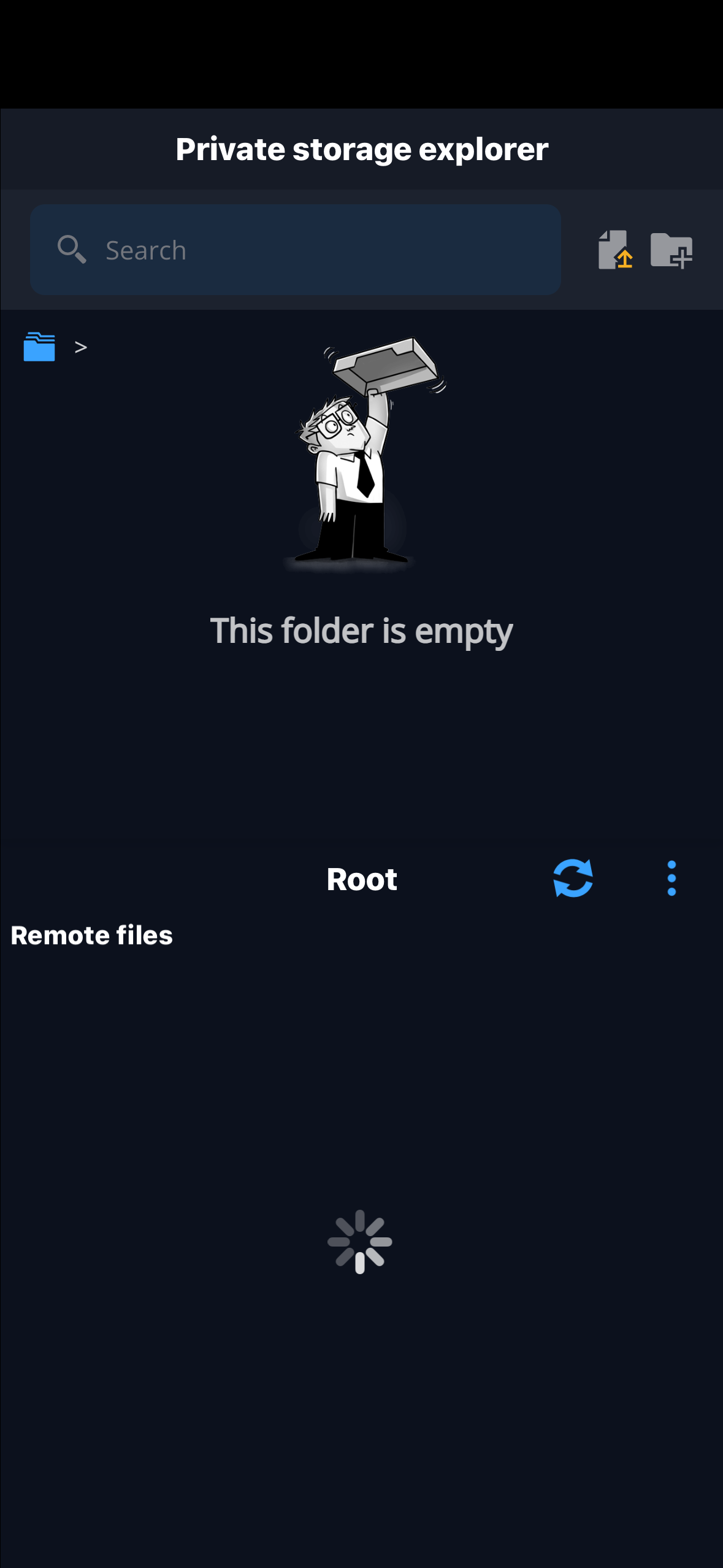
IMG_0457.png
All Comments (2)
More context: prior to 2026.1.1.1, I was connecting to / as my home directory which would put me at the root of the file system. Now it just spins trying to load.
If I do /opt as the home directory it will put me in /opt when connecting and so forth.
If I remove / or /opt as the home directory and put / as the starting directory it puts me in root's home folder (/root).
I need to be able to free browser the file system and having to edit the connection for every path is not practical.
In summary, using / as the home directory is no longer working.
Hello,
Thank you for contacting us regarding this matter.
Could you please confirm whether you have experienced the issue on a PC as well? Additionally, could you let me know what your data source is?
Do you have any logs available? Does the issue affect all entries or only SFTP? Are the other entries working correctly?
Best regards,
Tommy Sanders