2026.1.10 filter entry

Hi
When I filter to get an entry, I press enter key it will not open, it must use mouse to click to open, I tested with in version 2025.3.30 seem still working properly, any thing I missing? 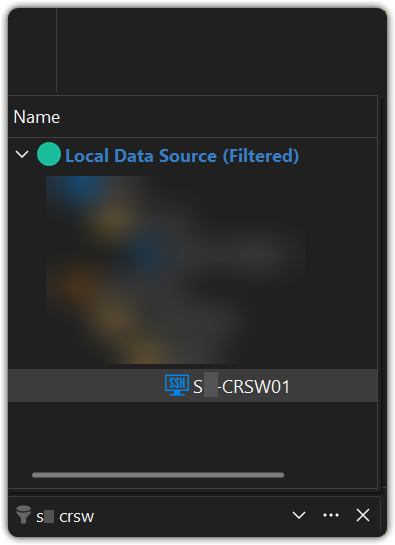
3ebdc868-2758-4438-b624-559b3a207dd5.png
All Comments (3)
Hi, I've also updated to the latest version for Windows [2026.1.10.0 64-bit (PreJIT) + .NET 10.0.3] and the ability to connect using the <enter> when filtering has stopped working as it did previously (prior to updating).
Hello Neil and Jayvin,
Thank you for your message.
What you’re describing (selecting a search result in the vault and pressing Enter no longer opening the connection) is a known issue, and our team is already working on a fix.
The fix is expected to be included in version 2026.1.11.0. We sincerely apologize for the inconvenience this has caused.
Best regards,
Alexis Geller Peiro
Hi, I've just downloaded and installed the new version released 2026.1.11.0 64-bit (PreJIT) and happy to report that I could type a hostname into the filter at the bottom left and hit enter to open the session. Thanks for the assistance on this.