Starting in undocked mode doesn't maximize the resolution/screensize
Starting in undocked mode doesn't maximize the resolution/screensize

Starting a session in Undocked mode starts it with some empty space around the session screen: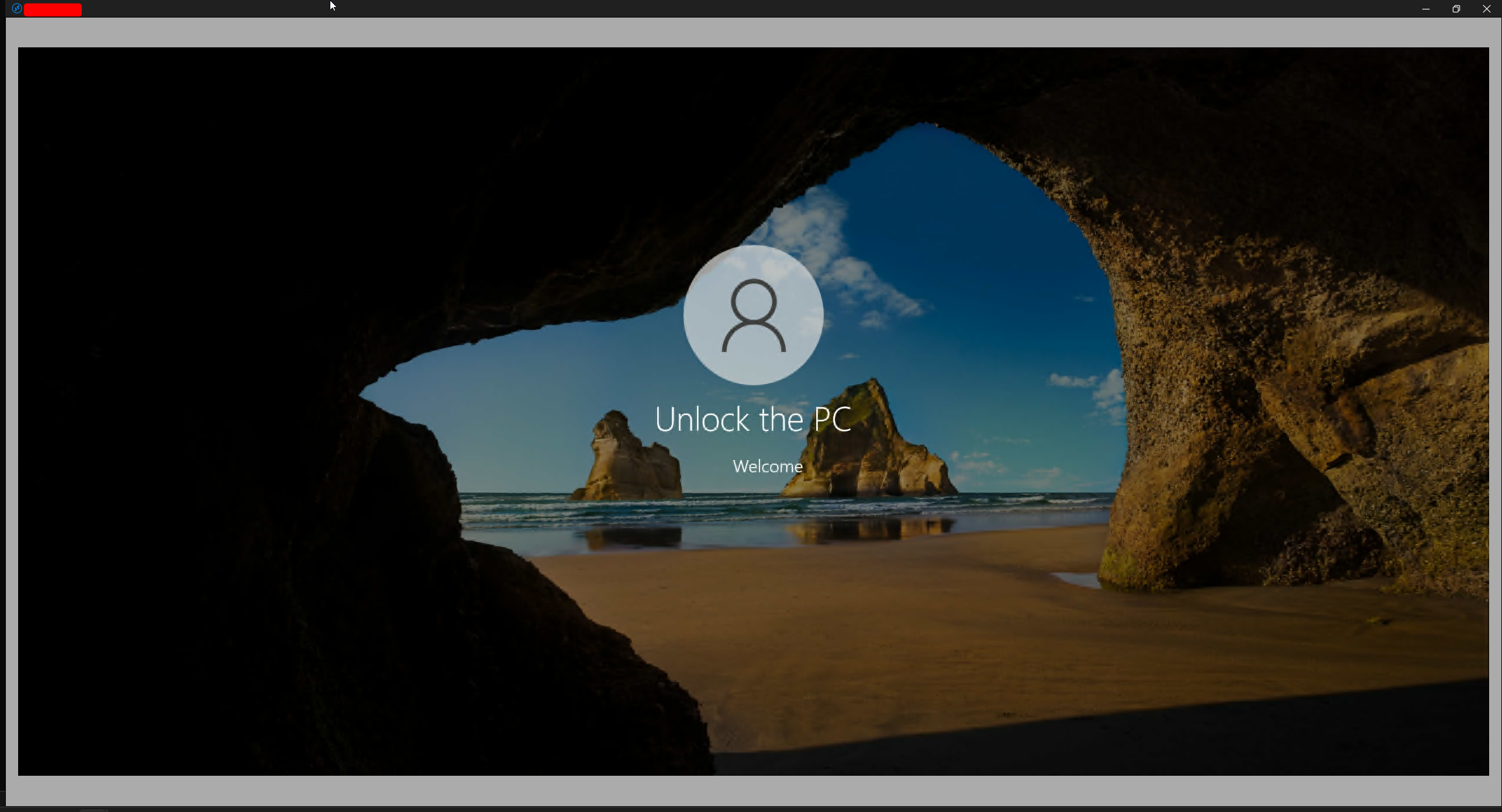
Right clicking the top bar and selecting Reconnect will trigger a reconnect and then it will consume all the available space: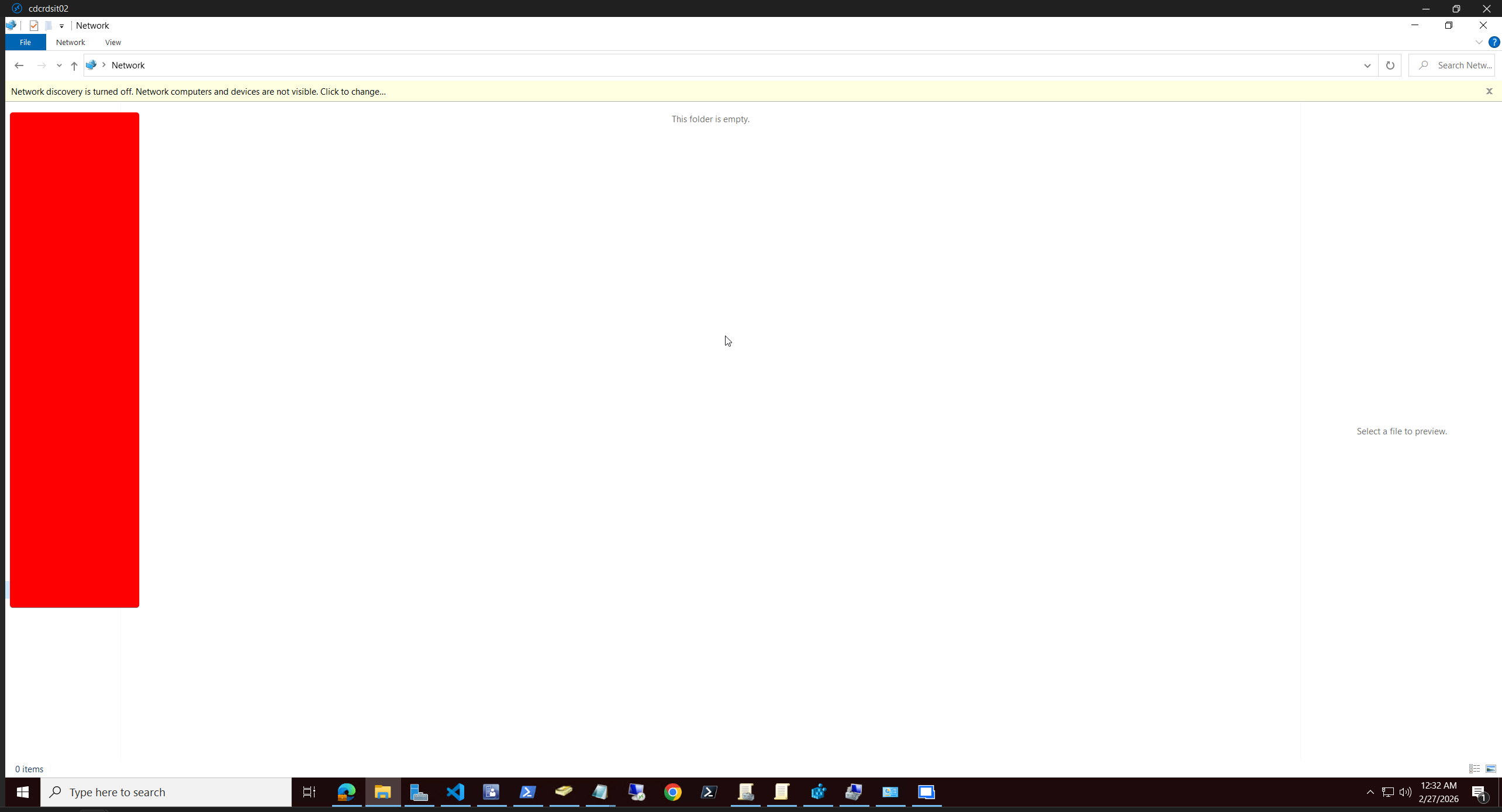
Any idea on how to get it to consume all the available space when it first opens without the reconnect?
VxdwZSoHcr.png
Bx7scw5dPK.png
All Comments (1)
Hello,
Thanks for the screenshots.
Could you try enabling Smart Sizing on the entry?
- In Remote Desktop Manager, right-click the session → Properties
- Go to Display
- Find Screen sizing mode (or Sizing mode)
- Set it to Smart sizing
- Save, then relaunch the session in Undocked mode
Smart sizing forces the session content to scale to the available window space immediately, which should prevent the “empty border” you’re seeing at first launch.
If it still happens after that, tell me what RDM version you’re on and whether you’re using FreeRDP or Microsoft RDP, and we’ll dig deeper.
Best regard
Carl Marien