Bottom search/filter bar disappeared (only shows in Navigation panel)
Bottom search/filter bar disappeared (only shows in Navigation panel)

Hi everyone,
I’m using Remote Desktop Manager and my bottom search/filter bar (the field that is usually pinned at the bottom of the main window) disappeared.
Now the filter field only shows inside the Navigation panel at the bottom, instead of being pinned globally like before.
Does anyone know how to restore the default layout / bring back the bottom pinned filter/search bar?
Thanks!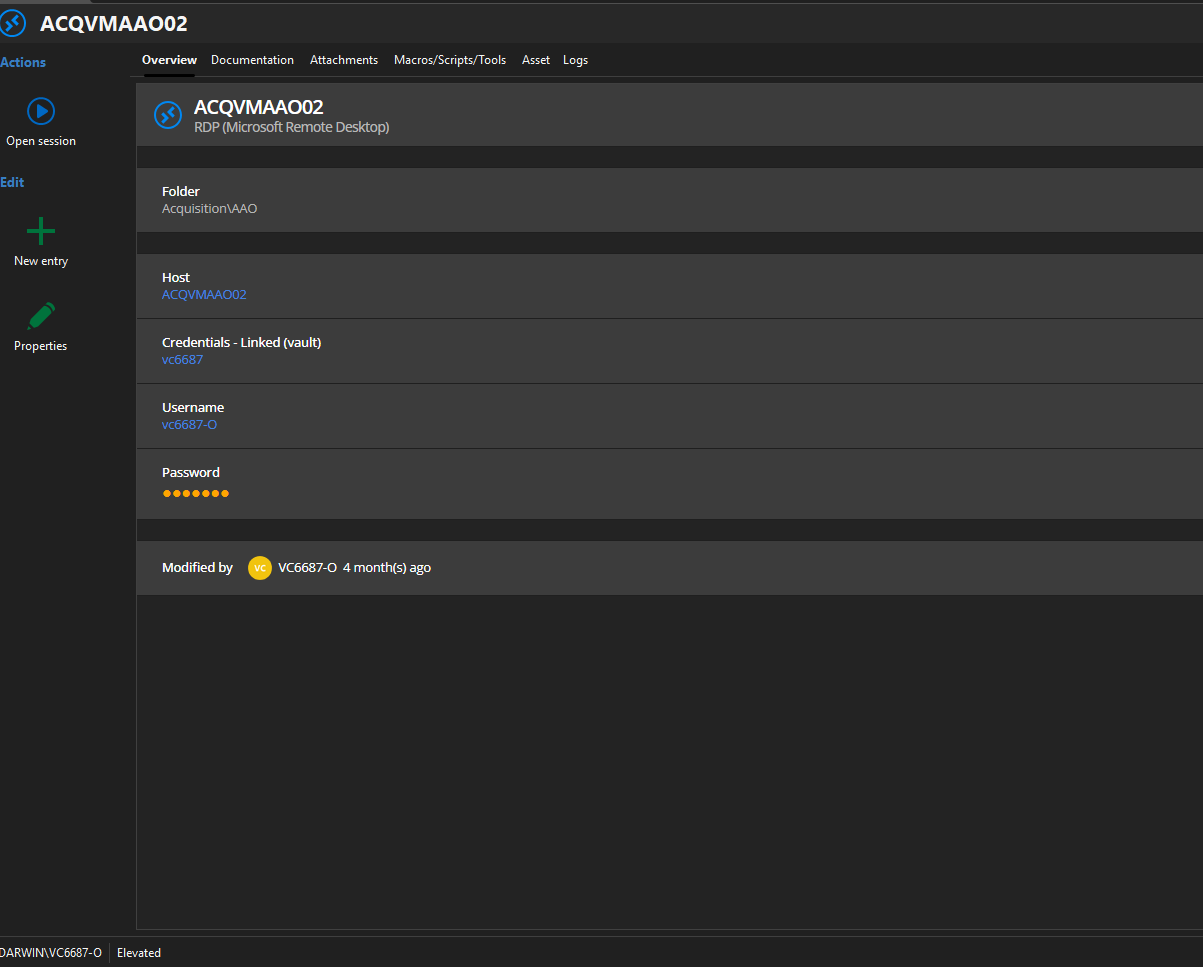
772d397d-eee4-49ff-a3ef-ff31bb59e153.png
All Comments (5)
Hello,
Thank you for reaching out to us regarding this,
Could you try to perform the reset Layout as mentioned in this knowledge base article:
https://docs.devolutions.net/rdm/kb/troubleshooting-articles/reset-layout/
Let me know if the problem persists.
Best regards,
Samuel Dery
Hello,
Thank you for reaching out to us regarding this,
Could you try to perform the reset Layout as mentioned in this knowledge base article:
https://docs.devolutions.net/rdm/kb/troubleshooting-articles/reset-layout/
Let me know if the problem persists.
Best regards,
@Samuel Dery
Hi Samuel,
Thanks for the suggestion. I already tried Window → Reset layout, but the issue persists.
Also, in %localappdata%\Devolutions\RemoteDesktopManager\, I don’t have any RemoteDesktopManagerLayout.lyt files to delete.
I also tried uninstalling and reinstalling RDM, but the bottom filter/search bar is still not restored (it only appears inside the Navigation panel).
Is there another config file/registry key that controls the search/filter bar docking? Or another full UI reset method?
Thanks!
Hello,
Thank you for reaching out to us regarding this,
Do you have the "Show file names extension" Windows option enabled?
https://support.microsoft.com/en-us/windows/common-file-name-extensions-in-windows-da4a4430-8e76-89c5-59f7-1cdbbc75cb01
All .lyt files should be in that folder, as they are used by RDM for the UI.
Best regards,
Samuel Dery
Hello,
I fixed it by importing the configuration/layout from my coworker, and the search/filter bar in RDM came back.
thank you
Hello,
Thank you for your reply,
I see, glad to hear you have resolved this issue,
Best regards,
Samuel Dery