powershell/windows terminal sessions stopped working

I have a couple of PowerShell and Windows Terminal sessions which takes these arguments: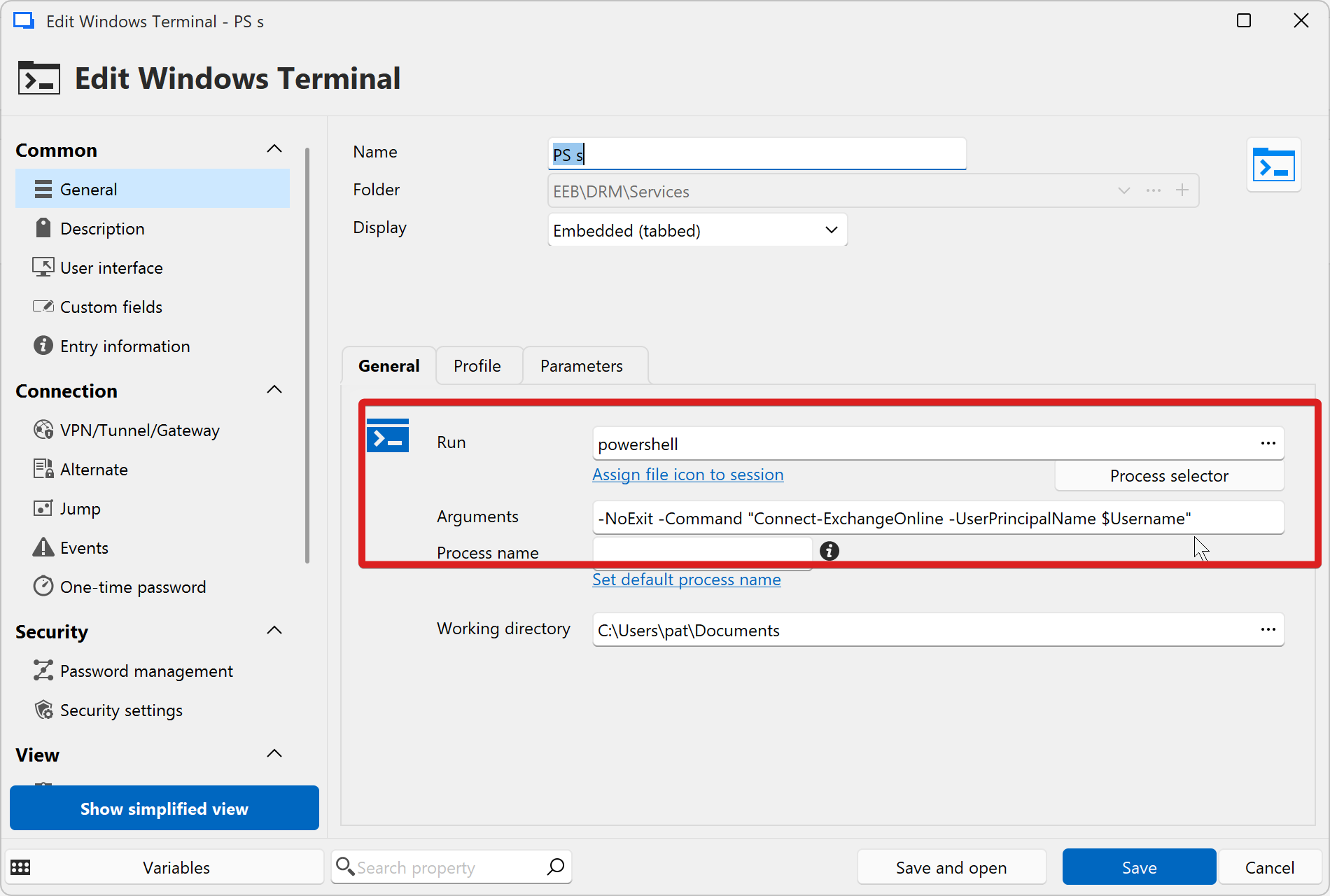
They stopped working. I try to recreate them as windows Terminal or as PowerShell, nothing works. You double-click them, they seem to start, but no window appears, and they dissapear from the tab group again. No error message, nothing. 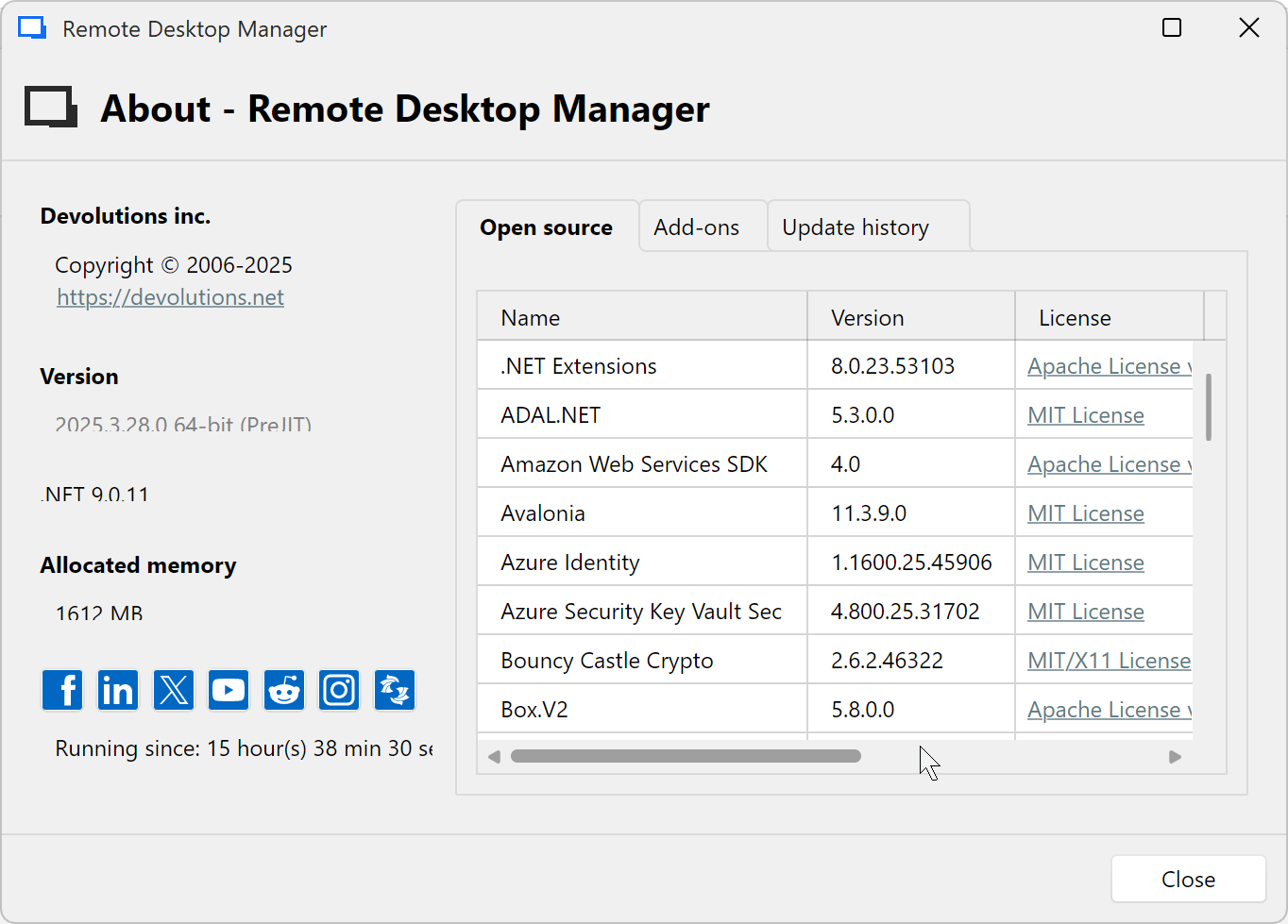 I avoided quite a lot of updates, but I am quite sure that it worked in the early 2025.3 version. btw, the version string in this window used to be selectable for copy and pasting, not anymore, so as screenshot..
7bbaffff-cbfc-4736-86b4-91756a76bf6f.png
b27e8630-68ce-4464-aa26-f7791d71d593.png
Recommended Answer
Ok, I tried on another notebook and there it works. I just realized, that the other PC with the issue is newly installed, so it may be that it doesn't have the exchange module installed yet (I am not in front of it for a while). This seem to have caused the problem with the closing session, but this seemed to be fixed now, so I think we can close this.
All Comments (10)
Hello,
Thank you for reaching out on this matter.
Could you please check under Help > Application Logs to see if there are any relevant errors that might assist us in troubleshooting the issue further?
I look forward to your reply.
Best regards,
Jacob Lafrenière
No, nothing. It's completely empty.
Hello,
Thank you for the follow-up.
Could you please try reproducing the issue while the profiler is running? You can refer to the following documentation article for instructions on how to set it up:
https://docs.devolutions.net/rdm/commands/help/profiler/#debug-only
Please make sure you are on the Debug tab and that the level is set to 65795.
Once completed, kindly copy and paste the results here.
I look forward to your reply.
Best regards,
Jacob Lafrenière
I sent the performance profiling session to support, maybe open a ticket. Thanks!
Hi Pat,
I received the logs through the support case. Thanks.
I'll see if I can reproduce this. For now, the logs don't contain anything helpful.
As far as I'm aware, we don't use the Exchange Online module, but I'm unsure if it's relevant in this case. Do you use other scripts with the PS/Terminal integration? Do they all work?
Best regards,
Marc-Antoine Dubois
I tried a session without arguments: works, with some random argument: works as well. It may have something to do with loading modules.
ok, something changed in 2005.3.28, now the session starts, takes quite a while and then shows: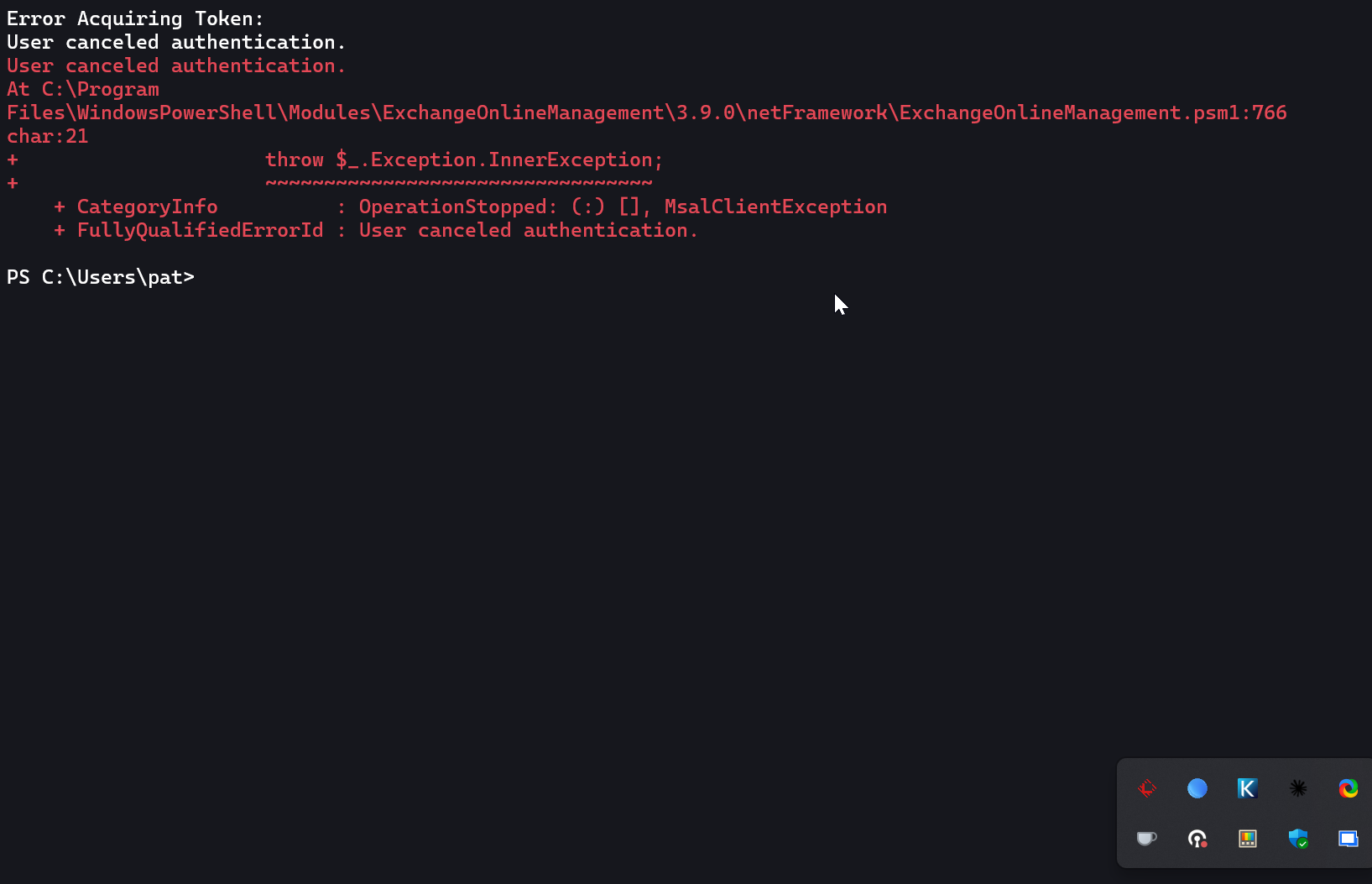
9fbb7430-6b3e-4a61-9c37-d30b53de1077.png
Hi Pat,
What happens if you re-run the command inside the PS Session opened by RDM: Connect-ExchangeOnline -UserPrincipalName foo
If it fails again, what if you run an import module and run the command?
Best regards,
Marc-Antoine Dubois
Ok, I tried on another notebook and there it works. I just realized, that the other PC with the issue is newly installed, so it may be that it doesn't have the exchange module installed yet (I am not in front of it for a while). This seem to have caused the problem with the closing session, but this seemed to be fixed now, so I think we can close this.
Hi Pat,
Thanks for letting me know, that's good news!
I'm marking this as resolved.
Best regards,
Marc-Antoine Dubois