How to change the default screenshot directory

hi
how do i change the default path for screenshots?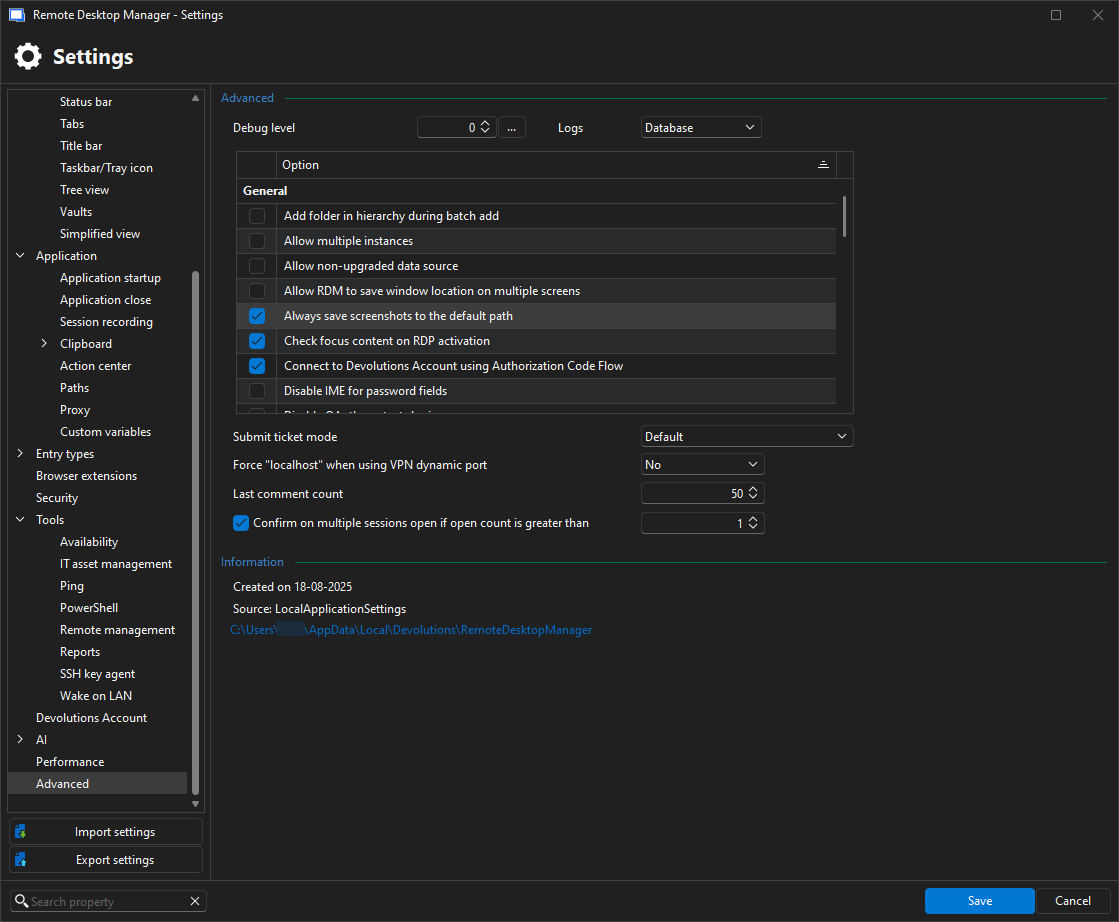
10-12-25_09.42_RemoteDesktopManager_XJXFZRm8uI.png
Recommended Answer
Hi,
You can change the screenshot path by going to:
File > Settings > Application > Paths > Screenshot.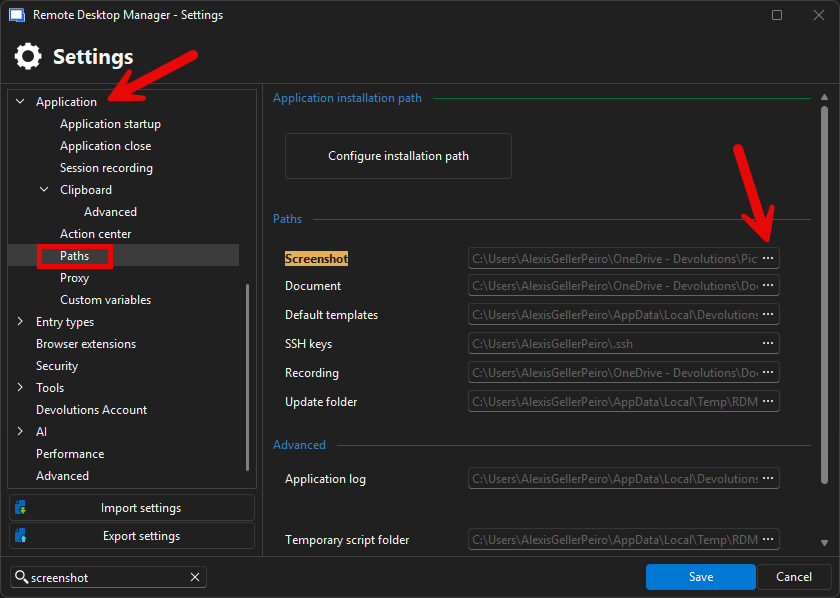
From there, you can select a new folder for saving your screenshots.
Let me know if you need anything else.
Best regards,
Alexis
Alexis Geller Peiro
781942ba-cfc4-4608-854a-782d41124229.png
All Comments (2)
Hi,
You can change the screenshot path by going to:
File > Settings > Application > Paths > Screenshot.
From there, you can select a new folder for saving your screenshots.
Let me know if you need anything else.
Best regards,
Alexis
Alexis Geller Peiro
781942ba-cfc4-4608-854a-782d41124229.png
thanks a lot! it was wee bit difficult to find it :)