Could not obtain a ticket for the remote virtual machine vm-randomnumber. Is the ID correct?
Could not obtain a ticket for the remote virtual machine vm-randomnumber. Is the ID correct?

I have created the vCenter Synchronisation configuration successfully in the RDM application.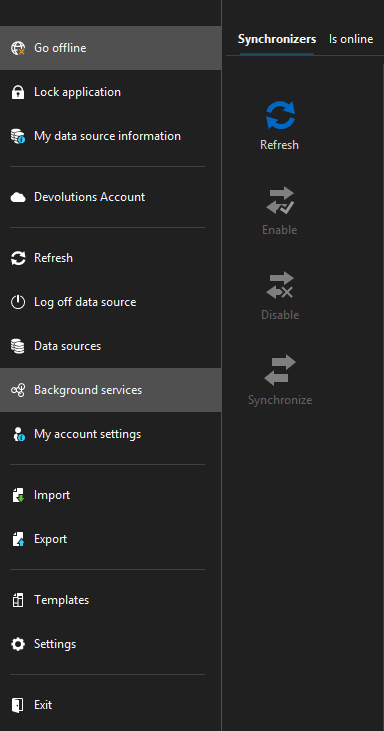
But when I click on the VMware VM, I get this error screenshot: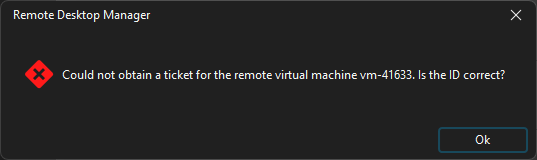
How can I fix this issue ?
Thank you,
fab54a2d-29fc-4c18-85a5-084852ccf044.png
84e54d69-7c8b-4167-9837-8b16a5eeaf88.png
All Comments (3)
Hi,
Thank you for your post.
Could you please provide some additional details about your setup?
Specifically, which RDM version and datasource are you using? If you are using Devolutions Server, please include its version.
Additionally, could you share a screenshot of your VMware VM entry settings? I mainly want to verify that the VM name is in the correct format.
Thanks,
Stephan
@Stephan Haupt,
I am using the RDM client only, without a server, version 2025.3.28.0 (64-bit).
Hello,
Thanks for the info.
Did you have the chance to also verify the settings of your VMware VM Entry as mentioned in my last reply?
Additionally, you can try the following steps:
Try running a full resynchronization of the VMware synchronizer.
Verify that the VM entry still matches the VM in vCenter (ID and inventory path).
Confirm the VMware service account permissions include console access.
Thanks
Stephan