move folder to different vault fails

Hi,
i'm trying to move a folder with some entries in it to a different vault.
RDM 2025.3.21.0, Logged in as admin user, Datasource Devolutions Server 2025.3.8
select a folder, click on menu -> edit -> move to vault, select target vault, click on transfer, ab boix "transfering" is shown, then the error is shown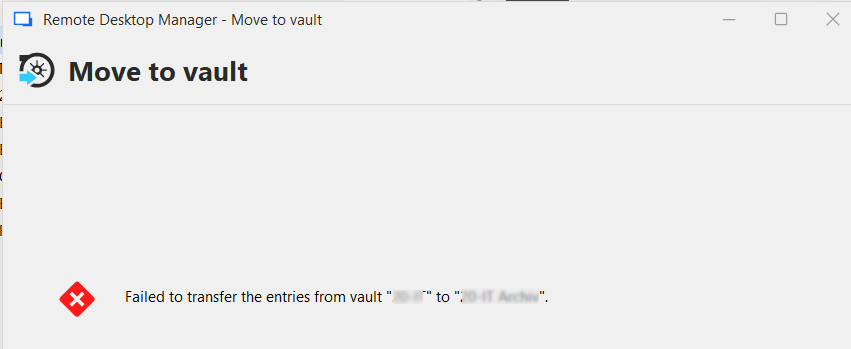
same operation in the Devolutions web frontend is working...
b4d7ab72-d393-4fb2-adaf-0af6e374787a.png
All Comments (5)
Hello,
Thank you for contacting Devolutions Support.
Could you update to the latest version of RDM 2025.3.25.0 and let me know if you encounter the same issue?
https://devolutions.net/remote-desktop-manager/download/
If the same problem occurs, could you confirm which type of entries are present in the folder you are attempting to move?
Best regards,
Samuel Dery
Hi Samuel,
just updated to 2025.3.25, still not working.
This test was a single credential entry (username and password)
The previous tests with the folder contained credentials and RDP session
Hello,
Thank you for your reply,
I see, are you encountering this issue when attempting the move to a specific vault only, or does the behavior occur regardless of the destination vault?
Let me know,
Best regards,
Samuel Dery
Hello Samuel,
these moves are from one specific vault to another specific vault
these are old entries that are not longer used, but i do not want to delete, and i want to reduce the number of items in the vault.
Hello,
Thank you for your reply,
I see, could you create a new test vault and attempt to move the entries to this new vault?
Let me know if you encounter the same issue,
Best regards,
Samuel Dery