SSH key agent doesn't work in OpenSSH mode

Hi,
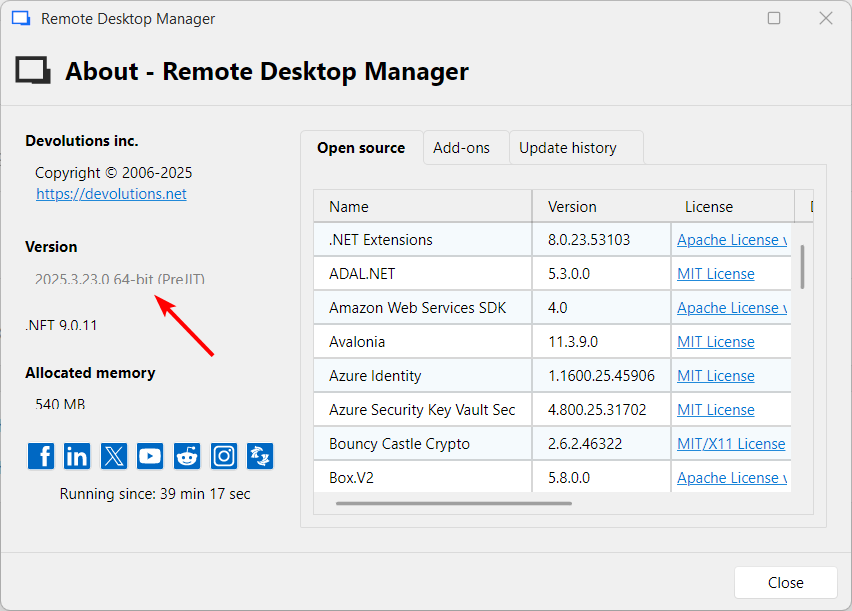
I tried to configure the SSH key agent in OpenSSH mode, so that I can transparently use keys stored in RDM from Git command line. This is Windows 11 latest, RDM 2025.3.23.
By the way I am no longer able to copy version info from the About dialog. Please make it copy-able again so that I can use it with bug reports.
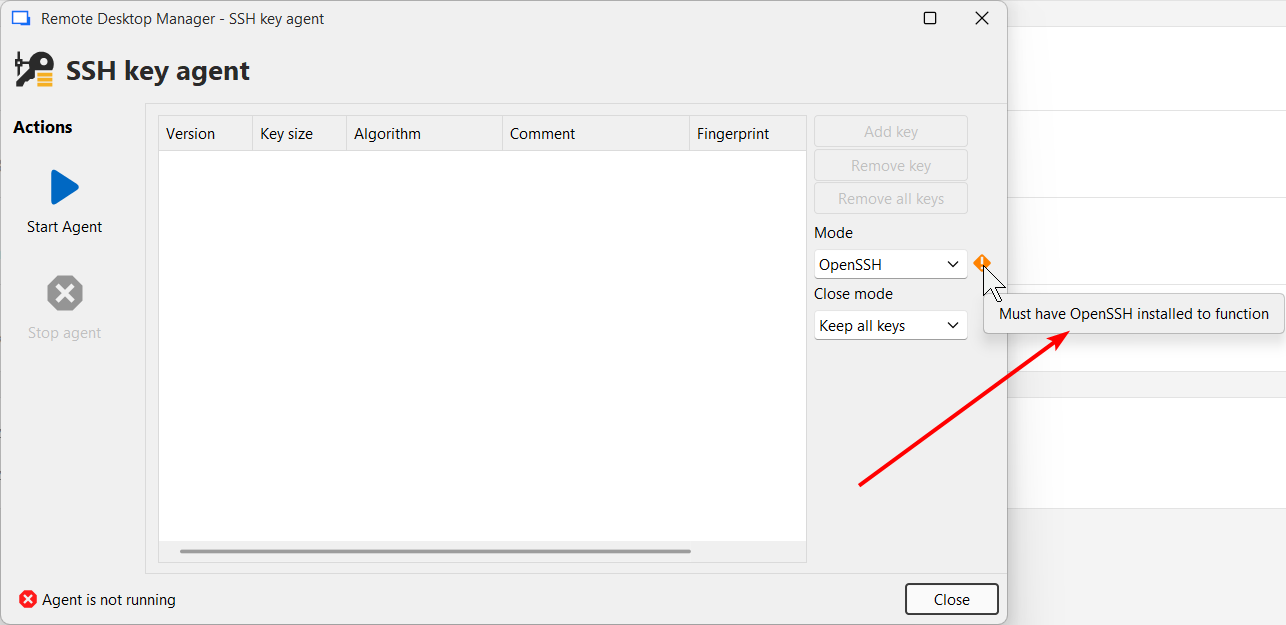
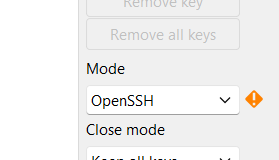
Back to the topic. When switching Agent mode to OpenSSH, I get error that OpenSSH must be installed:
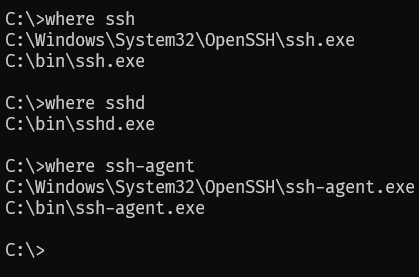
But I do have it installed:
Although I cannot check or configure paths to OpenSSH in the File-Settings-Application-Paths-Configure installation path:
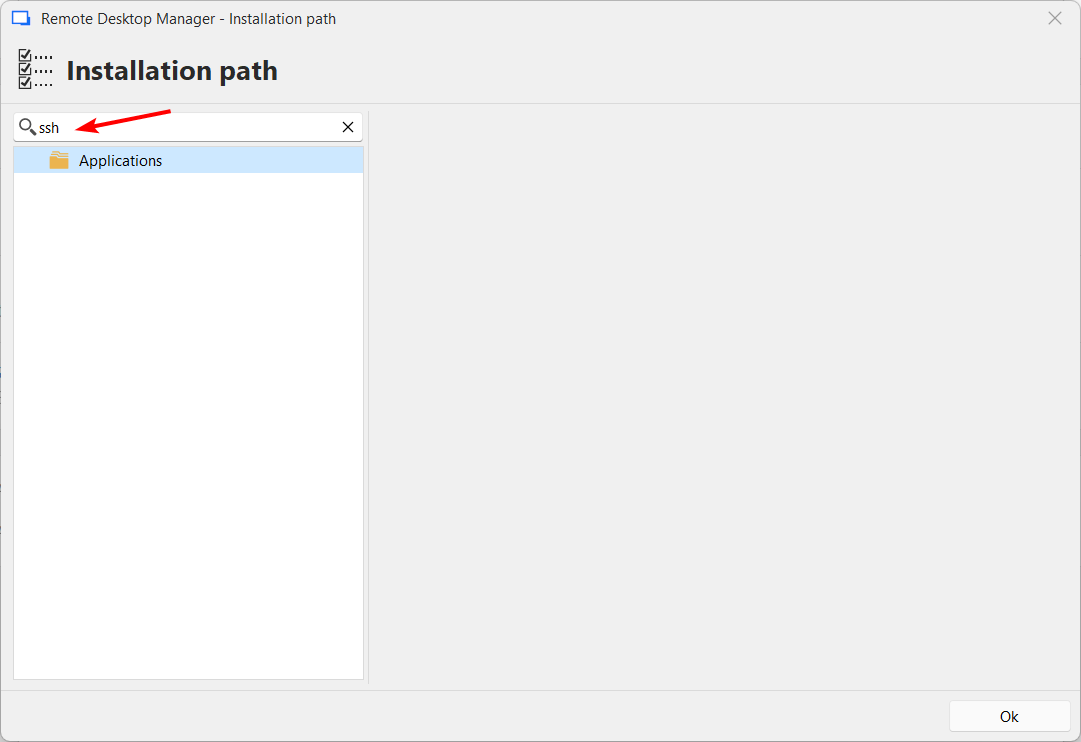
Please fix it.
I'm also wondering if it'd be possible for you to change the "Mode" combo into checkboxes - so the keys are available in both agents in both modes simultaneously if required. For example Git works best with OpenSSH agent, but I sometimes use Putty command line tools as well. Now it's quite an effort to make it all work properly. Having this feature in RDM would be a great addition. Thanks in advance!
All Comments (6)
Hello,
Did you try pressing "start agent" with the OpenSSH mode? It should work for you. The warning icon is just to be informative, as we had users trying to use this mode without having OpenSSH installed on their machine.
As for running both agents at once, it should technically be possible but there are a few technicals aspects we would need to figure out, it's not as simple as just starting both at once. I will open a ticket for this.
Regards,
Hubert Mireault