SSH key agent doesn't work in OpenSSH mode

Hi,
I tried to configure the SSH key agent in OpenSSH mode, so that I can transparently use keys stored in RDM from Git command line. This is Windows 11 latest, RDM 2025.3.23.
By the way I am no longer able to copy version info from the About dialog. Please make it copy-able again so that I can use it with bug reports.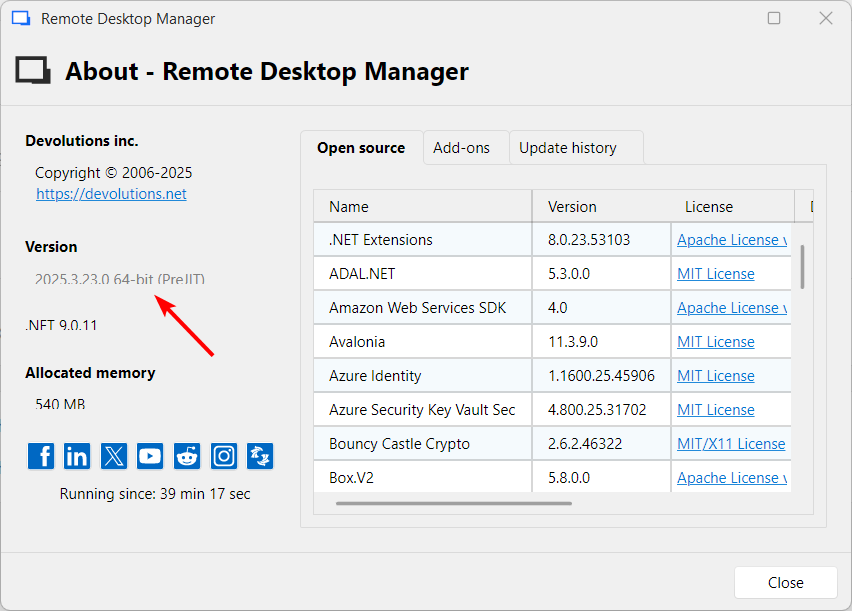
Back to the topic. When switching Agent mode to OpenSSH, I get error that OpenSSH must be installed: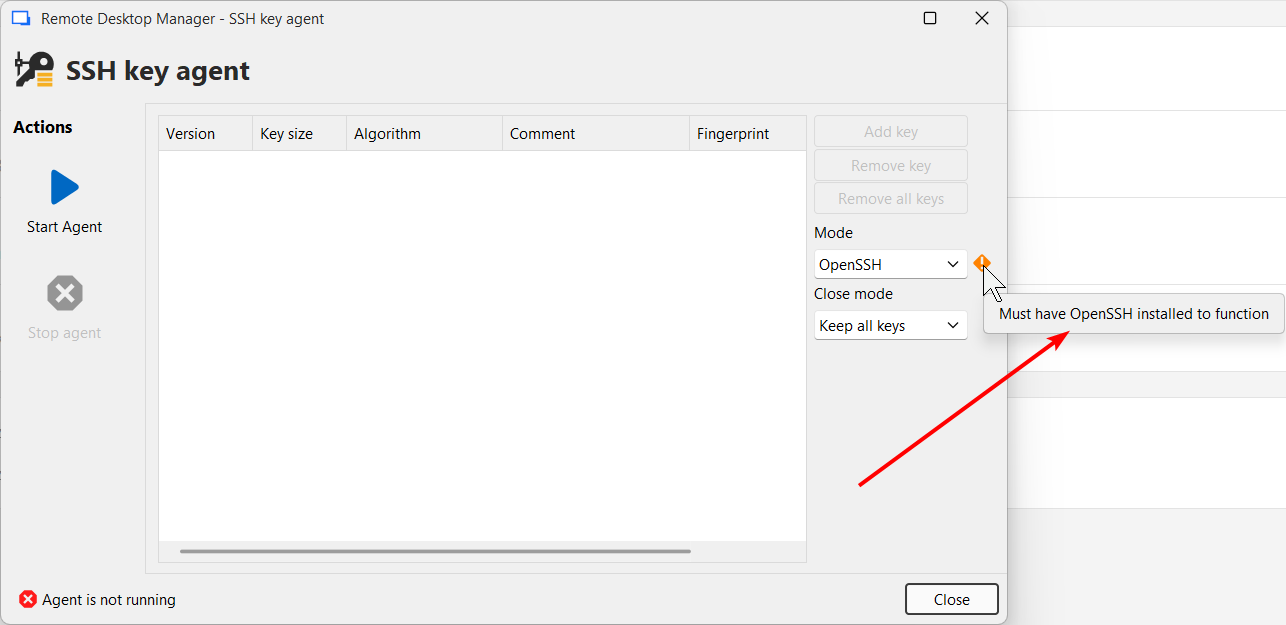
But I do have it installed: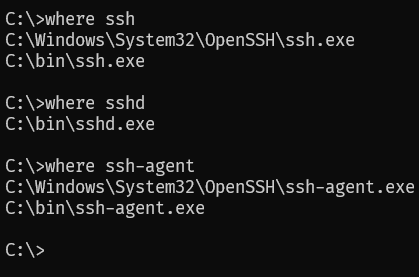
Although I cannot check or configure paths to OpenSSH in the File-Settings-Application-Paths-Configure installation path: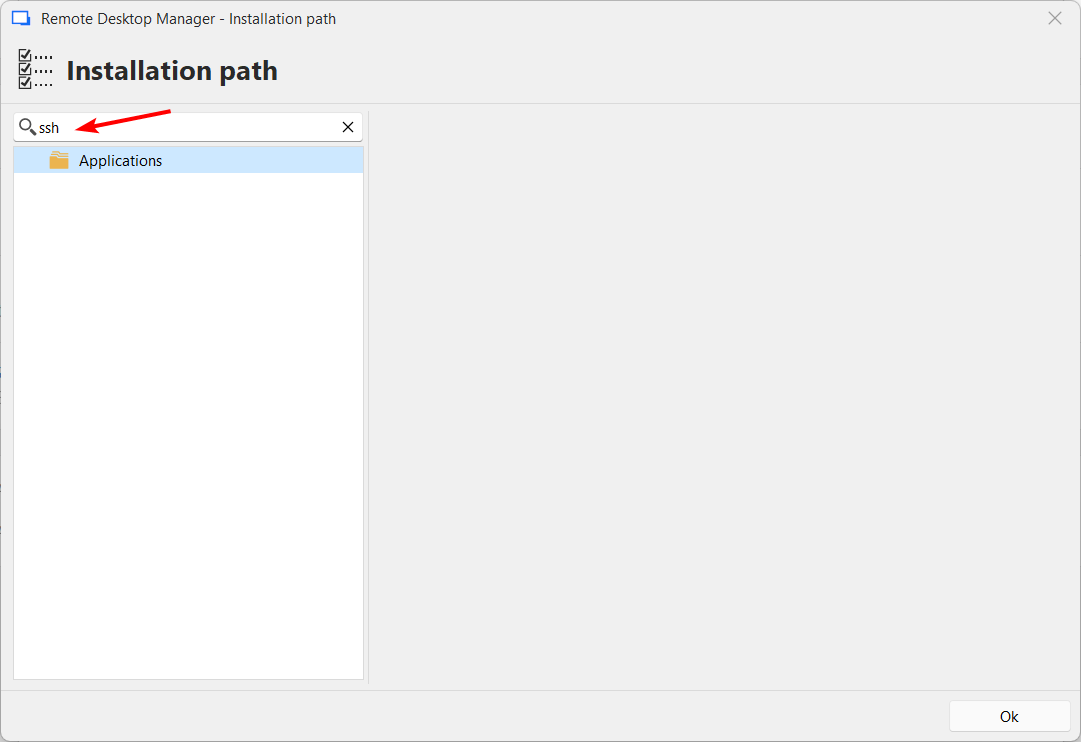
Please fix it.
I'm also wondering if it'd be possible for you to change the "Mode" combo into checkboxes - so the keys are available in both agents in both modes simultaneously if required. For example Git works best with OpenSSH agent, but I sometimes use Putty command line tools as well. Now it's quite an effort to make it all work properly. Having this feature in RDM would be a great addition. Thanks in advance!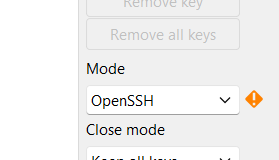
2025-11-26_11-41-43_WindowsTerminal.png
2025-11-26_11-38-45.png
2025-11-26_11-37-43.png
2025-11-26_11-35-52.png
agent1.png
2025-11-26_11-33-53.png
All Comments (6)
Hello,
Did you try pressing "start agent" with the OpenSSH mode? It should work for you. The warning icon is just to be informative, as we had users trying to use this mode without having OpenSSH installed on their machine.
As for running both agents at once, it should technically be possible but there are a few technicals aspects we would need to figure out, it's not as simple as just starting both at once. I will open a ticket for this.
Regards,
Hubert Mireault
Thanks, yes I tried starting the agent, forgot to paste the screenshot with it. Clicking on "Start Agent" results in the following error: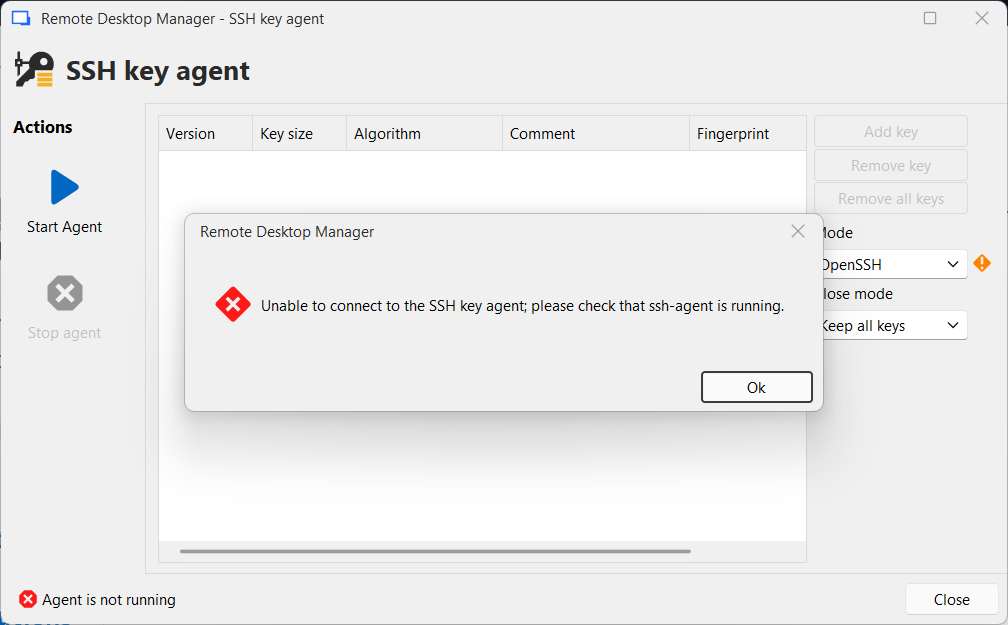
2025-11-26_15-52-17.png
Hey,
you can verify whether the agent is installed and running on Windows by opening PowerShell and running:
Get-Service ssh-agent | Format-List Name,Status,StartType
Ideally, the output should look like this:
Name : ssh-agent
Status : Running
If the service is installed but not running, you can start it using :
Start-Service ssh-agent
Best regards,
Stephan
In addition to what my colleague Stephan asked, you could also open the performance profiler in the debug tab at level 1, and press "start agent". I'd like to see what error shows up in the profiler. Here is an example in my environment, where I don't have OpenSSH installed: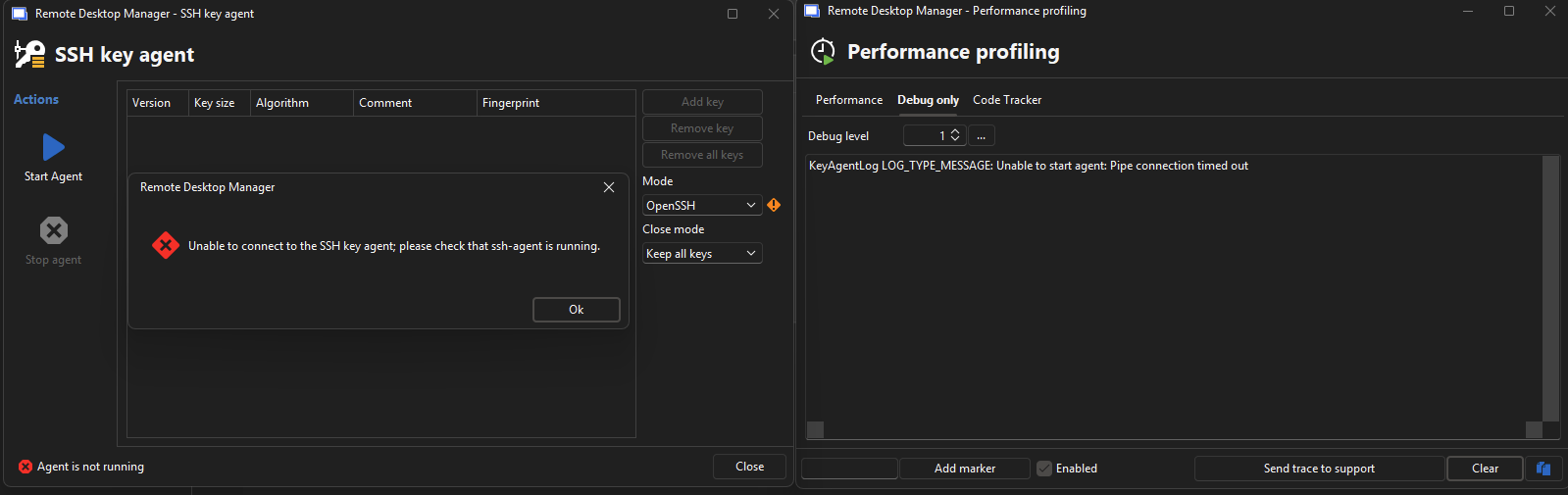
Regards,
Hubert Mireault
e5e62660-e1f2-42ea-8dc1-1e69ab44e758.png
Thank you, I did it and got the same result. I think this message is red herring. In my case the issue was that the Windows service "ssh-agent" was not running and I think RDM was unable to start it, because it would require administrator permissions (elevation) and I'm running RDM without elevation. I changed the service to "Automatic (delayed start)" and started it and then I was able to click "Start Agent" in RDM/SSH key agent and it loaded a key.
You may want to handle this scenario properly in RDM (i.e. start the service using elevation if necessary, and then automatically refresh the keys grid).
Thank you!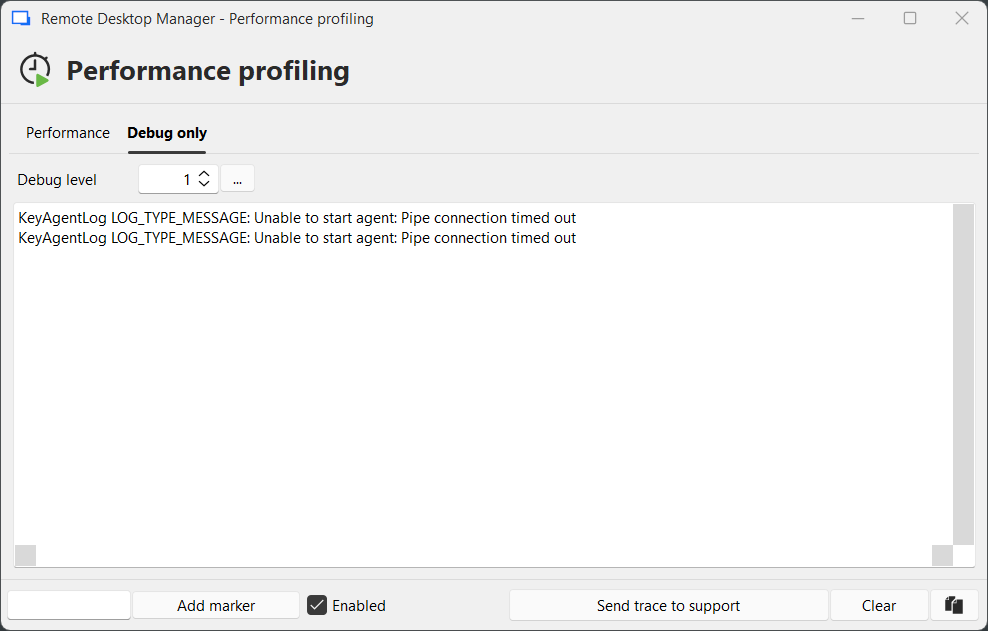
obraz.png
Thank you, that's good information. I will open a separate ticket for this and we will see what we can do. As far as I'm aware it's not possible to start a service that requires elevated privileges from a non-elevated application, which would mean RDM would need to start a separate process to do this.
In the short term, I will see if it's at least possible to mention in the error message to verify if the OpenSSH service is running, as that may at least lead the user toward a possible solution.
Regards,
Hubert Mireault