Unable to connect to the VMware server. Please check the application logs for more details.
Unable to connect to the VMware server. Please check the application logs for more details.

People,
How can I troubleshoot which VMware connector is throwing this error every time I start the RDM App ?
Unable to connect to the VMware server. Please check the application logs for more details.
The log is not showing anything: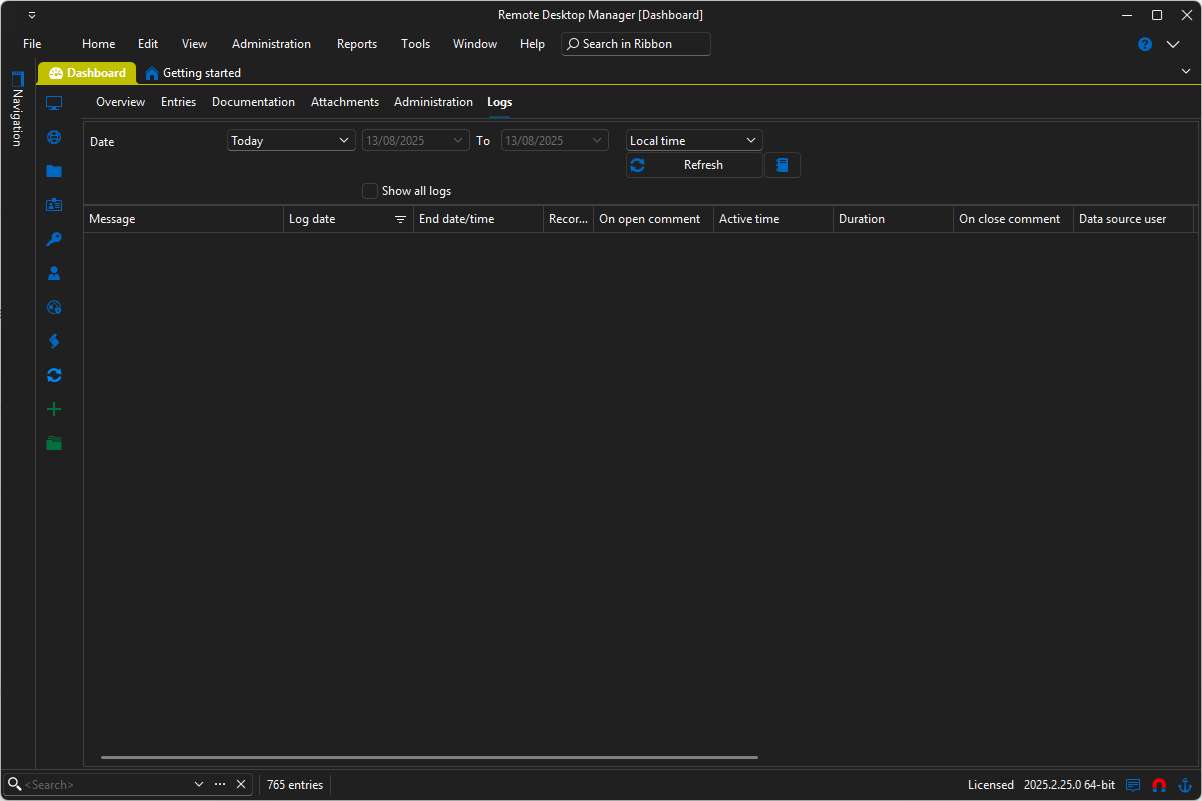
Thank you
ef82ec92-80e1-494a-b2af-d0818346686b.png
All Comments (4)
Hello,
Thank you for reaching out to us.
To help identify which VMware connector is causing the issue, I recommend checking the application logs rather than the session logs, as the latter might not capture this type of error. You can find instructions on how to access the application logs here:
https://docs.devolutions.net/rdm/commands/help/application-logs/
Once you've had a chance to review those logs, feel free to share any relevant entries with us—we’ll be happy to help you further analyze the issue.
Best regards,
Stephan
Somehow, when I search for 'VMware' in the message field, I cannot find anything related to the VMware error: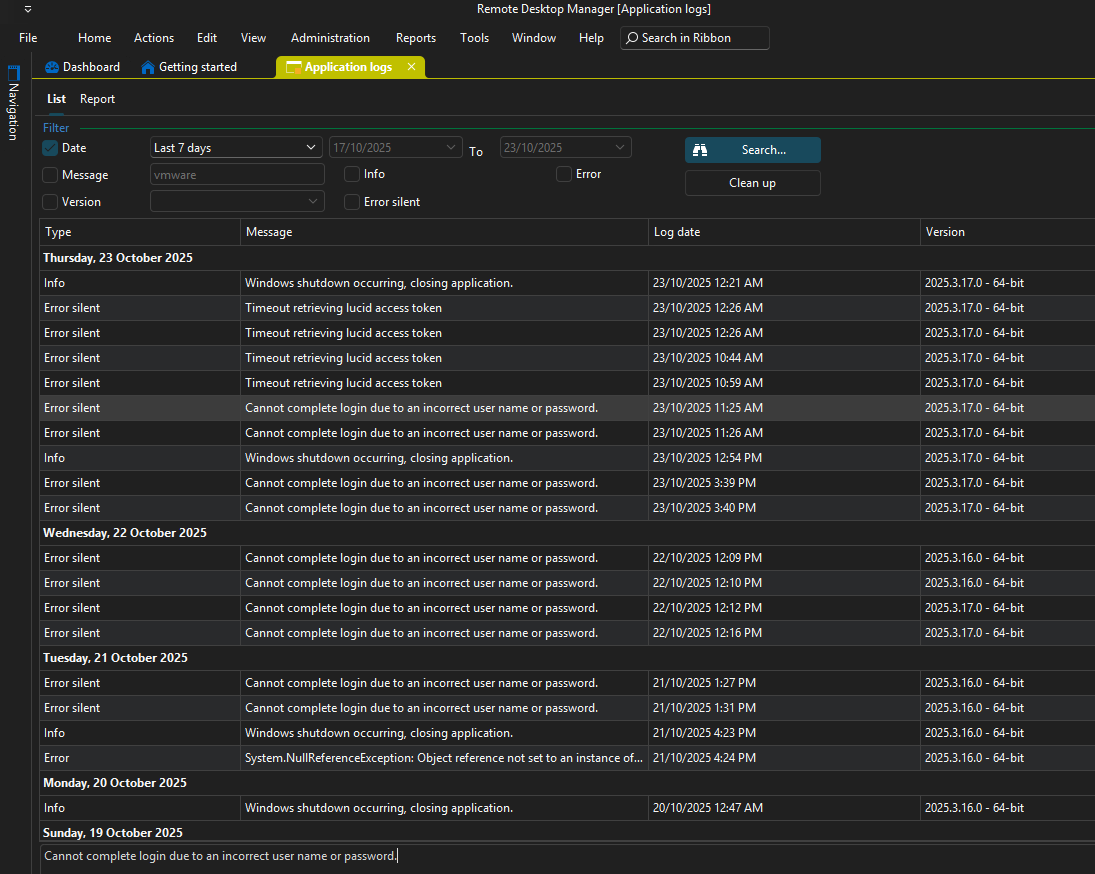
2132e0f6-a599-452e-b63a-c79414b3c83e.png
Hello.
Thank you for your follow-up.
To gather more detailed information in the logs, please try increasing the debug level to 1 by following the steps in our documentation:
https://docs.devolutions.net/rdm/commands/help/application-logs/#increasing-the-debug-level
Once you’ve done that, please reproduce the issue.
Kind regards,
Stephan
That's great, thank you for the help @Stephan Haupt.