RDP to CentOS 10

I can RDP fine from Windows 11 native mstsc.exe.
When I try to connect from RDM with the same details, it seems to connect, but the screen display is just a black screen that eventually times out.
There are no active sessions running on CentOS.
I assume there is a setting in RDM somewhere that differs from mstsc that is causing this, but my attempts to find the fix have fallen short.
Assistance would be great!
All Comments (3)
Hello,
Thank you for contacting Devolutions Support.
I was unable to reproduce the issue on my end. Could you please try to recreate your entry and check if the issue occurs again?
If it does, kindly send us a screenshot of the output from the `neofetch` command. This will help me create a session that closely matches your environment.
Best regards,
Carl Marien
Thanks Carl,
Yeah I have recreated the entry and many variants many times. No dice.
Connected via RDP via mstsc.exe on Win 11 Pro: (Just hostname, username and password).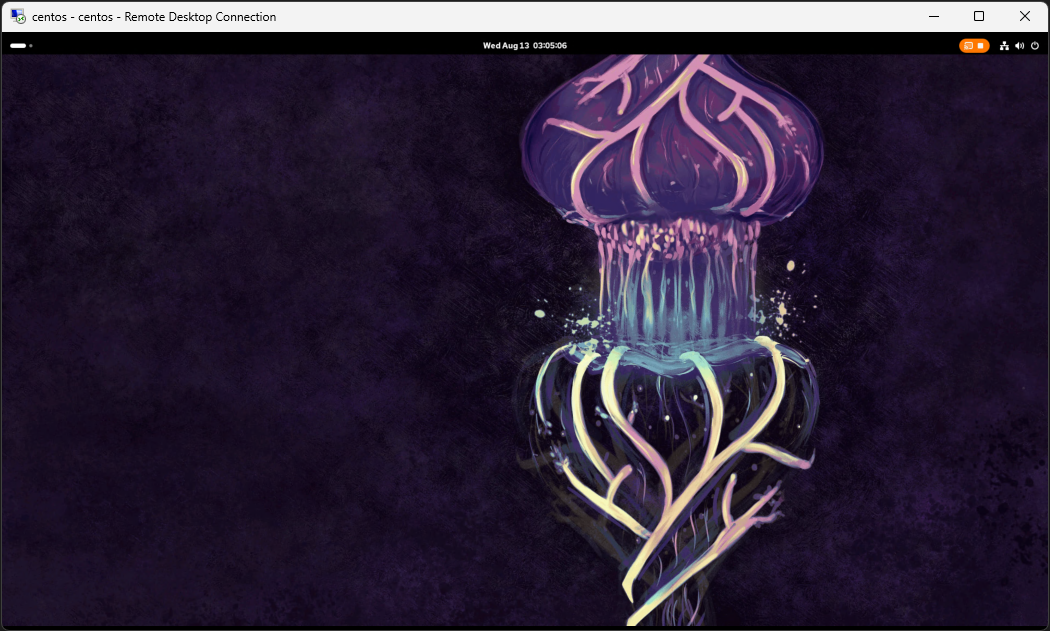
When attempting the same from RDM (admin\console session)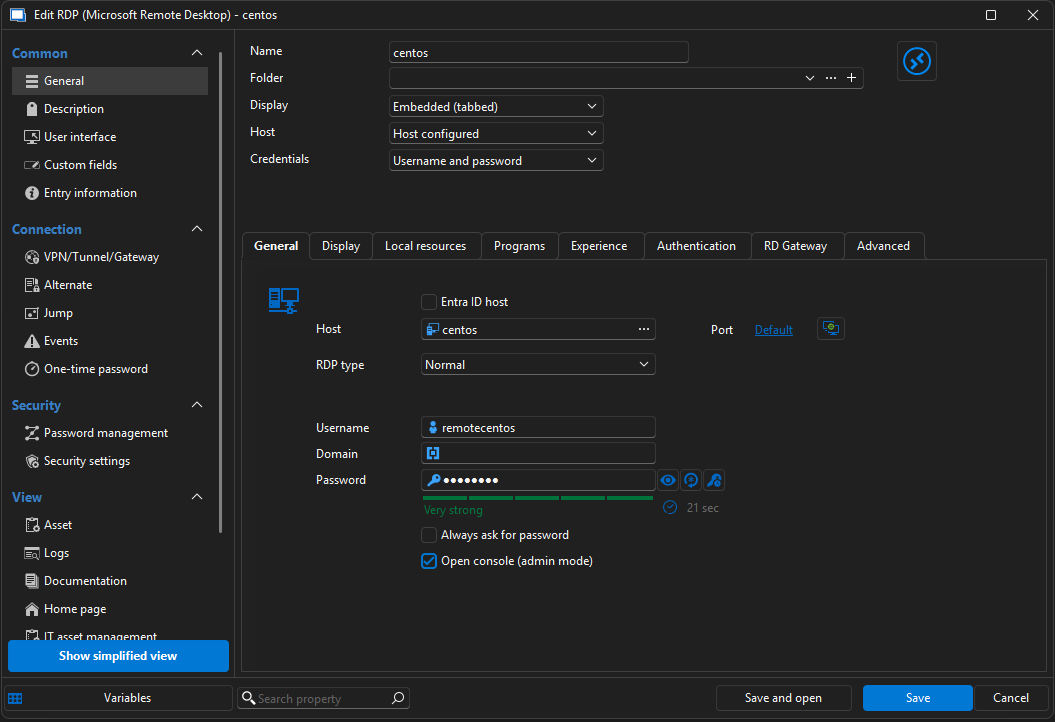

System Info: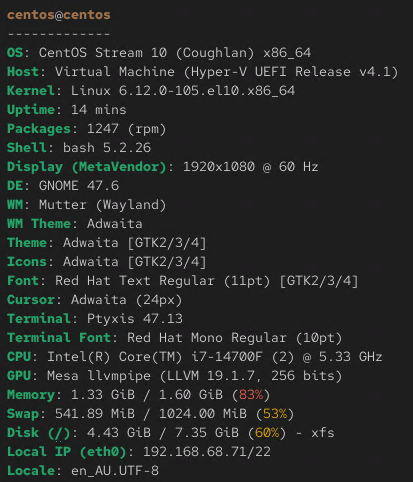
9b1d257e-3359-4390-848e-0158cc69a490.png
c8d47a61-e92b-4666-8782-58217a9ae0b4.png
44c0519e-89d4-4cce-b543-454efe6ecbaf.png
1b939858-cb80-49a7-a0a4-a73990e0a2a3.png
Hello.
Since the connection works fine in mstsc.exe, the issue is likely related to the RDP configuration in Remote Desktop Manager. Here are two steps I recommend trying:
- Enable “Use redirection server”
- In your RDP session, go to:
- Advanced → Connection Broker / High Availability
- Enable the Use redirection server option and try connecting again.
- Test with FreeRDP
- In your RDP session settings, switch the RDP engine to FreeRDP.
- Even if the connection fails, FreeRDP provides logs that may help us understand where the issue lies.
- Please share the logs after testing so we can review them.
Let me know the results of these tests, and we can proceed from there.
Best regards,
Carl Marien
