Cannot add and or modify passwords

Yesterday I updated to Version 2025.2.11.0 and since then I can neither add passwords nor modify them in existing sessions.
It's not greyed out I just can't type anything there at all.
Any help is welcome.
All Comments (9)
Hello,
Which data source are you using?
Regards,
Min
I log in via a work Domain
Then create an RDP session in which I can enter the name, ip address, user name and domain, but can not type anything for password
Hello ranalbers,
Depending on the data source you are using, some permissions could be applied to users to prevent them from configuring, editing, moving, and viewing.
- Could you tell us which data source type you are using?
- This could be viewed under File -> Data Sources.
- Are you the administrator of the solution?
Under the Permission tab in RDM (overview), you should be able to view which permission is configured for your account under this entry or folder.
Best regards,
Patrick Ouimet

My apologies I am the administrator but quite new to Devolutions.
I unfortunately have to search very carefully where everything is.
Schermafbeelding 2025-08-08 om 08.46.03.png
Hello ranalbers,
Thank you for this feedback.
Could you access the vault settings under the administration tab?
Is the vault type set to Default everything, or is it set to something else?
Could you set it to default and restart RDM?
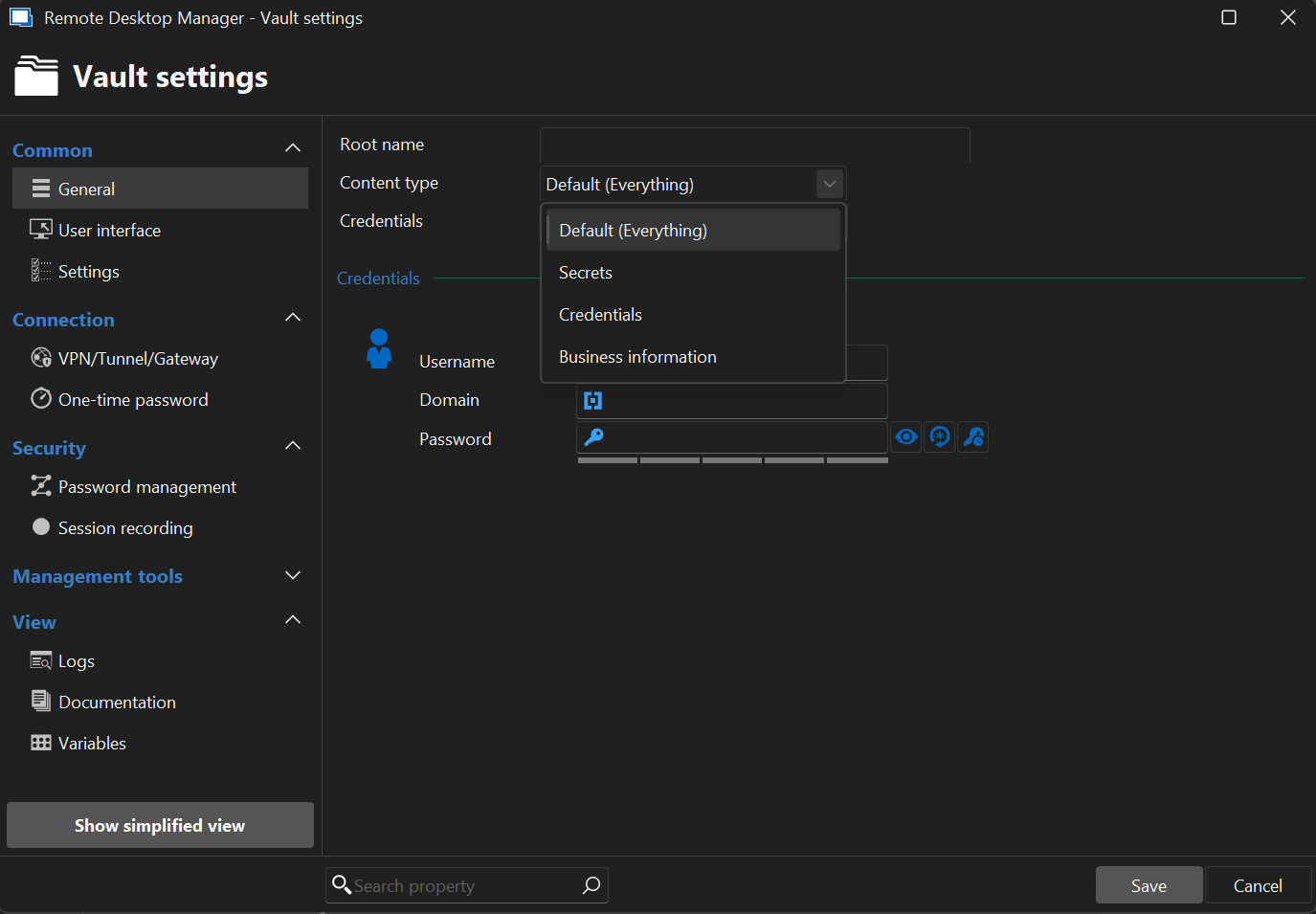
Best regards,
Patrick Ouimet
Screenshot 2025-08-08 085010.png
Screenshot 2025-08-08 0842422.png
Hi,
Thanks for your reply but with me it is on Default (it was already on there)
By the way, I am using a Mac.
Kind regards
Schermafbeelding 2025-08-08 om 15.04.51.png
Hello ranalbers,
Thank you for this feedback.
I also tried to create one with RDMMac on version 2025.2.11.0.
I can add the password.
Could you tell me if the always ask for password is checked?
Is any group policy configured?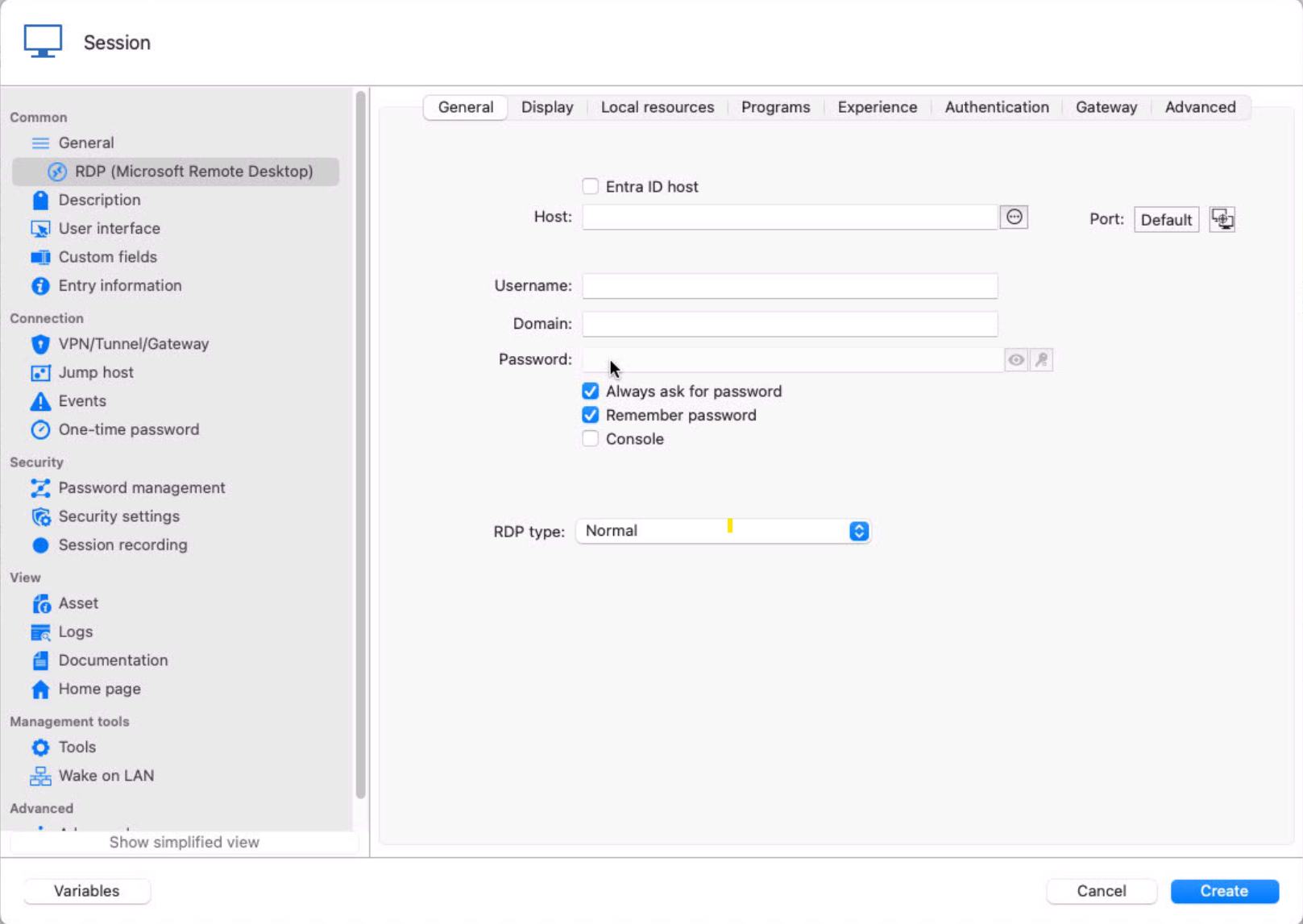
Best regards,
Patrick Ouimet
a43eda78-6959-4f7b-ab96-dea1f8394475.png
Hi,
Group policies are indeed enabled on the connected servers but not in Devolutions.
And no always ask password is not entered, but even if I do, I can't enter anything under password when making a connection, unfortunately.
Best regards,
Roy
Hi everyone,
Thank you all for your thoughts and search.
The problem was not in the software version of Devolutions but after a long search in the beta version of macOS Tahoe version 5.
After installing the latest beta version 6, the problem with the passwords was solved.
Best regards,
Roy Analbers