Azure Authetication gives ERR_CONNECTION_RESET when trying to Open RDM
Azure Authetication gives ERR_CONNECTION_RESET when trying to Open RDM

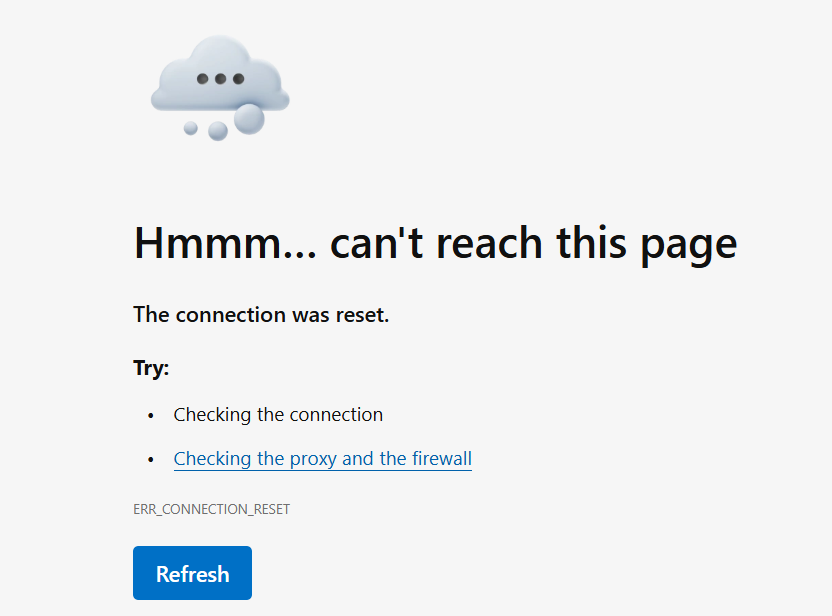
Hello. I have a user who aren't able to open the RDM application on his PC. We use Azure database so when we open the RDM app an Edge window pops up and asks for Microsoft login. When he has clicked on his user (that is already logged in since its the same user he uses to log on to windows) he gets redirected to localhost and some random port (I assume this is when Azure sends information back to the RDM client). However that leads to an "Hmm.. cant read this page. The connection was reset (ERR_CONNECTION_RESET)". Normally it says something like "authentication successful, you can close the window). Anyone have seen any such issues or have any troubleshooting tips? It works fine for the same user with another computer. RDM version 2025.1.41.0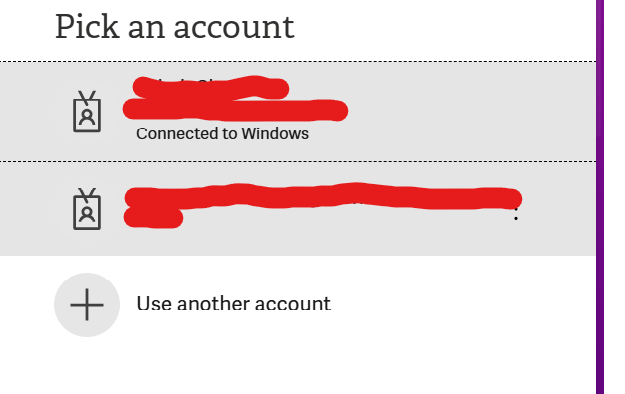
pick_an_account.png
err_connection_reset.png
All Comments (1)
Hello,
Thank you for reaching out regarding this matter.
This is indeed an unusual issue. However, the fact that the user can connect from another computer suggests that the problem might be related to browser cache or corrupted navigation data.
Could you try setting a different browser as the default in Windows and then attempt the connection again? This should prompt the new browser to open and, ideally, allow the connection to go through.
If the connection is successful using the new browser, I recommend performing further troubleshooting on the original browser.
Please let me know the outcome.
Best regards,
Jacob Lafrenière