Devolutions Hub Business data source unavailable without internet access
Devolutions Hub Business data source unavailable without internet access

Hi,
We just bought the Starter Pack to try more serious work, and are in process of preparing entries in Devolutions Hub Business vault for all team members to share.
I already noticed that there's a big issue: when I switch back my RDM to local data source, then lose internet connectivity, I cannot switch back and use the Hub data source anymore, because the entries just don't show. After some time RDM displays the notification that the hub is unavailable.
This is the big problem. One of our plans is to put entries for all network devices in this vault (hundreds of them). And when you're working on a network level, it's either a network issue - thus no connectivity, or disconnections are going to happen intermittently when you're reconfiguring the network.
I am worried that we'll have issues accessing the hub's vaults (the main vault for entries and user vaults for credentials) when a networking issue strikes and that the entries will be unavailable. We'll perhaps need to copy them down to personal data sources (which defeats the purpose of a central hub). I think the self-hosted Devolutions Server, if it exhibits a similar behavior, will not help either.
It is necessary that these Hub entries are cached locally in RDM and synchronized whenever there are changes made. RDM may display that it's working offline, but it must work.
I do hope there's a setting for that or that you can fix it. Thanks in advance.
Recommended Answer
https://docs.devolutions.net/hub/web-interface/administration/management/users/offline-mode/
You need to enable offline mode.
Thanks
Iain
Version 2025.3.23.0 64-bit
Data Source SQL
All Comments (12)
https://docs.devolutions.net/hub/web-interface/administration/management/users/offline-mode/
You need to enable offline mode.
Thanks
Iain
Version 2025.3.23.0 64-bit
Data Source SQL
Hello,
In addition to Iain's answer, our Devolutions Academy provides more information about the offline mode and many other features for free!
https://academy.devolutions.net/student/page/1925064-ensuring-continuous-access-with-offline-mode?curriculum_activity_id=2667185&path_id=1925039&sid=1e2cedcb-c354-4633-9f17-4fc7cd9b98d9&sid_i=0
Best regards,
Érica Poirier
Hello,
Thank you, these settings should be also available in the RDM itself! I was looking in this window to no avail.
Some stuff is really hard to find.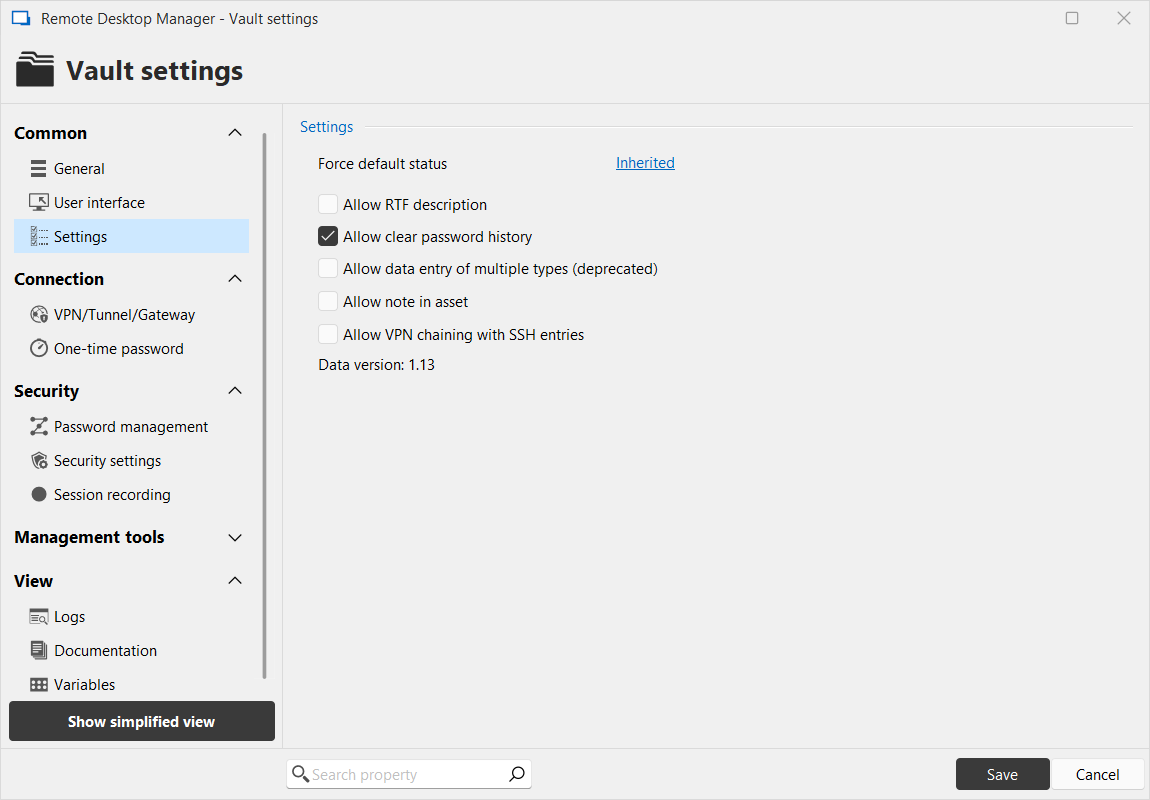
0b93befa-ac4c-4d2a-ba5c-83ca84b13140.png
...and yes, my setting was by default to allow offline, but it doesn't seem to work.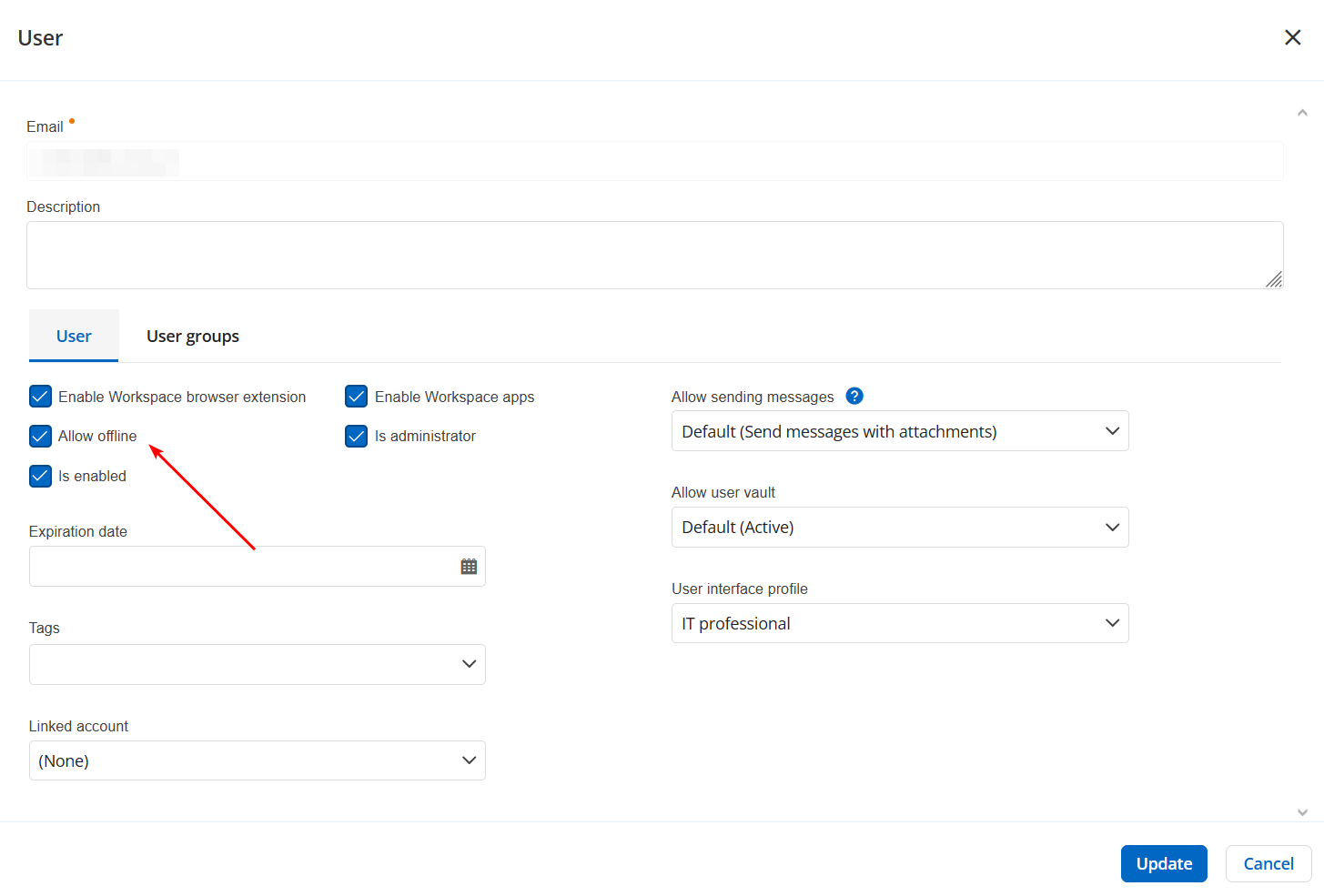
65afdee7-b965-4578-9727-5f17974e2221.png
I found the following vault settings that seem like the sync was disabled. I don't know what "Synchronize document offline" means - is it about the entries? If not then what is it?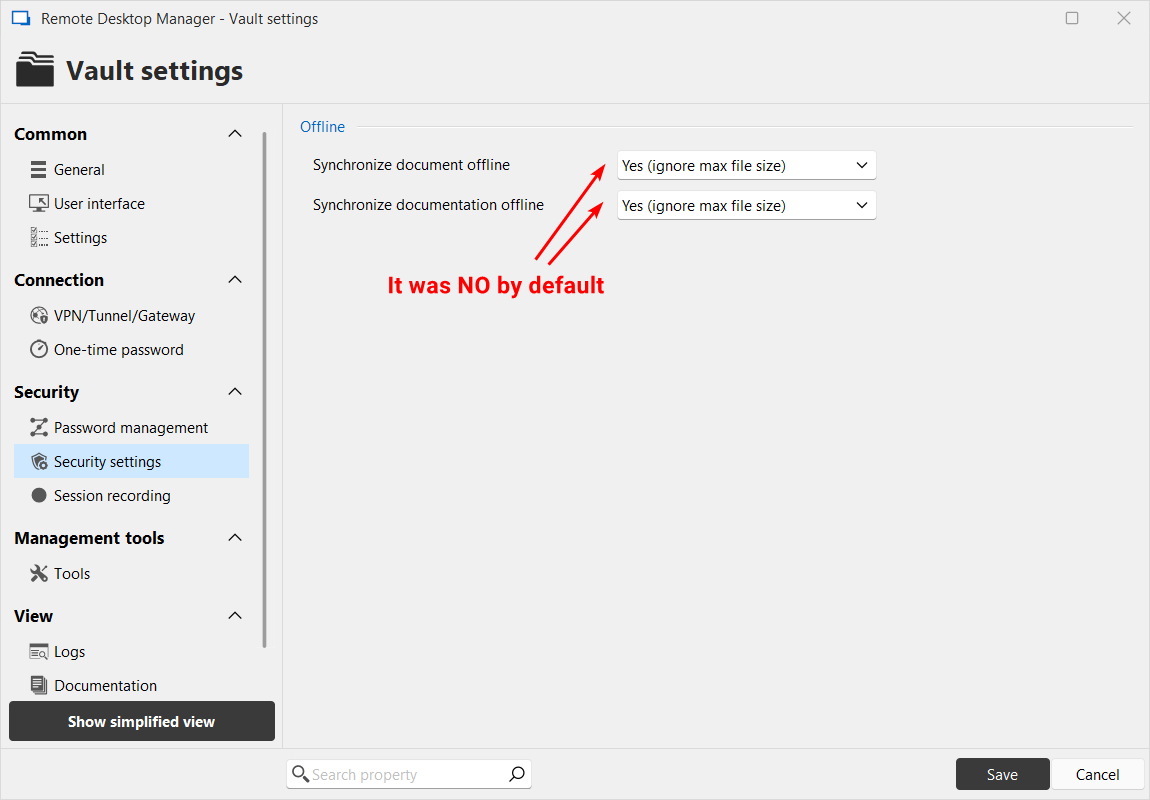
a01b3316-2c8c-4ff5-919e-d426693ad8e3.png
Hello,
What happens if you switch to offline mode? These two settings are only related to Documents (attached files) and Documentation - they are not directly related to the sessions and should not affect the "traditional" offline mode.
Regards,
Min
Yeah I discovered recently that I need to remember to click File -> Go Offline before losing the network, which I won't always remember doing. Or the network may stop working due to a failure, in which case I will have no opportunity to foresee this and click Go offline before.
I would certainly prefer if RDM was able to detect if connection to the hub is available (it's trivial in .NET) and switch online/offline automatically, and more importantly - in any circumstances do not cut me from my entries, which should be cached locally at all times. If I see the entry tree in Navigation pane, it means the information must be stored locally.
Here's what happens now (2025.2.23.0) when the network is cut and you forget to click Go Offline before that:
- You cannot right-click on an entry. RDM just doesn't work entirely for some 30 seconds, you cannot interact with entries or menus. Then it resumes. But you can't access entry Properties (for example). Why? I assume the entry is cached locally somewhere. Or should be if it's not.
- The notification appears and it tells me to click to go offline mode. It appears in random places - sometimes top right, sometimes bottom-right. Sometimes 4 of them appear.
- After I click this notification, it goes to offline mode, but the offline hub sometimes only displays "Locked" and I don't have access to my entries. But on other occasions it displays the entries.
When seeing Locked, if you then close RDM and launch it again, it usually shows the Hub entries in offline mode. But then, RDM itself needs a lot of time to start, it's quite a hevy app, and then it sometimes attempts to connect to Hub for another 30-60 seconds during which RDM doesn't work.
I'd say it's very inconvenient. Please improve and fix it.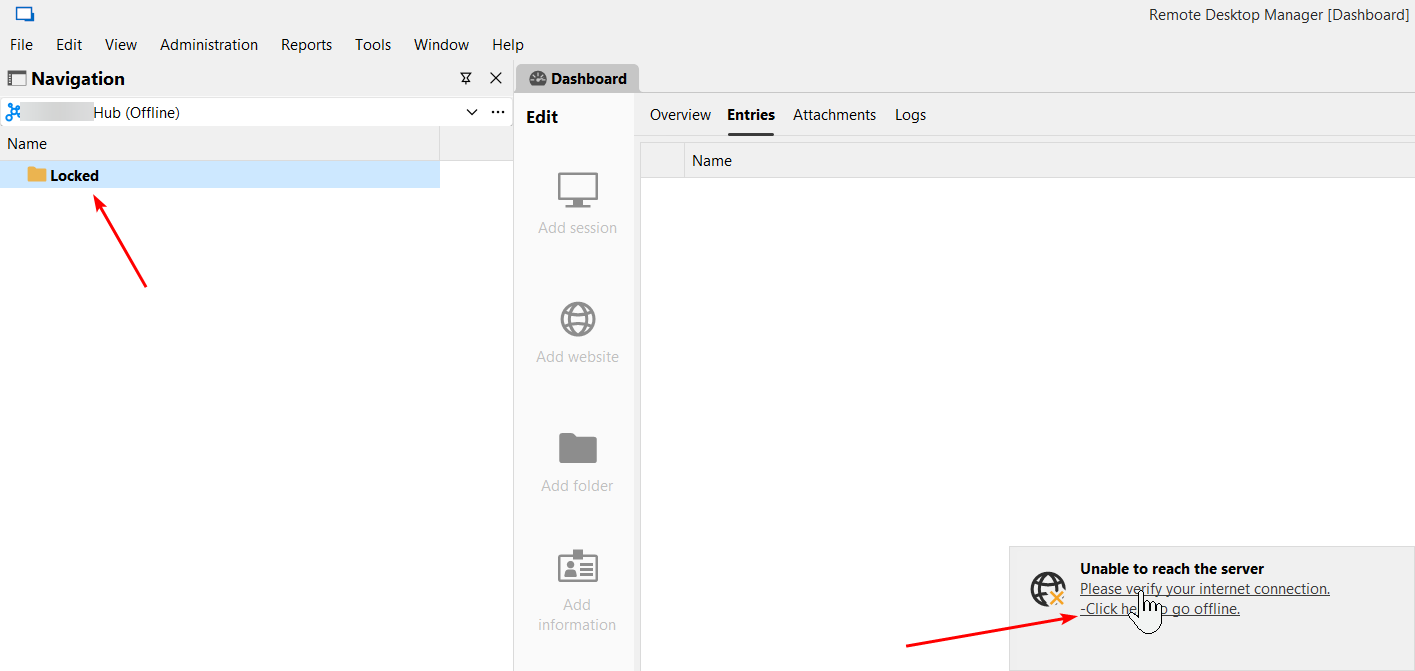
c5d80d9c-40c8-4903-9e3c-84c4518a164d.png
Hello,
I see, thank you for the detailed description!
You cannot right-click on an entry. RDM just doesn't work entirely for some 30 seconds, you cannot interact with entries or menus. Then it resumes. But you can't access entry Properties (for example). Why?
It seems that RDM tries to reconnect in the background (I'm unable to reproduce so far, as I directly get the offline mode info). However, it is intended that an entry's properties are not available in the offline mode, as the cache is read-only.
For the timeout, which settings are configured at File => Data sources => Advanced ?
The notification appears and it tells me to click to go offline mode. It appears in random places - sometimes top right, sometimes bottom-right. Sometimes 4 of them appear.
I could reproduce this behaviour and already forwarded it to the team.
After I click this notification, it goes to offline mode, but the offline hub sometimes only displays "Locked" and I don't have access to my entries.
I’m not able to reproduce this on my end, but I’ll continue investigating.
Regards,
Min
Thanks,
> For the timeout, which settings are configured at File => Data sources => Advanced ?
It was the default 100 seconds, I decreased it to 10 seconds, we'll see how well it works.
> However, it is intended that an entry's properties are not available in the offline mode, as the cache is read-only.
In the ideal RDM world the properties should be available and writable, the data should be saved locally and synced to the hub when the network returns.
But as a minimum - properties should be available and readable, so I can inspect and copy to clipboard some values that I need while working with the session. For example inspect documentation that I wrote for the entry.
Maybe in the first version you can change the properties windows so that Save button is disabled in offline mode and its caption changed to "Save (offline)". And in the second, more robust implementation, writes can be allowed while offline and queued to be synced as proposed above.
I hope that the improvements can be made, thank you!
Hello,
Thank you for your feedback.
For the "Locked" issue, could you try to recreate the Hub data source in RDM and let us know if that helps? Make sure you won't duplicate the existing data source but rather create a new one from scratch.
Best regards,
Érica Poirier
Things have improved a lot with the new RDM 2025.2.26.0. That "Locked" thing did not appear since then, and the entries are available offline automatically and I am able to view their properties.
So for now we can consider it resolved, and if there are further issues, I'll let you know in a new thread.
Thank you!
Hello,
Thank you for your feedback. That's good news that the latest RDM version 2025.2.26 has solved your issues!
Best regards,
Érica Poirier