Security provider

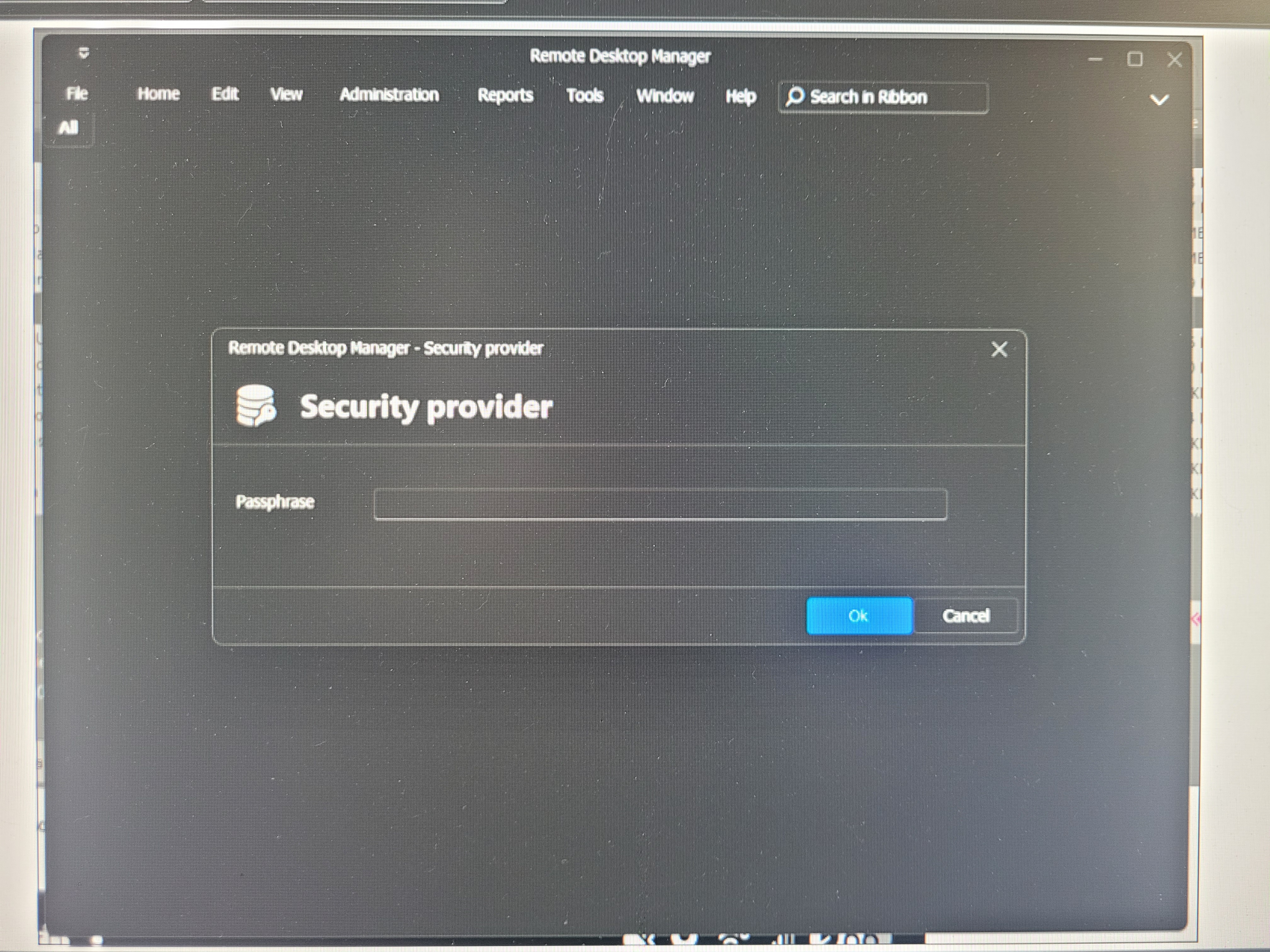
My teammate tried to import my data source and then my settings. Which other teammates have done. But after she did it she gets a prompt for security provider password but said she has never used one before. How can we reset back to default. Even if she has to setup everything again that fine. We just want to be able to get back into devolutions as a fresh instal.
All Comments (12)
Hello,
Thank you for reaching out regarding this matter.
For a fresh install of Remote Desktop Manager, you can delete the following folder and then reopen or reinstall the application:
%localappdata%\Devolutions\RemoteDesktopManager
Before proceeding, could you please confirm which data source you are using? The issue might be resolved without needing to reset RDM entirely.
Let me know, and I’ll be happy to assist further.
Best regards,
Jacob Lafrenière
Hello,
Thank you for reaching out regarding this matter.
For a fresh install of Remote Desktop Manager, you can delete the following folder and then reopen or reinstall the application:
%localappdata%\Devolutions\RemoteDesktopManager
Before proceeding, could you please confirm which data source you are using? The issue might be resolved without needing to reset RDM entirely.
Let me know, and I’ll be happy to assist further.
Best regards,
We are all just using our own local data source. But I have exported mine for others to import.
Hello,
Thank you for the follow-up.
In this case, I recommend exporting the entries as a .rdm file. Other users can then import the file into their own data sources, allowing them to retain their current setup while simply adding the new entries.
Please let me know what you think, or if you would like assistance with the export/import process.
Best regards,
Jacob Lafrenière
Hello,
Thank you for the follow-up.
In this case, I recommend exporting the entries as a .rdm file. Other users can then import the file into their own data sources, allowing them to retain their current setup while simply adding the new entries.
Please let me know what you think, or if you would like assistance with the export/import process.
Best regards,
That is what we have been doing. Glad that is also what you recommend. Not sure why she is having this issue with the same file someone else imported earlier today. Hopefully removing the folder you listed solves the issue. She is gone for the day we will have to try on Monday.
Hello,
Thank you for the follow-up.
In this case, I recommend exporting the entries as a .rdm file. Other users can then import the file into their own data sources, allowing them to retain their current setup while simply adding the new entries.
Please let me know what you think, or if you would like assistance with the export/import process.
Best regards,
So over the weekend she Uninstaller. Moved everything to a diffrent folder for her backups and deleted everything In local app data devolutions. And when she then reinstalled its still coming up with the same message and still keeping her dark settings. Not sure where else it could be pulling that from
Hello,
Thank you for the follow-up.
In this case, I recommend exporting the entries as a .rdm file. Other users can then import the file into their own data sources, allowing them to retain their current setup while simply adding the new entries.
Please let me know what you think, or if you would like assistance with the export/import process.
Best regards,
That is what we have been doing. Glad that is also what you recommend. Not sure why she is having this issue with the same file someone else imported earlier today. Hopefully removing the folder you listed solves the issue. She is gone for the day we will have to try on Monday.
Is it saved anywhere other than local app data that needs removed. She still.cant get it like it's a fresh install?
Hello,
Thank you for the follow-up.
In this case, I recommend the following steps:
Uninstall Remote Desktop Manager (RDM).
Delete the following folders:
C:\Users\[User]\AppData\Local\Devolutions\RemoteDesktopManager
C:\Users\[User]\AppData\Roaming\Devolutions\RemoteDesktopManager
C:\Program Files\Devolutions\Remote Desktop Manager
Reinstall RDM and test the application.
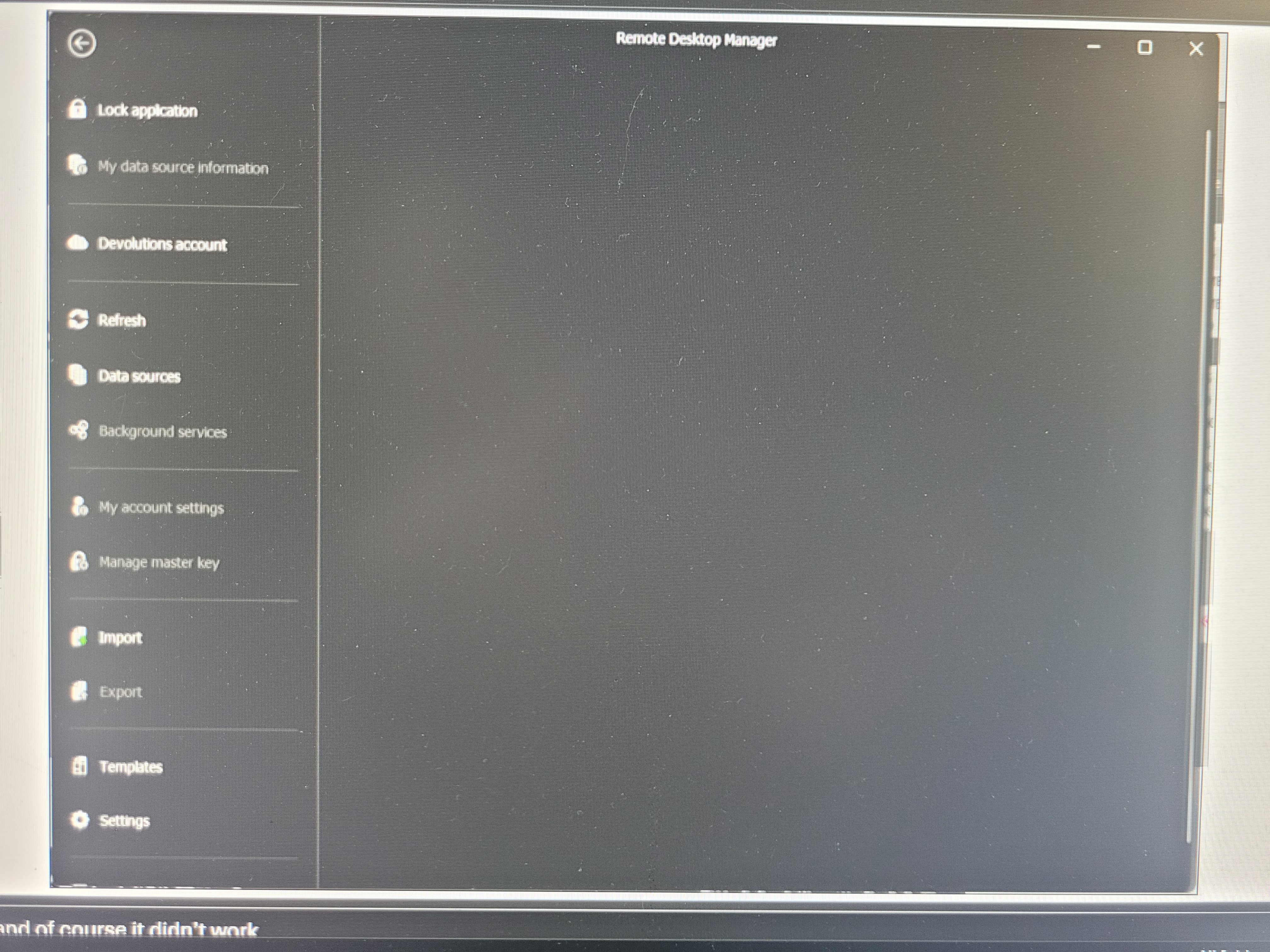
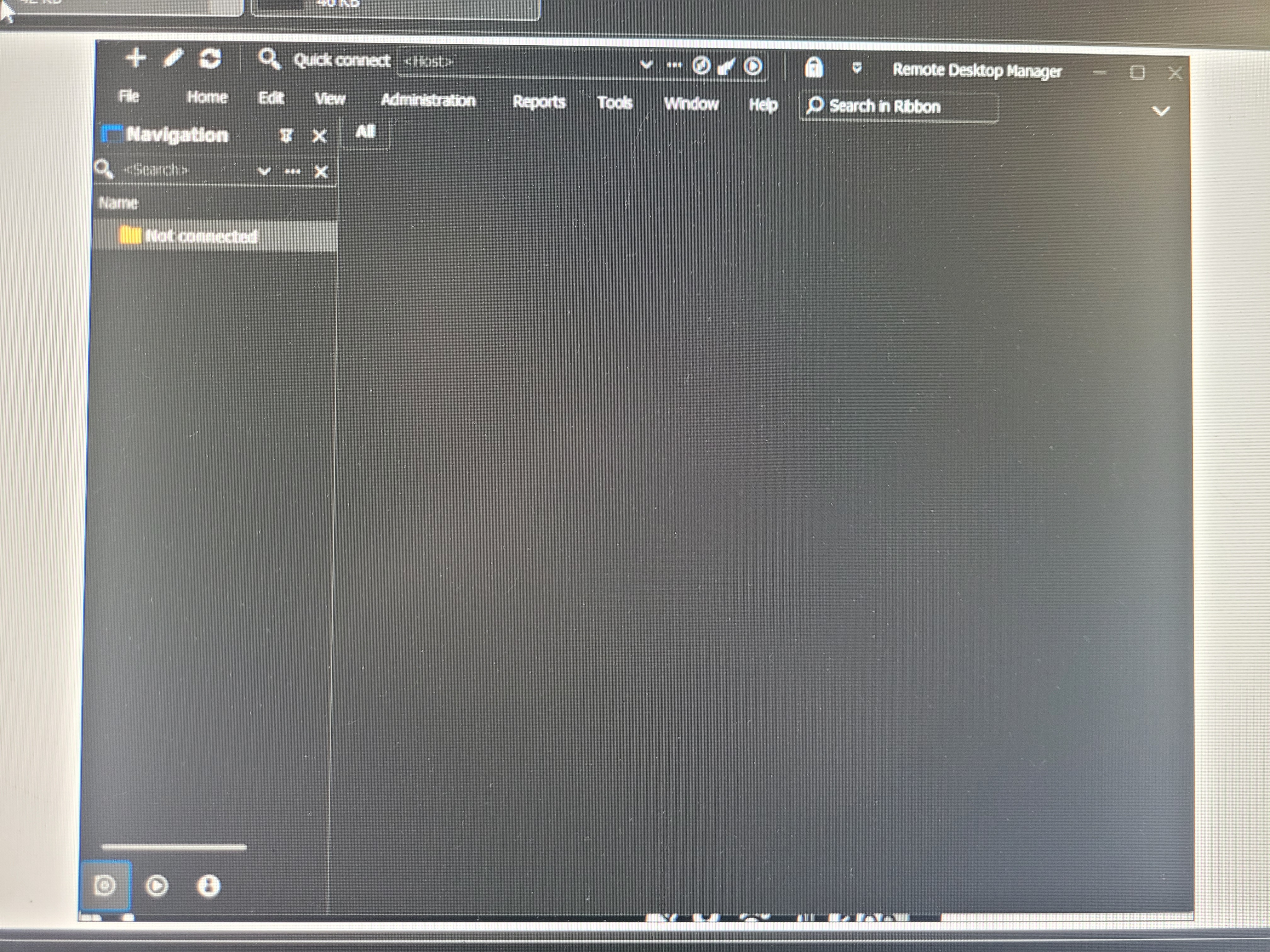
If the prompt still appears, please send us a screenshot so we can further investigate.
Best regards,
Jacob Lafrenière
Hello,
Thank you for the follow-up.
In this case, I recommend the following steps:
Uninstall Remote Desktop Manager (RDM).
Delete the following folders:
C:\Users\[User]\AppData\Local\Devolutions\RemoteDesktopManager
C:\Users\[User]\AppData\Roaming\Devolutions\RemoteDesktopManager
C:\Program Files\Devolutions\Remote Desktop Manager
Reinstall RDM and test the application.
If the prompt still appears, please send us a screenshot so we can further investigate.
Best regards,
It still did not work.
Hello,
Thank you for your follow-up.
To ensure we're aligned, could you please confirm whether the steps to restore RDM to its default state are effective? Specifically, does RDM start in a fresh state, or does it attempt to reconnect to the previously used data source?
Also, does it function correctly until a new data source is imported?
I appreciate your clarification.
Best regards,
Jacob Lafrenière
Hello,
Thank you for your follow-up.
To ensure we're aligned, could you please confirm whether the steps to restore RDM to its default state are effective? Specifically, does RDM start in a fresh state, or does it attempt to reconnect to the previously used data source?
Also, does it function correctly until a new data source is imported?
I appreciate your clarification.
Best regards,
It gives her the startup. After following the steps but even if you get out of the startup without doing anything it still has the issue. So it looks like it still is using the old data source. It also still shows in dark mode which I would have thought would have been reset.
Hello,
Thank you for your follow-up.
To ensure we're aligned, could you please confirm whether the steps to restore RDM to its default state are effective? Specifically, does RDM start in a fresh state, or does it attempt to reconnect to the previously used data source?
Also, does it function correctly until a new data source is imported?
I appreciate your clarification.
Best regards,
It gives her the startup. After following the steps but even if you get out of the startup without doing anything it still has the issue. So it looks like it still is using the old data source. It also still shows in dark mode which I would have thought would have been reset.
We got it working. What we did was added a new datasource. Removed the one that kept showing up.
Guessing we could rename it back to local data source and rename the actual dB file as well.
What triggers the security provider prompt to show up?
Hello,
Thank you for the follow-up.
Glad you got this working.
This is the weird part! The security prodvider prompt is set to prompt if a SQL data source (Advanced datasource) is set with a security provider as a secret key, and somebody is trying to connect from a not trusted yet computer. Since your case was a local data source, this wasn't making sens and I was thinking this would be a bug of some sort.
Best regards,
Jacob Lafrenière