RDM issues running PowerShell scripts

Hello,
I have been using RDM for some years now without issue.
I have moved laptop which has force reinstall export/import of RDM vault etc.
Basic windows RDP is working as normal.
My problem is that for some use cases I need to execute PowerShell beforehand to establish an AWS SSM Tunnel to the instance before I connect.
I would achieve this by adding a before event to run a PowerShell script, wait 25 seconds for the tunnel to establish and then continue to connect RDP.
This continues to work in my existing setup but no longer works in the new.
Thanks in advance,
Michael Dawson
The error:
When I launch the session I receive an error: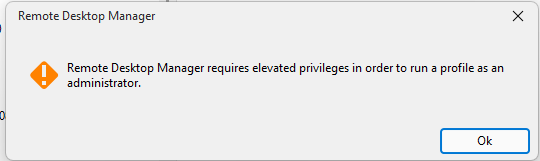
After allowing UAC elevation I then get the following error in a PowerShell window:
The session attempts to immediately connect (no delay settings in the event dialog on new version??) and fails.
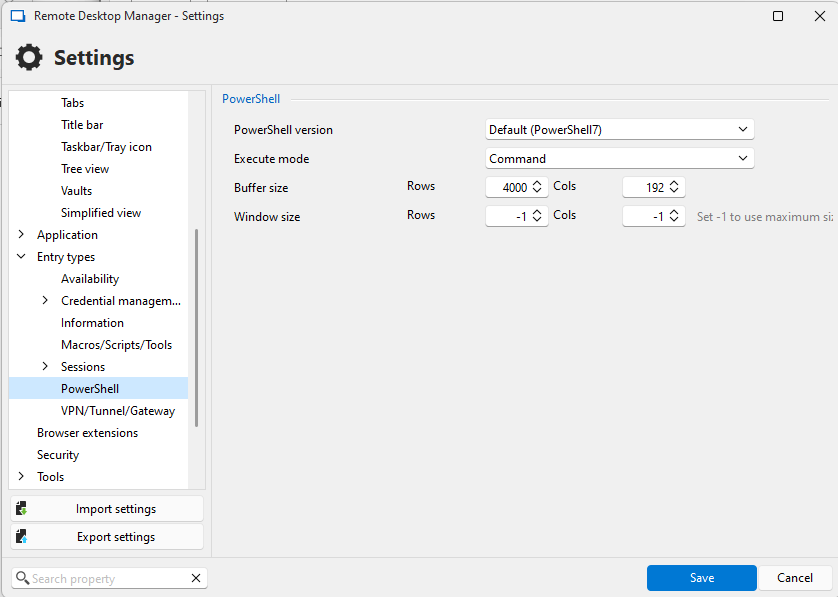
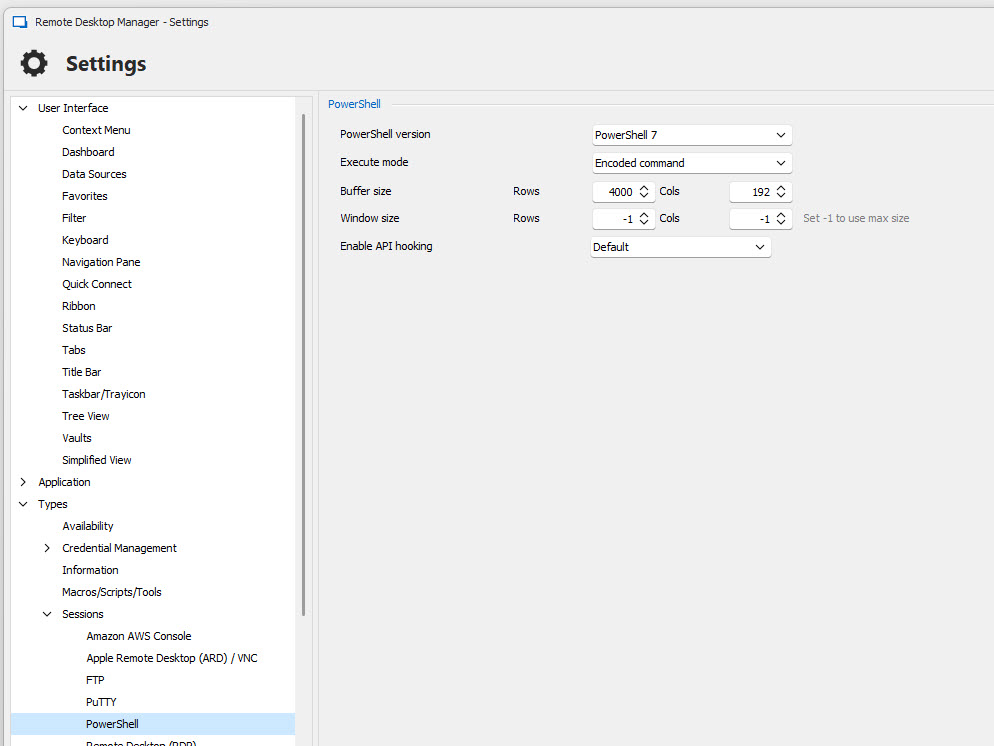
I layout a comparison of settings below fyi…
Failing version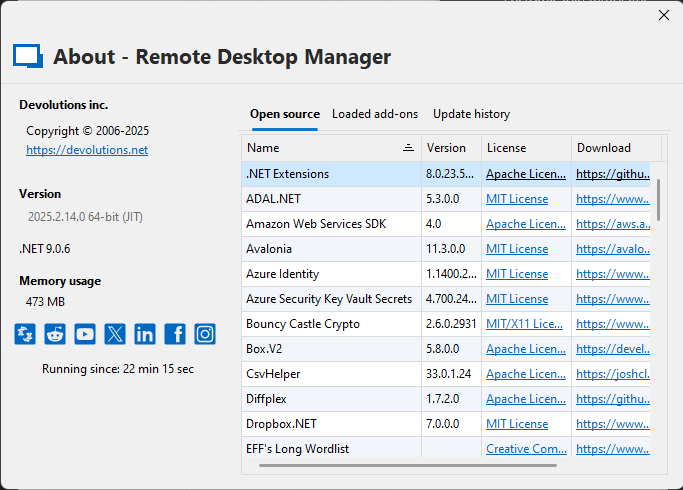

Working version

20272648-24c2-47d4-8bc7-1de63d5a87e7.jpg
d8020bca-87f1-4088-a541-7fdcd0c699f8.jpg
115b5007-62b9-4fd4-919c-1f38f26c85ee.jpg
f5c6818b-cafc-4c2b-a266-44910fa62ee6.png
86d40127-4d90-422c-83e4-a4bf6633565f.png
29fdee25-67b5-4bab-a402-16c6f2d38498.png
b8903a8f-66a6-43fa-bb1c-fcde650a568b.png
35bdb834-e9cf-4119-adb9-cdd046d5f50e.png
All Comments (7)
Hello michaeldawson,
Thank you for reaching out to the Devolutions support team.
Since you have opened a case and a forum, let's investigate through the case and I'll post the result here.
Best regards,
Patrick Ouimet
Apologies for not responding to this thread in so long. I was getting by by running an older version that worked but due to centralising a datasource I'm forced to maintain my version to latest and hence I now have the problem again.
To re-illustrate
My settings:
You see this is a simple powershell that should open a powershell window and display text.
When I launch it I get a message: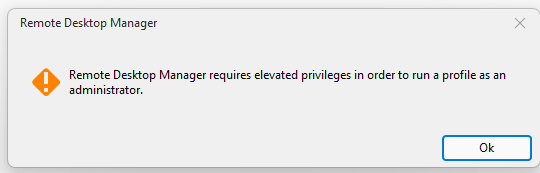 I click OK
I accept UAC prompt
Then I get this error:
I would really like to fix this.
We also have a support contract with yourselves however we can continue to track this on the forum if it helps others if that's ok.
I would be happy to connect and share a screen on this if that's possible.
Thanks in advance.
e87b9dcd-9af5-4f84-9029-e9bdcc6e71ac.png
88a97317-d41a-410a-b654-335dead64fdd.png
f77e78f7-3d3c-4cd8-bc5f-060c86f3ec2f.png
Hello Michael,
Thank you for this feedback.
Do you use any credentials in this RDP entry?
Are you using the admin mode or the restricted admin mode for this RDP session?
Do you get the same error for all the entries?
Best regards,
Patrick Ouimet
Yes the session uses credentials but this error happens before the RDP connection takes place.
What is admin mode? Let me know and I'll check.
Yes same error for everything, this is not linked to the actual RDP functionality in my opinion, something has changed about the way RDM invokes powershell.
Any idea?
Hello, given the lack of interest via that channel can you expedite this as a support case please?
Hello Michael,
Thank you for this feedback.
I want ot mention that this is not a lack of interest, but time invested in investigating this issue.
Sure, I will open a support ticket, and I will send you a link to schedule a call to investigate further.
Best regards,
Patrick Ouimet