Dynamic Resolution broken after reconnection

Steps to reproduce:
- I connect to my host in embedded tab
- I right click the tab, choose Full screen
- I close my Macbook Pro lid.
- I re-open the lid
Now the resolution is totally broken. Cursor position is also off.
My configuration: dynamic resolution + optimize for retina
If I exit from full screen by green button, and click blue button again, resolution is restored
For devs:
I suspect that upon reconnection, it picked up the embedded tab size, instead of the full screen tab size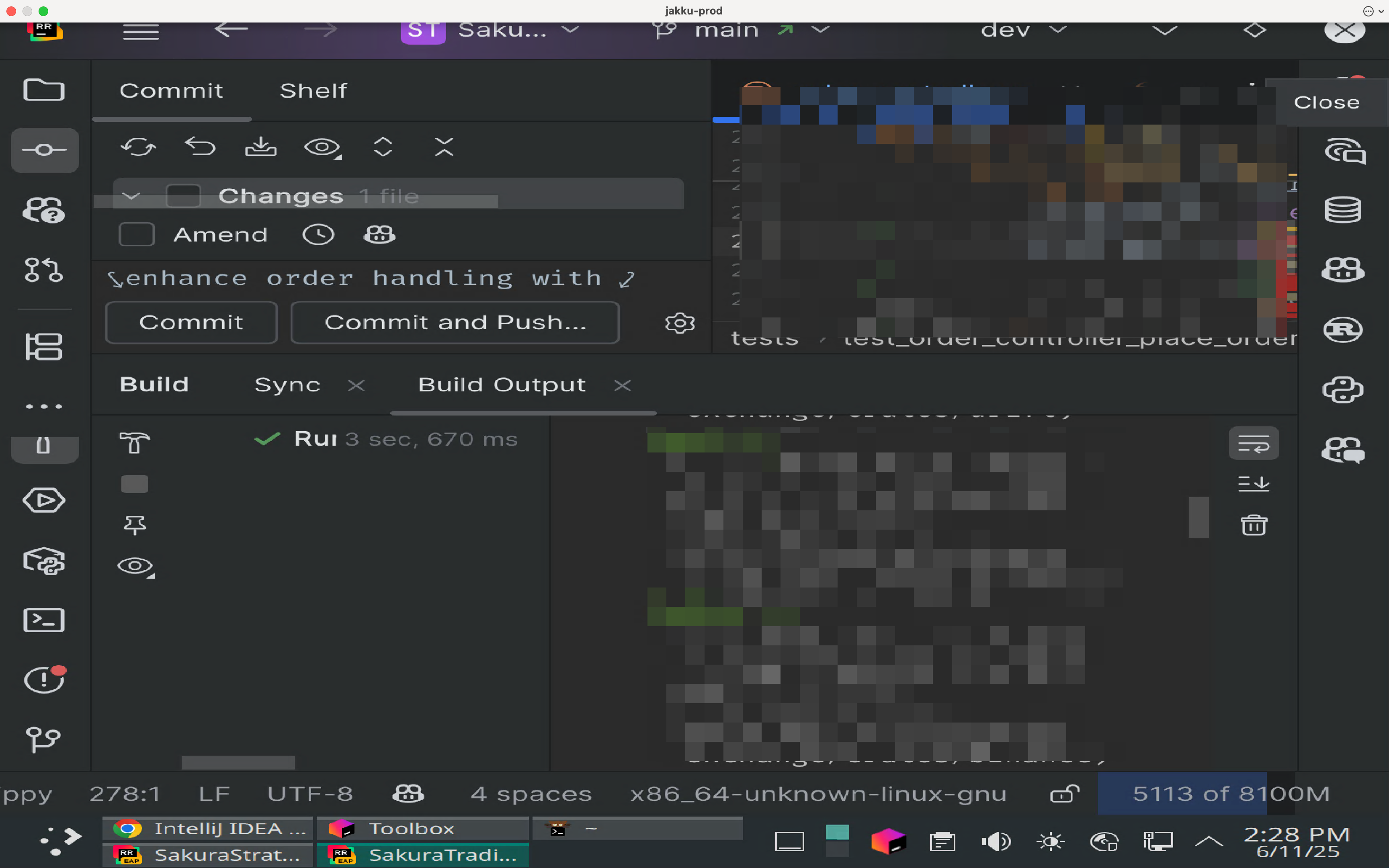
ed01109a-b2c2-49f1-9bef-ac00211ccacd.png
All Comments (3)
Hello,
Thank you for reaching out regarding this matter.
Could you please provide the following details to help us investigate further:
- The screen resolution and screen size you are using
- Whether you are using any zoom functionalities or accessibility zoom settings
- The version of RDM currently installed
- Whether the display issue affects all sessions or only specific ones
Let me know when you have this information.
I look forward to your reply.
Best regards,
Jacob Lafrenière
- The screen resolution and screen size you are using
I'm using MBP 16-inch, 2023, resolution is 1728 x 1117.
- Whether you are using any zoom functionalities or accessibility zoom settings
No zoom functionalities
- The version of RDM currently installed
2025.2.6.8
- Whether the display issue affects all sessions or only specific ones
It affects my linux sessions. I'm running xrdp
xrdp 0.10.3
A Remote Desktop Protocol Server.
Copyright (C) 2004-2025 Jay Sorg, Neutrino Labs, and all contributors.
See https://github.com/neutrinolabs/xrdp for more information.
Another session is running
xorgxrdp/plucky,now 1:0.10.2-1 amd64 [installed]
xrdp/plucky,now 0.10.1-3 amd64 [installed]
I have no issue reconnecting with Windows Apps from MacOS App Store
Hello,
Thank you for the follow-up.
We were able to reproduce the issue with my colleague. I will report this bug to the development team, and they will begin working on a fix soon.
I will follow up with you as soon as a fix is deployed in a future update.
Best regards,
Jacob Lafrenière