Dynamic Resolution broken after reconnection

Steps to reproduce:
I connect to my host in embedded tab
I right click the tab, choose Full screen
I close my Macbook Pro lid.
I re-open the lid
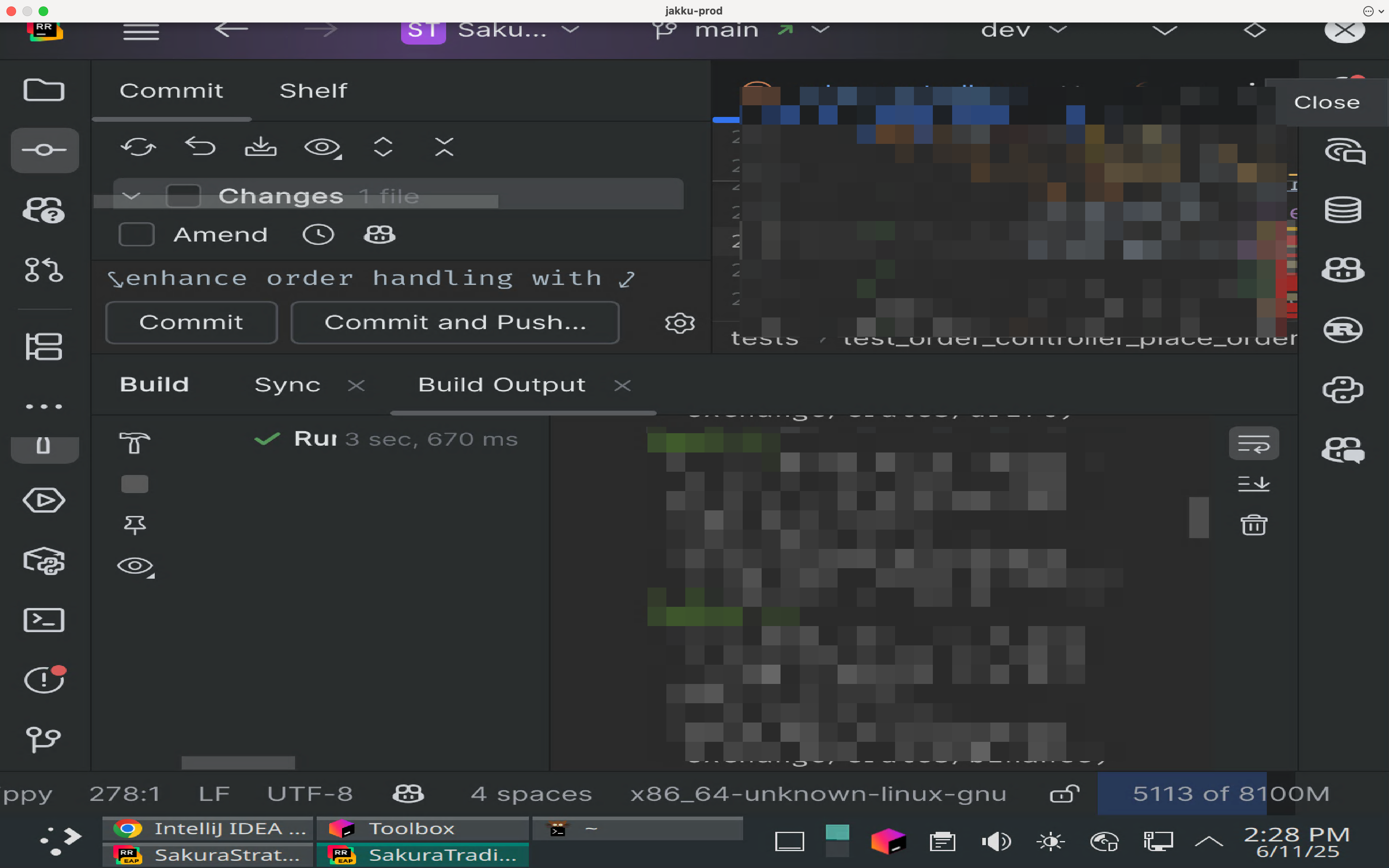
Now the resolution is totally broken. Cursor position is also off.
My configuration: dynamic resolution + optimize for retina
If I exit from full screen by green button, and click blue button again, resolution is restored
For devs:
I suspect that upon reconnection, it picked up the embedded tab size, instead of the full screen tab size
All Comments (3)
Hello,
Thank you for reaching out regarding this matter.
Could you please provide the following details to help us investigate further:
The screen resolution and screen size you are using
Whether you are using any zoom functionalities or accessibility zoom settings
The version of RDM currently installed
Whether the display issue affects all sessions or only specific ones
Let me know when you have this information.
I look forward to your reply.
Best regards,
Jacob Lafrenière
The screen resolution and screen size you are using
I'm using MBP 16-inch, 2023, resolution is 1728 x 1117.
Whether you are using any zoom functionalities or accessibility zoom settings
No zoom functionalities
The version of RDM currently installed
2025.2.6.8
Whether the display issue affects all sessions or only specific ones
It affects my linux sessions. I'm running xrdp
xrdp 0.10.3
A Remote Desktop Protocol Server.
Copyright (C) 2004-2025 Jay Sorg, Neutrino Labs, and all contributors.
See https://github.com/neutrinolabs/xrdp for more information.
Another session is running
xorgxrdp/plucky,now 1:0.10.2-1 amd64 [installed]
xrdp/plucky,now 0.10.1-3 amd64 [installed]
I have no issue reconnecting with Windows Apps from MacOS App Store
Hello,
Thank you for the follow-up.
We were able to reproduce the issue with my colleague. I will report this bug to the development team, and they will begin working on a fix soon.
I will follow up with you as soon as a fix is deployed in a future update.
Best regards,
Jacob Lafrenière