Importing all AD Computer Objects with Windows Server OS to the RDM
Importing all AD Computer Objects with Windows Server OS to the RDM

Folks,
Does the existing version of RDM automatically import the list of any AD Computer objects that are enabled and the OS is Windows Server ?
The objective is to locate any AD-joined Windows Server computers in the RDM for RDP connections, instead of entering the server name manually.
Any help would be appreciated greatly.
Thx,
All Comments (6)
Hello,
Thank you for reaching out regarding this matter.
You can configure this using the AD Synchronizer entry, which is available in your entry list. For instructions, please refer to the following knowledge base article on our website:
https://docs.devolutions.net/rdm/kb/knowledge-base/configure-active-directory-synchronizer/
Please don't hesitate to let me know if you need any further information or assistance.
Best regards,
Jacob Lafrenière
Thank you for the reply @Jacob Lafrenière .
If I added like this will this write back something to my AD database or just importing the entries to the RDM apps ?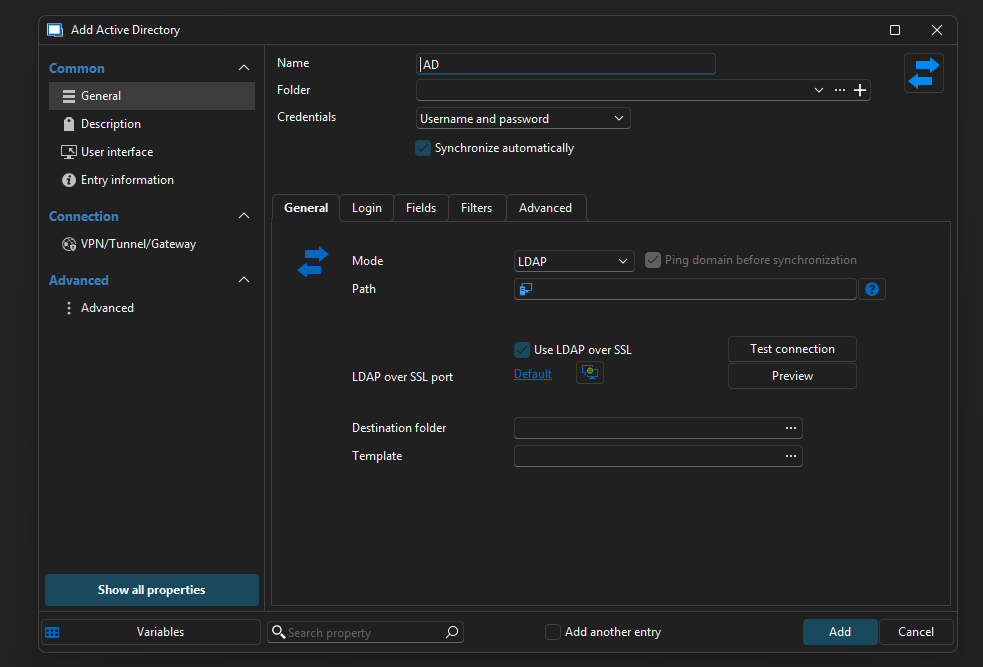
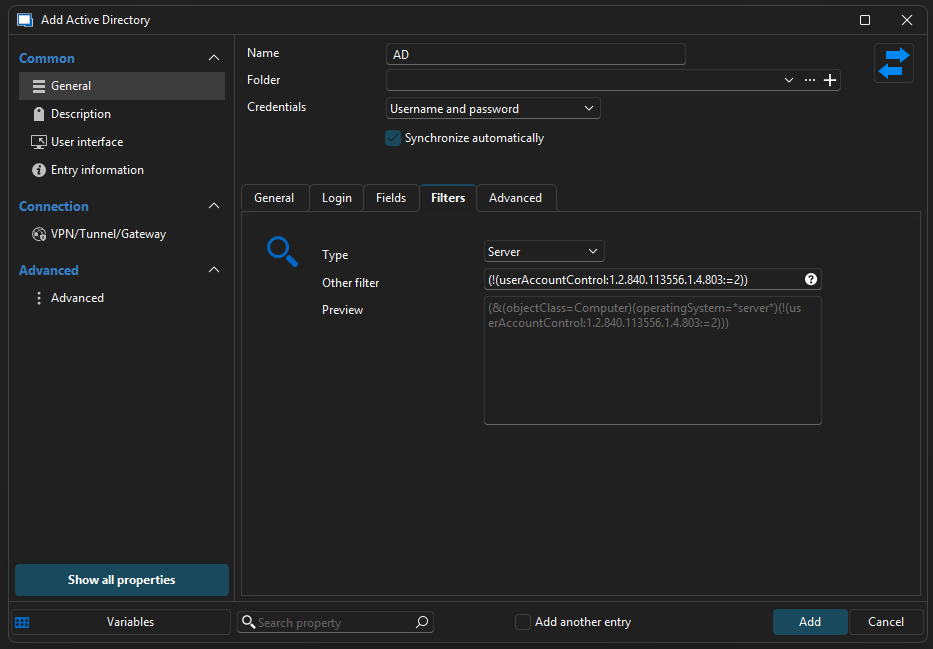
262d56b4-854d-479f-b1ff-564fd40b963e.png
432e01c6-bf17-4b55-9b59-23645586f66d.png
I also cannot find the imported Enabled AD Servers from the above conecntors, despite added the LDAP path as: LDAPS://DC01.domain.com:636
Hello,
Thank you for the follow-up.
The key should write only within RDM.
I recommend using the Custom mode—we have a configuration set up this way in our lab environment, and it works well.
Could you please test it on your end and let me know the results?
Best regards,
Jacob Lafrenière
@Jacob Lafrenière ,
Yes, thank you for the clarification, it works now.
Hello,
Thank you for your follow-up.
I’ll go ahead and mark this topic as resolved. If you need to revisit it, feel free to reply to this message and we’ll be happy to assist further.
Best regards,
Jacob Lafrenière
