Delayed RDP Session Initialization via RDM on Windows 11 24H2
Delayed RDP Session Initialization via RDM on Windows 11 24H2

Hi everyone,
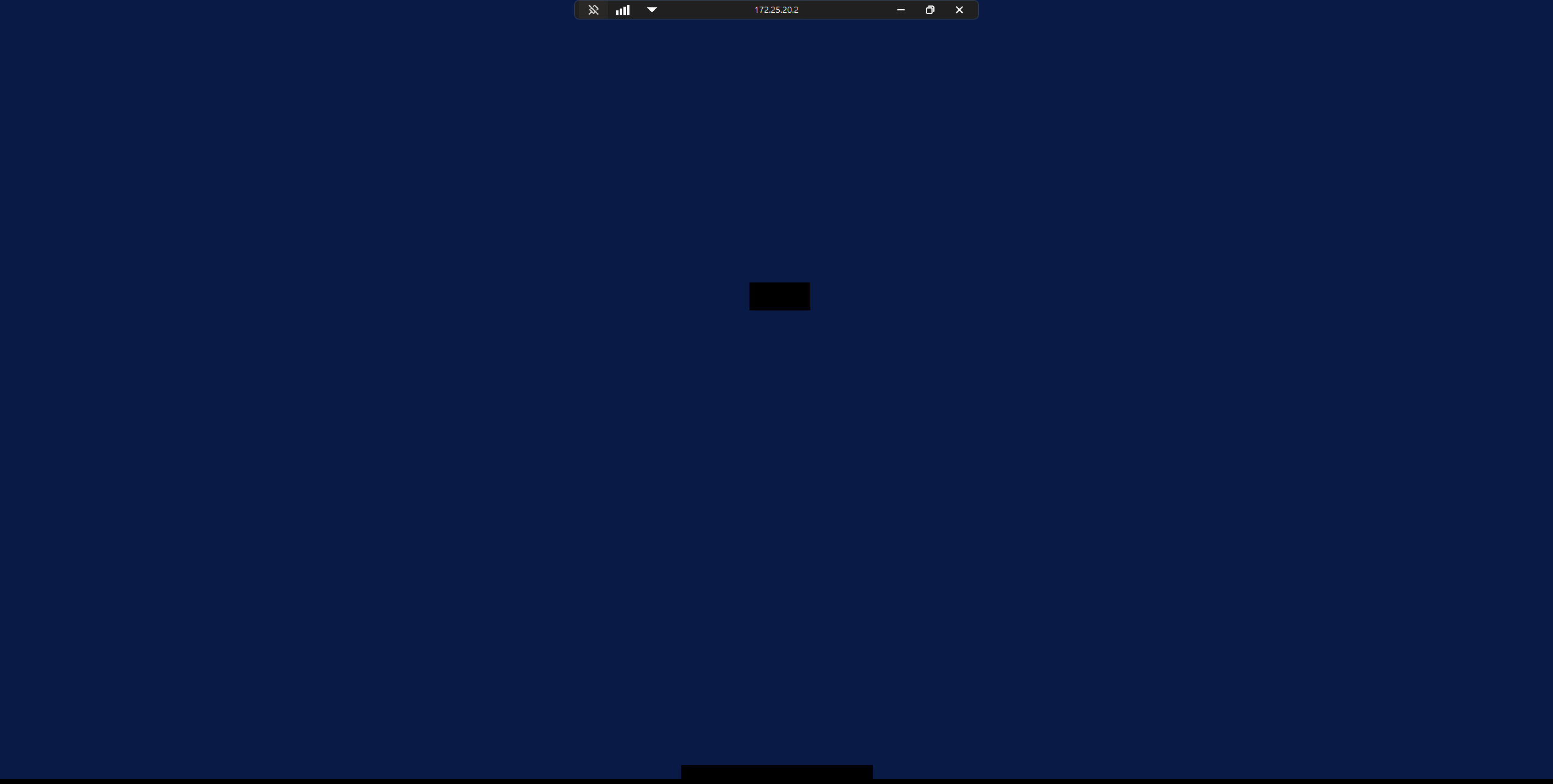
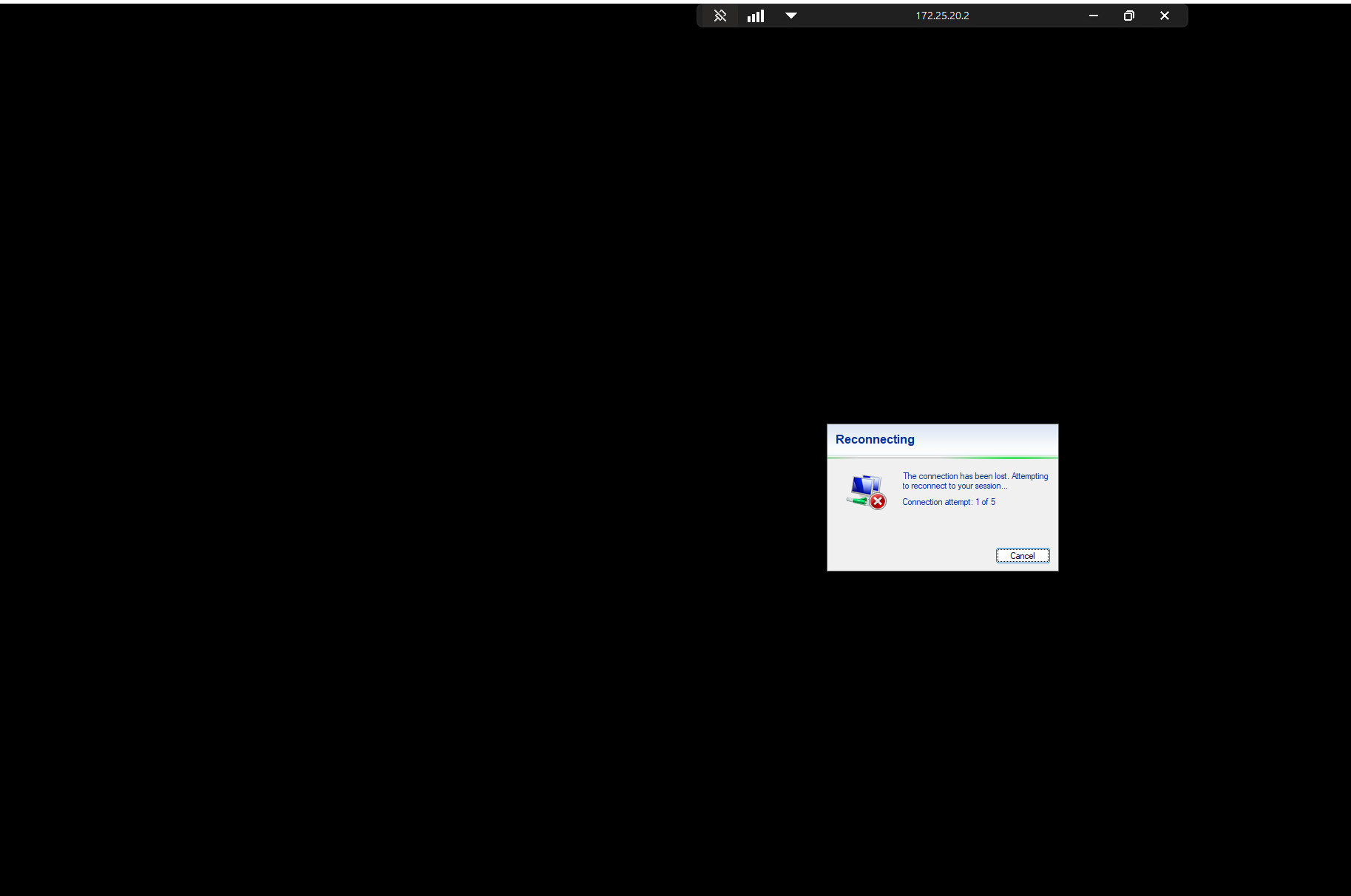
we’ve noticed a significant delay when establishing RDP connections via Remote Desktop Manager (RDM) on systems running Windows 11 24H2.
Upon initiating a session, only the new black RDP connection bar appears at first, with no immediate indication that the user is being logged in. The login process then takes unusually long, and in some cases, the connection drops entirely at the beginning.
Has anyone else experienced similar behaviour? Are there any known workarounds or fixes available?
The whole process takes about 15seconds which is a lot longer than on our Windows10 VMs.
During the connection initialization Windows is also very unresponsive.
Thanks in advance for your input!
RDM Version: 2024.1.28.0
Best regards
f7c9a407-2a25-4e97-a58f-3dd835e5ad44.png
7ab5a44f-38dc-4cbd-85af-883f48d98973.png
606246b1-8d42-4411-b381-c818e292ee8d.png
All Comments (9)
Hello,
Thank you for reaching out regarding this matter.
First, I recommend updating to the latest available version of RDM, as it includes several fixes related to RDP connections.
Additionally, the issue you’re encountering may be linked to a known Microsoft bug affecting Windows 11 24H2 (and some server environments). This bug causes unusual behavior with the MS RDP ActiveX control. A workaround that has proven effective for several clients is as follows:
Please configure a Group Policy Object (GPO) on the affected remote machines:
Path:
- Local Computer Policy > Computer Configuration > Administrative Templates > Windows Components > Remote Desktop Services > Remote Desktop Session Host > Connections
Setting:
- Select “Network Detection on the server” – set this to Enabled
- Turn off Connect Time Detect and Continuous Network Detect
We’ve received positive feedback on this workaround. Could you give it a try and let me know if it resolves the issue?
Best regards,
Jacob Lafrenière
Hello,
Thank you very much for your prompt response.
We had already tried the suggested method, but we appreciate the information nonetheless. We'll proceed with testing a newer version of RDM. As you mentioned, we also suspect that the issue might be related to Windows 24H2.
Do you maybe know of any other things we could try?
BG
Hello
One thing you might try is to disable UDP on the client. The easiest way is to go to Tools > More Tools and choose "Local RDP/RemoteApp Manager". You have an option in there to disable UDP.
It's definitely been a cause of issues with RDP in 24H2.
Thanks and kind regards,
Richard Markievicz
Hello,
Unfortunately, this didn’t work for us either.
If another customer happens to encounter the same issue and a fix becomes available, could you please share it here as well?
Best regards
Hello,
Thank you for the follow-up.
Can you share a screenshot of a winver on the remote machine so we can analyze further?
Windows > Run > winver
Best regards,
Jacob Lafrenière
Hello,
thank you for the continuous support, here you have the output of "winver".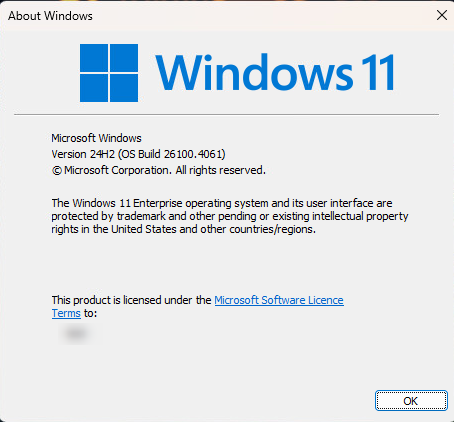
Best regards
05f60162-4e6a-4a2e-89be-4413edaa0e02.png
Hello,
Thank you for the follow-up and for sharing the screenshot.
To help us diagnose the issue more accurately, could you please try reproducing the scenario using MSTSC (external mode)? This will help us better direct our investigation.
Additionally, please test with different RDP versions by changing them in the Advanced tab.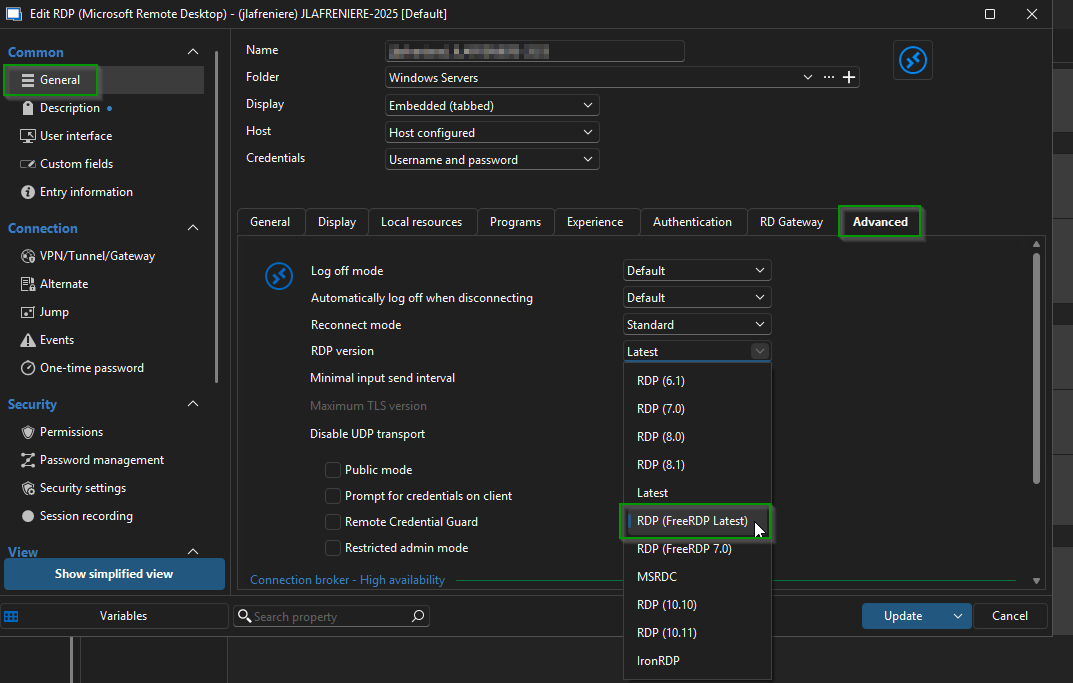
Let me know how it goes.
Best regards,
Jacob Lafrenière
511d05a9-a833-493e-8fd1-a201820c957b.png
Hello,
sorry for the late reply!
We have finally fixed the issue via a setting in VMWare VSphere:
Disabling 3D acceleration for the virtual graphics card.
This is okay for us since we do not need the 3D acceleration but it really seems to be an issue regarding 24H2.
But thank you for the continuous support in that matter.
Best regards
Hello,
Thank you for the follow-up.
Glad to hear that! I will mark this topic as resolved.
Feel free to reply if you wish to reopen it.
Best regards,
Jacob Lafrenière