Show opened sessions : Error Value cannot be null (2025.1.37)
Show opened sessions : Error Value cannot be null (2025.1.37)

Hi,
With the latest version 2025.1.37 we get always an error when starting/click 'Show opened sessions'
Error message --> Value cannot be null (Parameter 'source') No data visible in 
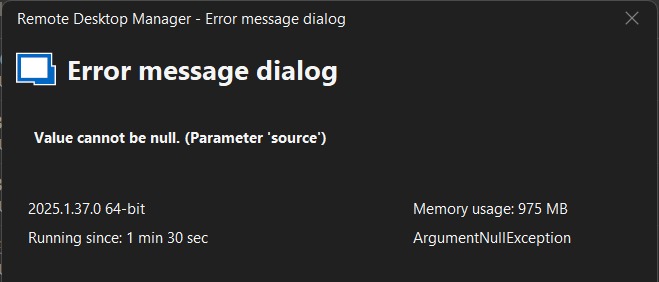
Error message sent to devolutions team via send functionality RDM
error.png
showOpen.png
All Comments (6)
Hello Marcel,
Thank you for reaching out on our forum.
I'd like to better understand when exactly the error occurs. On my end, using RDM 2025.1.37 connected to Devolutions Server 2025.1.7, I tested the feature by opening a session, and everything appears to be functioning properly.
Could you please let me know the version of your Devolutions Server and the type of session you're using? Also, if possible, enable the debug feature while reproducing the issue this will help identify what's causing the problem.
You can follow the link below to open the profiler in RDM:
Debugging - Devolutions Documentation
Best regards,
Michel Audi
Hi Michel,
My datasources are Microsoft Azure SQL and I checked with an earlier client version (2025.1.34 and 2024.3.29) that do not show this problem, here you can just get the opened sessions screen.
Just to be sure after this check with earlier version I removed the Devolutions Server and hub business datasources, which we are testing, but with the same result unfortunately.
Setting the Profiler level full (all selected) and then switch from Vault or User Vault to Opened Session the error message comes (empty Navigation form left) and little information, lines in the profiler.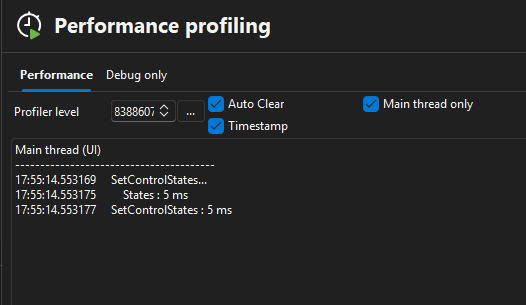
Using Debugger there you see no data coming in when executing this functionality. Error message occurs and no lines visible or added in form. Closing the error message and selecting the Vault again will give the various debug information lines.
Regards, Marcel
Profiler.png
Hello Marcel,
I tested your scenario by connecting RDM 2025.1.37 to an Azure SQL Server and attempting to access the same "Opened session", and everything appears to be functioning normally on my end.
That said, I’ll escalate this to our development team so we can investigate further and attempt to replicate the issue in a controlled environment. I’ll keep you informed as soon as we have any updates.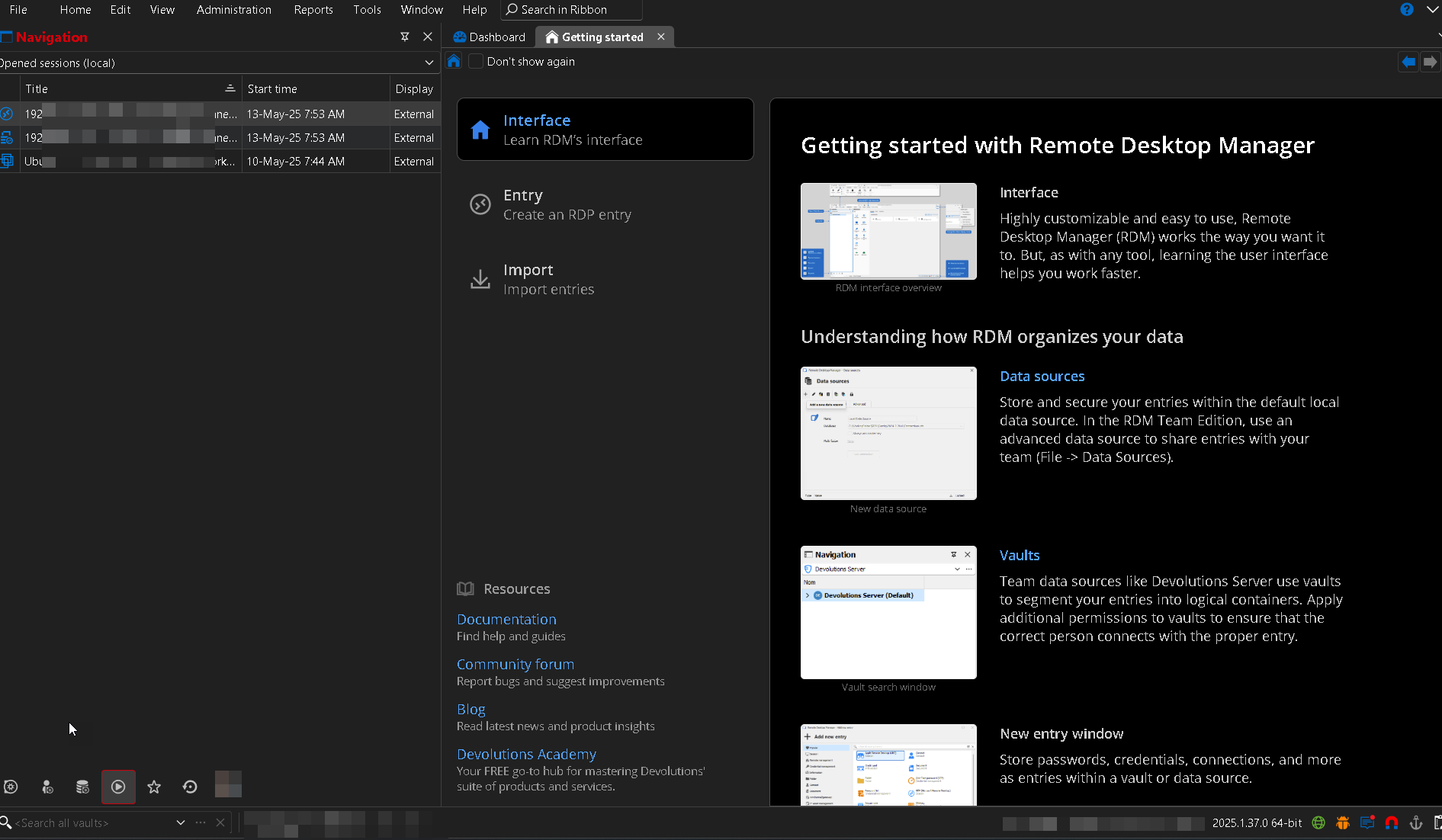
Best regards,
Michel Audi
a9747efa-20b9-439e-90cd-8de28805f34a.png
I noticed while we were going through my system for changes in multi user setups where I was using a 2nd system (new fresh install version 2025.1.37) that there were fewer options available under Showed Open sessions??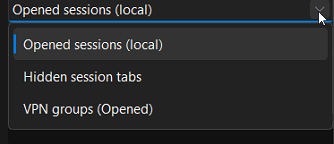
This did open and gives no error message but I'm missing the options that were available in previous versions? Opened sessions (Global) and Entry states ?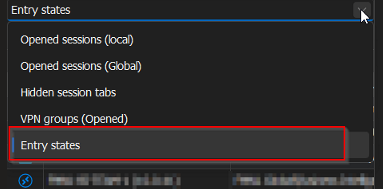
Maybe this could be the cause/reason for empty parameter source message given that by default (usagedata/cache?) under Show opened sessions the Entry states was opened under my Admin account in the versions before?
ParametersError.png
ParametersNow.png
Hello Marcel,
I’ve just received confirmation from our development team that a fix for this issue will be included in the upcoming RDM release 2025.1.38.
Thank you for your patience.
Best regard
Michel Audi
In this version the problem has indeed been fixed, thanks for your support.