Wrong ask for administrative rights

I have a tool (connect and disconnect SUBSted disks).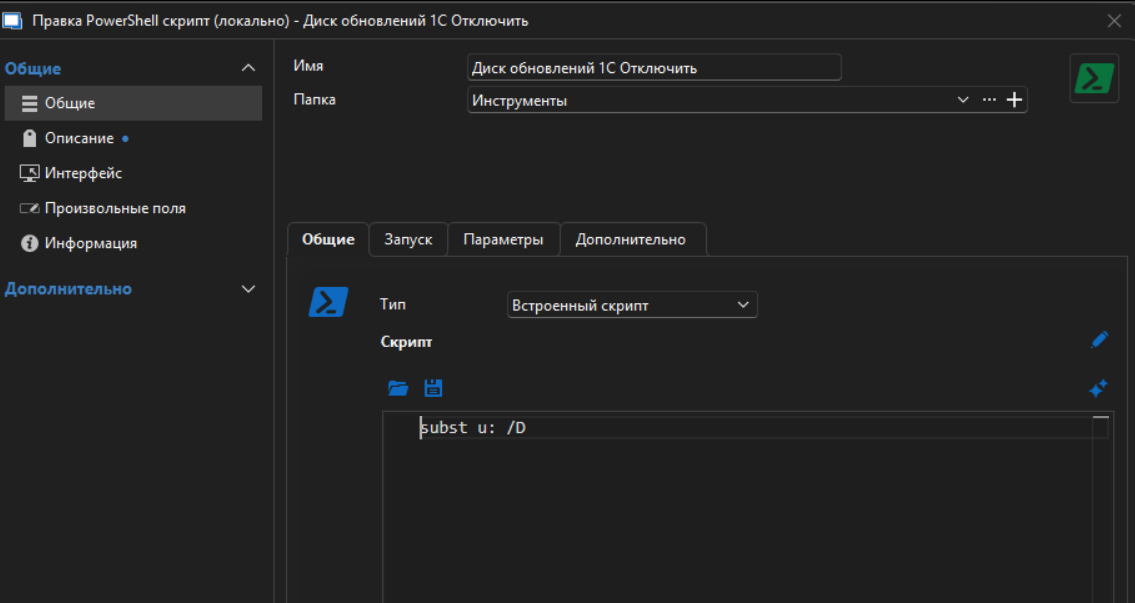 it have NOT check for admin rights
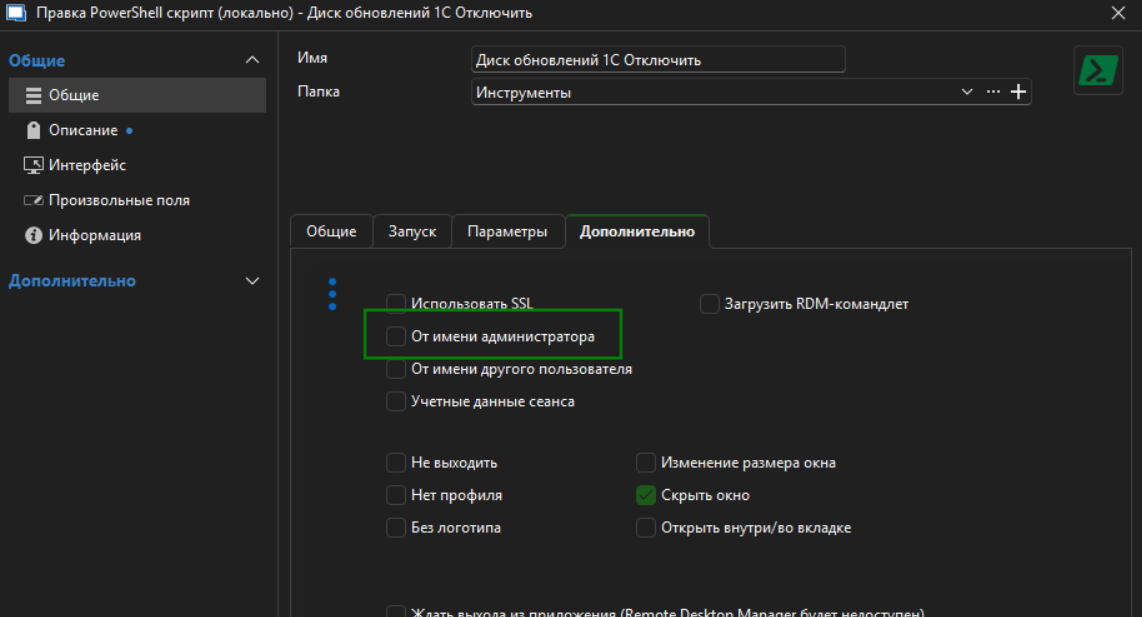 When I run them from editing
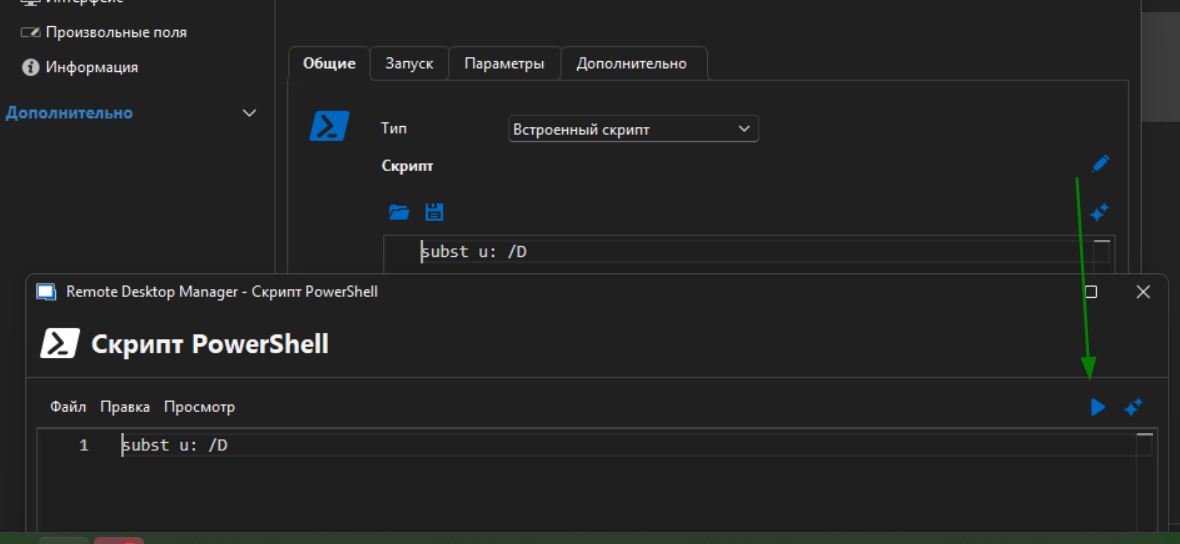 it not ask for admin rights and run succesfully.
But if I run it from main window or from connect to RDP - it ask for admin rights.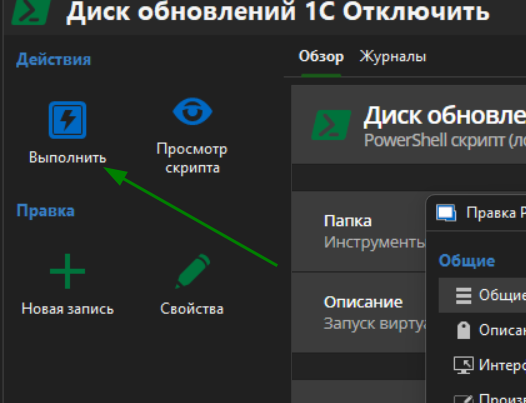
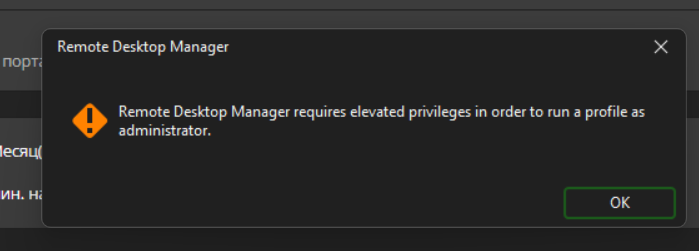
Why? Or where to switch off this wrong behavoir ?
5.png
4.png
3.png
2.png
изображение.png
All Comments (8)
Hello,
Thank you for contacting Devolutions support.
I tested a similar setup using a local non-admin account running RDM v2025.1.37, and the subst command functions correctly in all scenarios on my end.
Could you please confirm the version of RDM you are using, as well as the type and version of your data source?
Looking forward to your response.
Best regards,
Jacob Lafrenière
Version 2025.1.37.0 64-bit
Windows 11 64 bit (26100.3915)
Data source - local xml file
--
replaced script content to "echo hello"
Still ask for admin rights.
I just run script (from conext menu or so).
From EDIT menu it NOT ask admin rights.
Seems it always start "elevate-shim.exe".
No matter - have i check "run as administrator" in script options or no.
Hello,
Thank you for the follow-up.
That's quite odd—I’m using the same configuration but am not encountering the issue on my end.
Could you please try setting up a portable version of RDM to test the behavior in a fresh, default, and isolated environment?
You can follow this guide: How to Install Portable RDM
Let me know if the issue persists in the portable version.
Best regards,
Jacob Lafrenière
Downloaded portable (ZIP), extracted to desktop new folder.
not import any files
created new PS script - internal
typed "echo hello"
on RUN button it still ask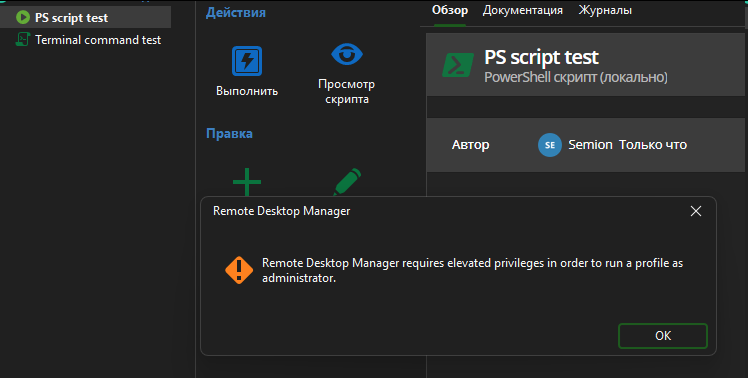
изображение.png
With script type "Command line" - it works fine (seems left this as temporary solution)
With script type "PowerShell (local)" - ask admin rights.
Strange, but found settings for MY LOCAL terminal to start always in privileged mode.
Switched it OFF and now RDM not ask admin rights.
It was not windows UAC - as we see on screenshots - it was RDM question.
And if RDM start it's own terminal - why it was ask for those rights ?
Hello,
Thank you for the follow-up.
I'm glad to hear you found a solution to the issue.
RDM uses your local terminal for that type of entry, so it makes sense that disabling this setting would prevent the prompt from appearing.
I'll go ahead and mark this topic as resolved.
Thank you again.
Best regards,
Jacob Lafrenière