Is there a way to rearrange the order of the data sources in the Navigation pane?
Is there a way to rearrange the order of the data sources in the Navigation pane?
1 vote

The icons it looks like are all ordered alphabetically. Is there a way to rearrange the order somehow?
All Comments (2)
Hello,
Thank you for contacting Devolutions Support.
At the moment, the only way to prioritize them is by adding numbers or special characters to their names.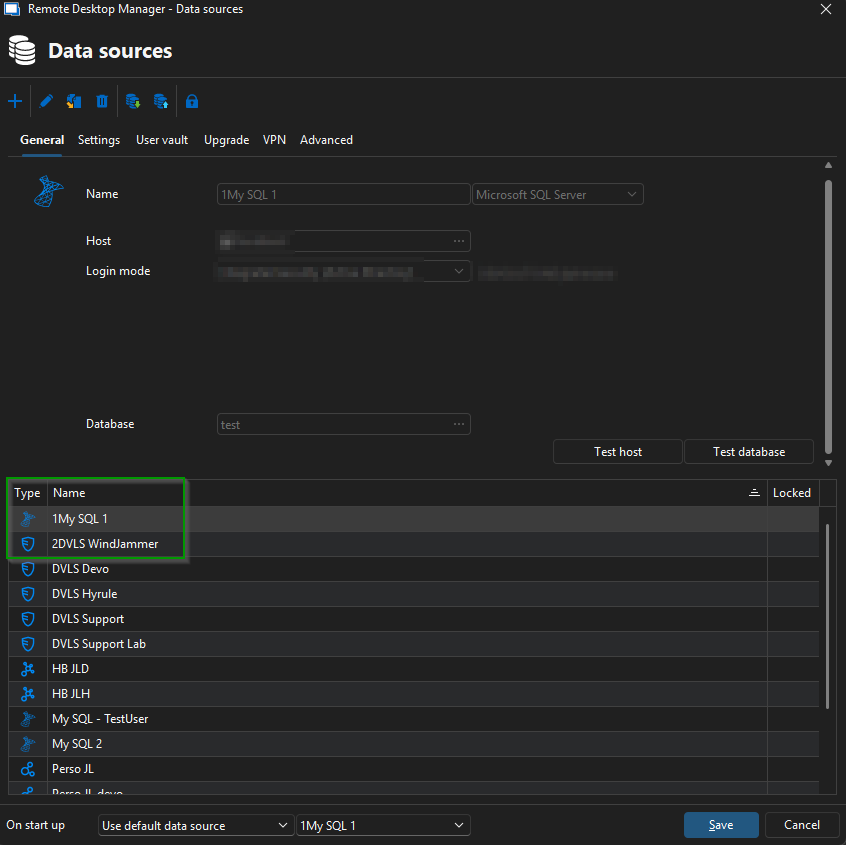 Note that you can also rearrange the filter by the name column, alphabetically or in reverse order, using the arrow.
I can move this topic to the feature request section, as I agree that this would be a valuable feature to add!
Please let me know your thoughts.
Best regards,
Jacob Lafrenière
40ef13d5-0fb8-4401-b4b4-eea0676dfda9.png
Thank you! That'd be nice!