unable to paste password to server RDP session after logout
unable to paste password to server RDP session after logout

The RDP session is still active. The server logged me out. Prompting me for my password. I copy my password to the clipboard but I cannot paste it.
In order to paste my password I have to end the RDP session and start a new one.
All Comments (3)
Hello,
Thank you for getting in touch with us. To better assist you, could you kindly provide us with the following information:
- Did you update RDM recently? If yes, do you recall which version you were on?
- Your current RDM version.
- The operating system you are using, and its version.
- The data source you are utilizing.
- Any additional information and screenshots you believe might be relevant.
Once we have this information, we will be better equipped to diagnose and resolve the issue.
Best regards,
Maxim Robert
RDM v2025.1.27.0
Win 11 Pro (OS Build 22631.5039)
Microsoft Windows [Version 10.0.22631.5039]
Local Data Source
I can reproduce this issue by remoting into a server, Locking the user account, then try to paste the password. It doesn't work.
I then close the remote desktop session and start a new one and now I can paste my password.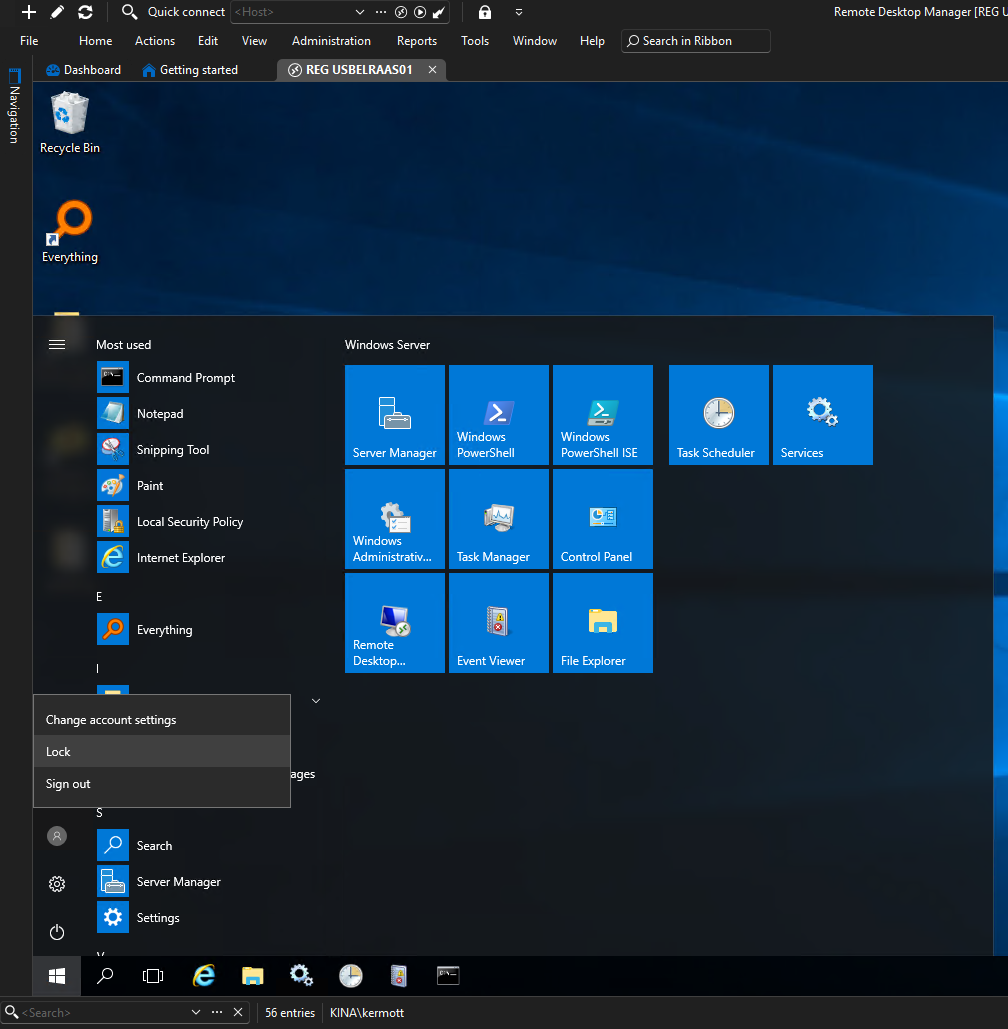
Click Lock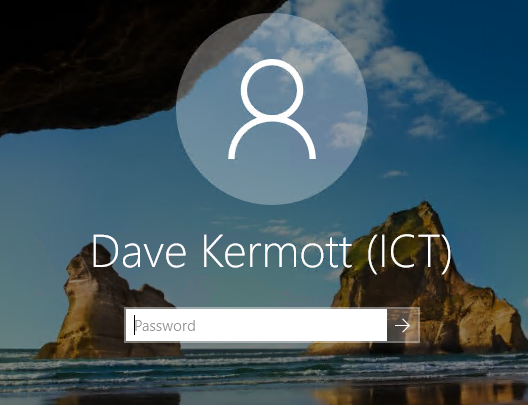
Paste not working
Close the RDP session
Start a new one...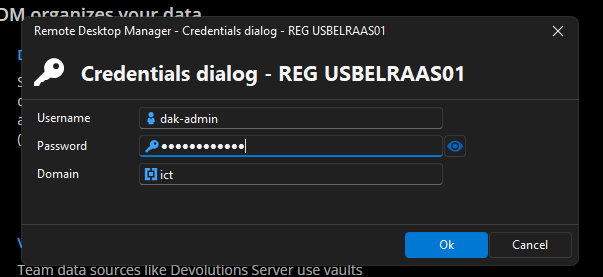
Paste the password here and click ok and it ok
d3709a7d-0379-4422-8cc0-2deb081e7f8c.png
ba6b5628-8286-4d88-9da8-8d2ea545bd61.png
dbcb76ab-89ec-4f6f-bb8f-db2421c30b90.png
Hello
Indeed over RDP it's not possible to paste into the WinLogon screen. The RDP clipboard helper does not run in this session.
You should be able to use the "type password" feature in the actions tab.
Please let me know if something isn't clear or you have further questions
Kind regards,
Richard Markievicz