Powershell embedded script editor > refused to connect

I'm having issue's editing embedded Powershell scripts. The editor loads but show's "127.0.0.1 refused to connect"
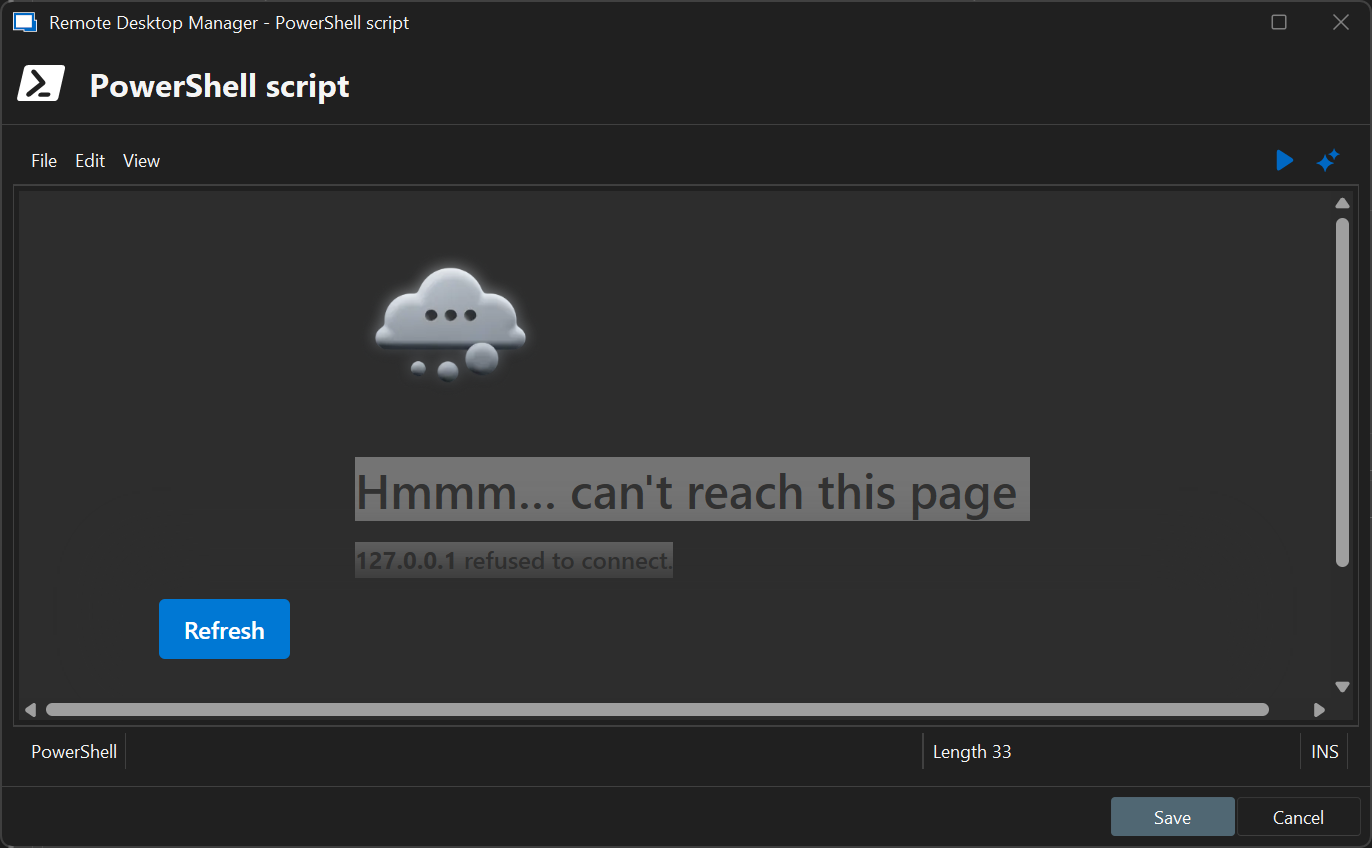
I'm having this issue quite a while now; but since I didn't needed to change any powershell scripts didn't mind untill today.
Any clue what is wrong on my installation? Or what to check?
All Comments (7)
Hello,
Thank you for reporting this issue.
To help us investigate further, could you please enable debug logging in Remote Desktop Manager and send us the generated logs?
This will provide more insight into the root cause of the problem.
Please note that the code editor is hosted on a randomly assigned port on 127.0.0.1, within the range of 10000 to 65635. It's possible that the selected port is already in use even though our code checks for already used ports.
Restarting Remote Desktop Manager will trigger a new port allocation, which may resolve the conflict.
Regards,
Mathieu Morrissette