Workspace Extension - Session Timeout

Hello,
the settings are set up via policy and arrive at the computer. You can see the extension in the browser. It is marked with a red dot at the beginning. After you have logged in, this red dot disappears again. But as soon as I close the browser, it turns red again and I have to log in again. Have I overlooked a setting?
{"settings":{"dvlsActivated":true,"dvlsUrl":"https://testdvls.company.local/dvls"},"adminSettings":{"disableSettingsPage":true,"setGPOSettings":"AlwaysOverride"}}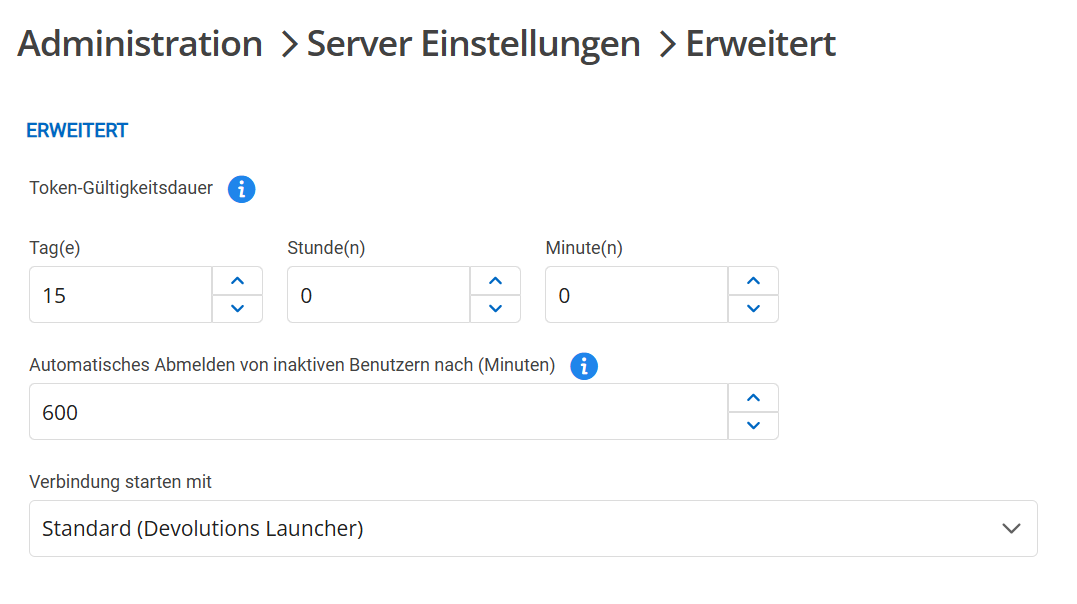

bd3a2d91-bbb6-4adb-b791-6a3b29cf04a2.png
acbf61f1-87a5-4877-950d-687145413f1f.png
All Comments (4)
Hi,
The message “Unable to get server information data” is not related to a session timeout. It means that the extension is unable to access the server, even when you are not actively connected to it. This could be due to:
• A VPN or proxy is required to access the server.
• The server was down when the extension attempted to connect.
Do you need a VPN or proxy to access your DVLS, does it relies on another browser extension? For example, the Workspace Extension may try to communicate with your DVLS before the VPN or proxy (connected via a browser extension) is fully established.
Also, do you use a valid certificate on your DVLS that is not self-signed?
Best regards,
Olivier Désalliers
Hi,
i have the same problem locally in the company without VPN. At home with VPN exactly the same. So after closing the browser I have to log in to the DVLS server again or verify it. After closing the browser, the session should still be preserved. I don't want to log in every time I start the browser. Yes, currently a self-signed certificate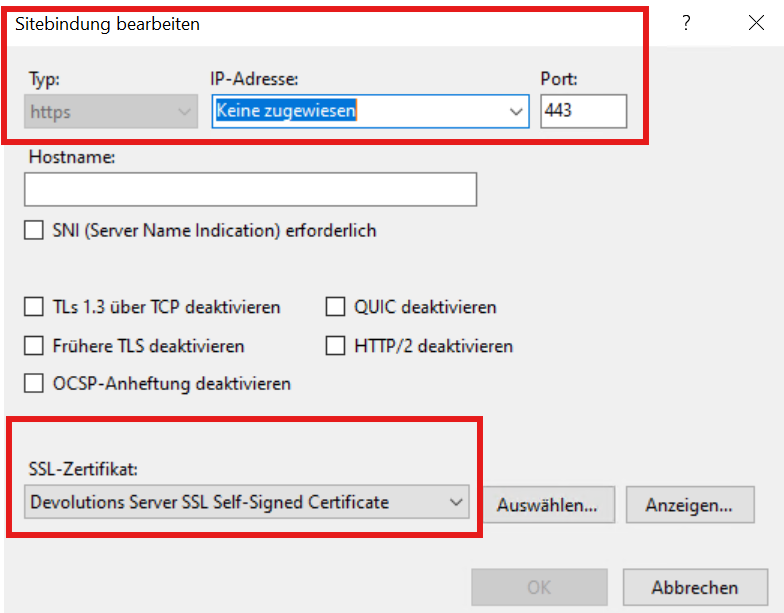
a84acaf2-5d9a-4ebc-8c9a-fb8e3aaeade6.png
Hi,
Could you set up a valid certificate on your DVLS that is not self-signed?
Even without closing the browser, users may experience unexpected logouts before the token timeout or the inactivity timeout.
This is due to Chromium-based browsers (Chrome, Edge, Opera) enforcing stricter certificate validation under the new extension specifications (Manifest V3), which is now mandatory for browser extensions (https://developer.chrome.com/docs/extensions/develop/migrate/what-is-mv3). Due to Chrome’s implementation, calls to servers using a self-signed certificate are sometimes rejected in browser extensions.
This issue has been reported and is discussed in the Chromium Issue Tracker: https://issues.chromium.org/issues/40882068#comment15
Best regards,
Olivier Désalliers
Hi,
ok i will install a certifikat on our DVLS Server. It take a lot of time, i will answer you after install a certifikat that not self-signed.
Br