Remote Desktop Manager Login Hint Incorrect

When I launch Remote Desktop Manager it redirects to the URL https://login.devolutions.com/op/register?authn_code=SpzWybTQ75bWYg1t&login_hint=[email address] which is for registering new accounts. I have an existing account logged in the RDP so this is always causing the RDP to think it is not connected to my Personal Hub. It happens on start and when I click Refresh. I am unable to sync my Personal Hub settings to the RDP desktop client.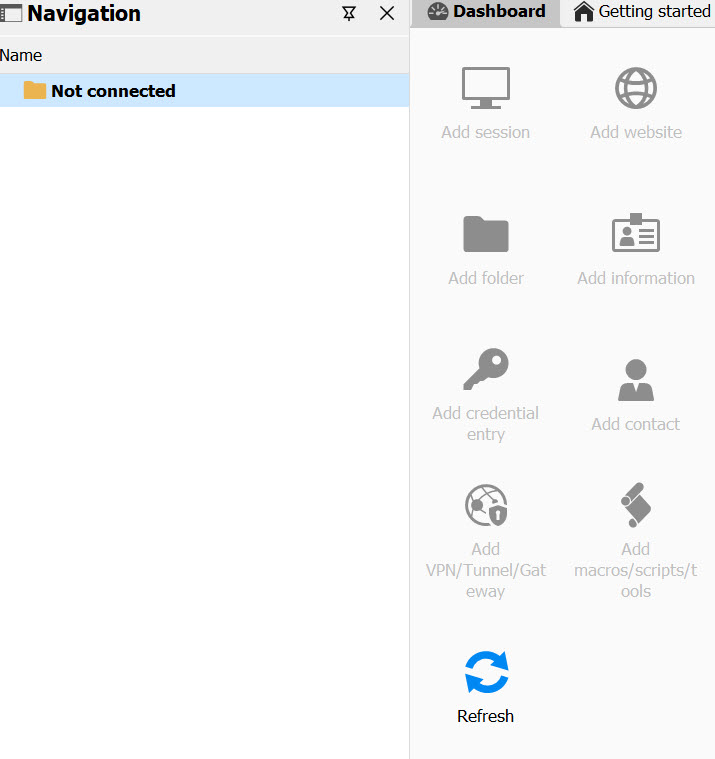
How do I change that login hint so that it is linked to the Devolutions account signed in the RDP client?
I'm running v 2024.3.29.0 64 bit / .NET 8.0.13 (Windows 11)
devo.jpg
All Comments (5)
Hello,
Thank you for reaching out to us regarding this.
I see. If you go under "File" → "Devolutions Account," do you have anything currently entered in the "Email" field? If so, can you confirm that it is the correct email for your account and does not contain any typos?
Let me know.
Best regards,
Samuel Dery
It has the correct account which is why I'm curious why the other email string is appearing. When I click "Edit Devolutions Account" I am taken to the portal logged in with the correct account.
Hello,
Thank you for following up.
Could you try configuring and testing a portable version of RDM to see if the behaviour persists?
I want to ensure that your local configuration is not the cause of the issue.
You can follow the steps outlined in this documentation page:
https://docs.devolutions.net/rdm/kb/how-to-articles/portable-rdm-installation/
Best regards,
Jacob Lafrenière
Using the portable version and copying over the installed version fixed the problem. Thank you.
Hello,
Thank you for following up.
I'm glad this resolves the issue! You can follow the same link I sent you—toward the bottom of the page, you’ll find a guide on relocating the portable version.
I recommend following these steps and using the portable version moving forward.
Best regards,
Jacob Lafrenière