RDM dashboard information is not updated or frozen

Hi Erica,
I would appreciate it if we could do a support session. because the week started with a new problem that I had never had before we switched to DVLS.
Since yesterday, RDM has been freezing every now and then. Not completely, but parts of the RDM are not updated when you click on another entry. As you can see, the right side and the context menu are updated. There is no "open session" within the context which makes me suspect that there hasn't been an update there either, that I'm no longer on the credentials entry but on a remote desktop entry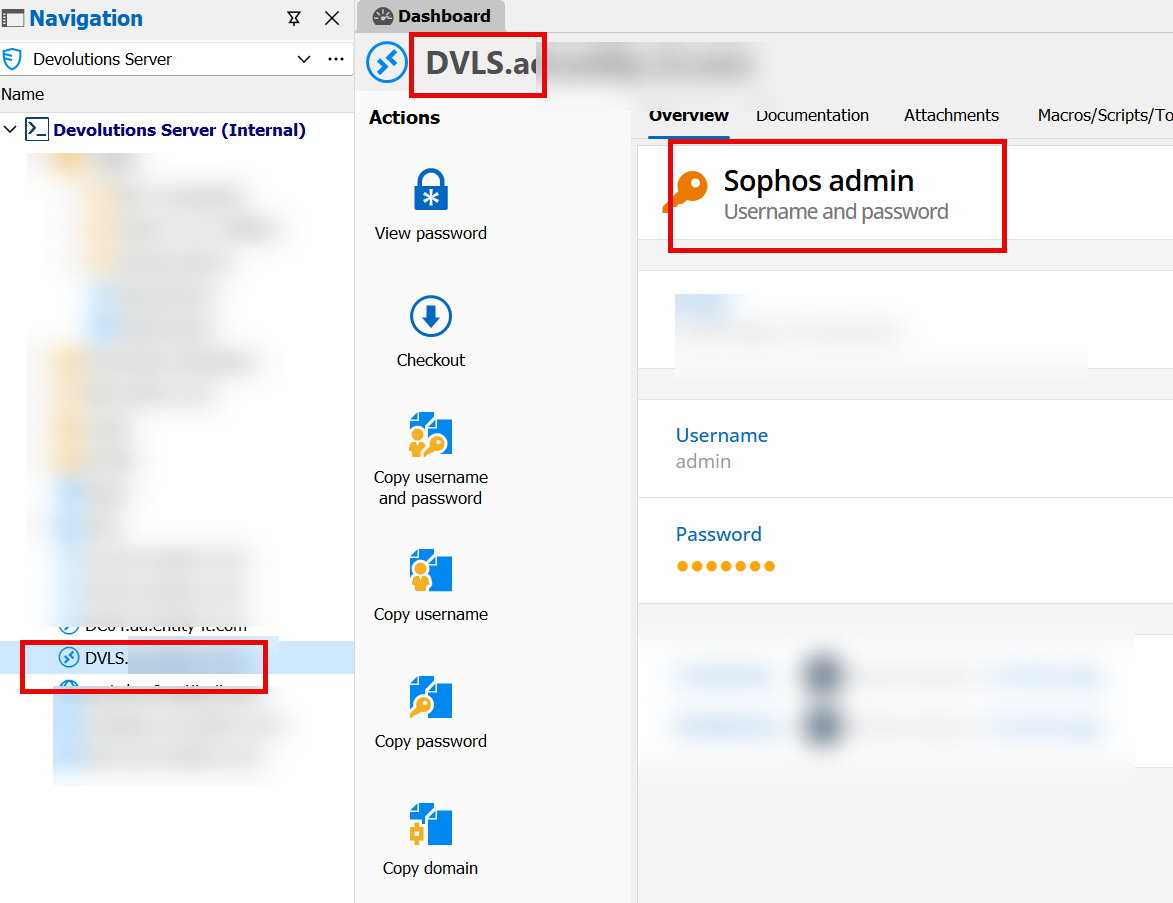 There is no "open session" within the context which makes me suspect that there hasn't been an update there either, that I'm no longer on the credentials entry but on a remote desktop entry.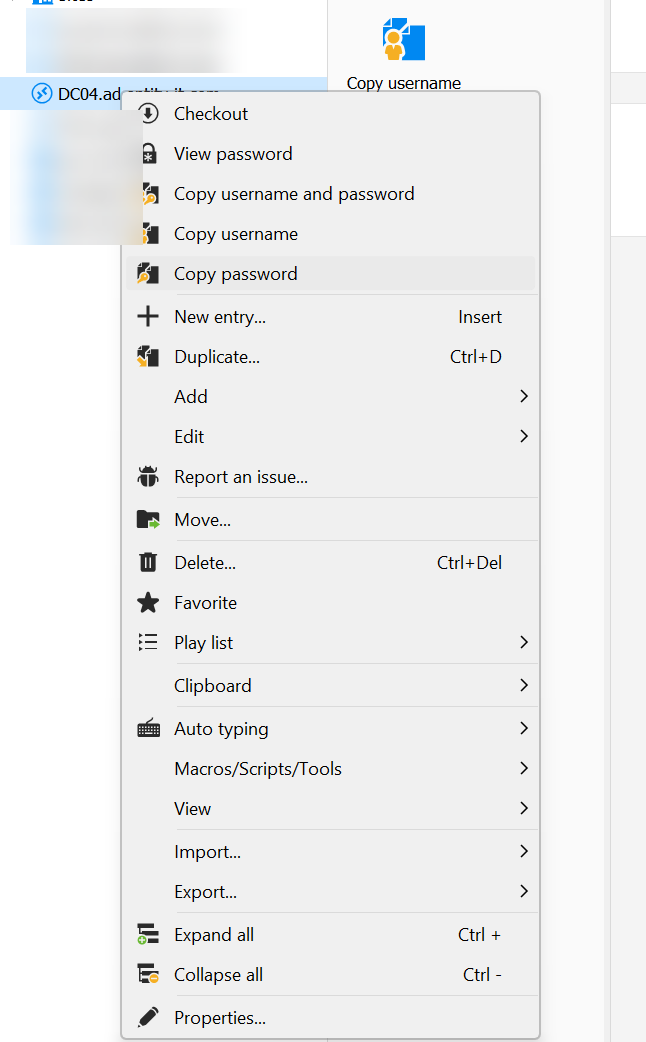
After some minutes of waiting everything is working fine again.
//Add
and once again I have no permissions even though I have been actively working in RDM the whole time. Now I have to manually press "file" "refresh". Then watch the progress bar for 5 seconds before I can continue working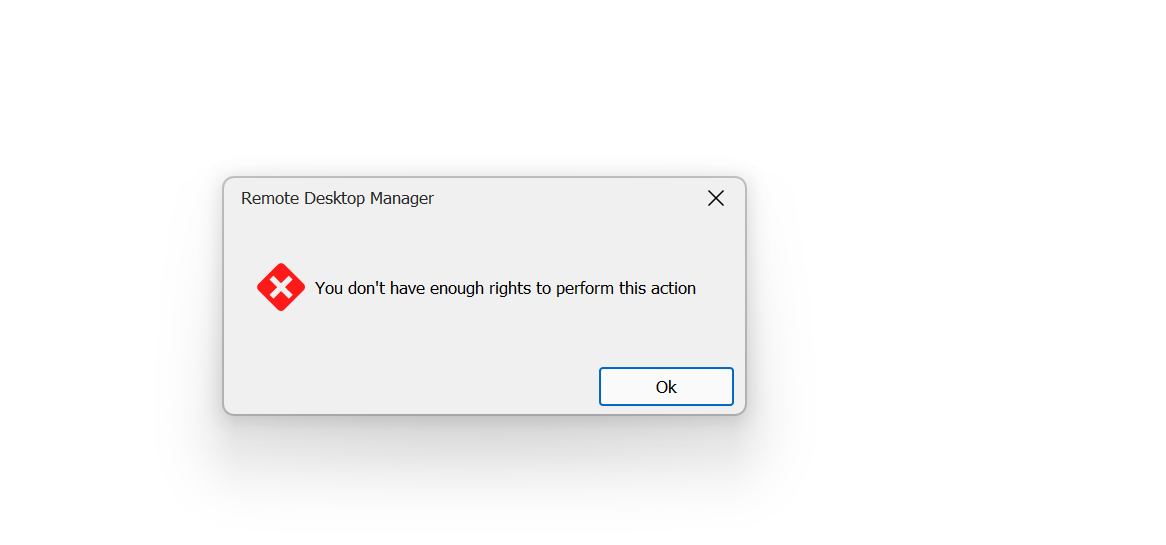
regards,
Steven
All Comments (2)
Hello Steven,
Thank you for your feedback.
From your reply, since it's not specifically related to the other issue, I created this topic in the RDM Windows Support section.
We will create a ticket in our system to send you a link to book a support session with one of our technicians.
Once solved, we will post the solution in this thread.
Best regards,
Érica Poirier
Hi Erica,
this issue is definitely related to the dvls server problem we currently have. I was clicking the RDM connection multiple times before realizing something wen wrong. It took some minutes before RDM started the session multiple times. I have booked an appointment with Maxim Robert, we will see what comes of it
regards,
Steven