The download operation has been blocked

Hi
I'm on 2024.3.25.0 and also have pop-ups issue.
When I'm trying to download the file from VMWare vCenter UI I see the following error messages: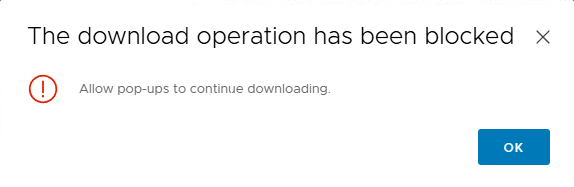
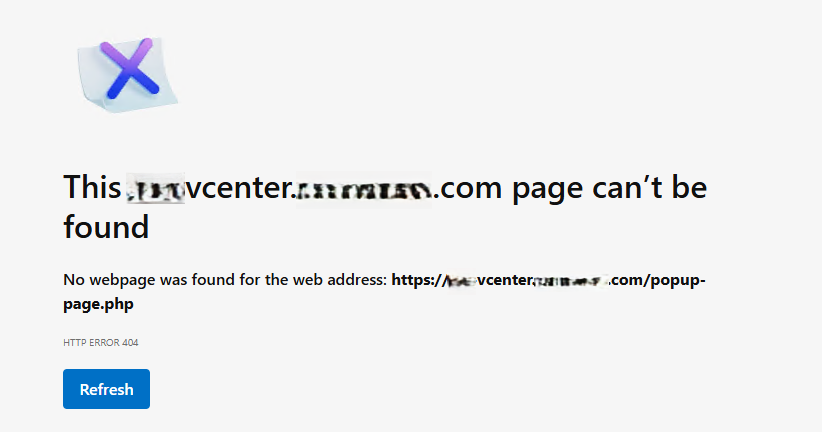
All Comments (3)
Hello,
Thank you for your post.
I am currently trying to reproduce this issue on our side. It seems that I am encountering the exact same error, even on external Edge and Chrome browsers. It appears to be an issue with the site itself. The download only starts if I explicitly allow all pop-ups for this site.
I'm not sure if we can set this in embedded mode as well. Let me check and I will get back to you.
Hi Stephan,
Yup, you right, it does not work properly without explicitly enabled pop-ups even in normal browser.
The key idea here is to have ability to enable pop-ups in RDM.
Looking forward to solution here.
Thanks
Hey,
We’ve been able to reproduce the issue on our end and have found a solution! With this fix, the download will work properly in the embedded browser.
The fix will be included in an upcoming version, and I’ll make sure to inform you once it’s released.
Let me know if you have any questions in the meantime!