“Password list” expiring passwords
0 vote

Unlike “Username and password” entries, “Password list” entries do not have configuration for being notified with the report “Expired entry list” when a password expires.
Please add this useful feature in the next RDM version.
All Comments (4)
Hello,
Thank you for reaching out!
My name is William and I'm here to assist you in any way I can.
I just verified and within the password list entry you have two options to set an expiration date either on each password or on the entry itself:
On the entry: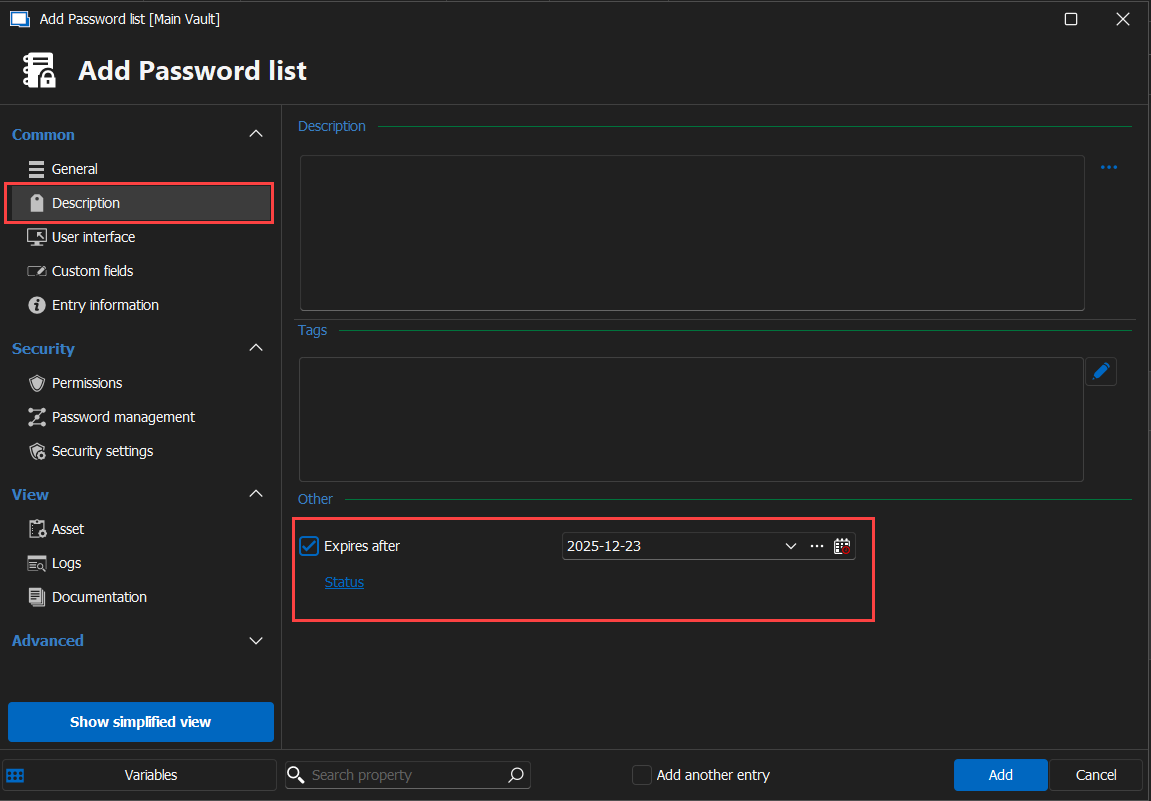
On each password: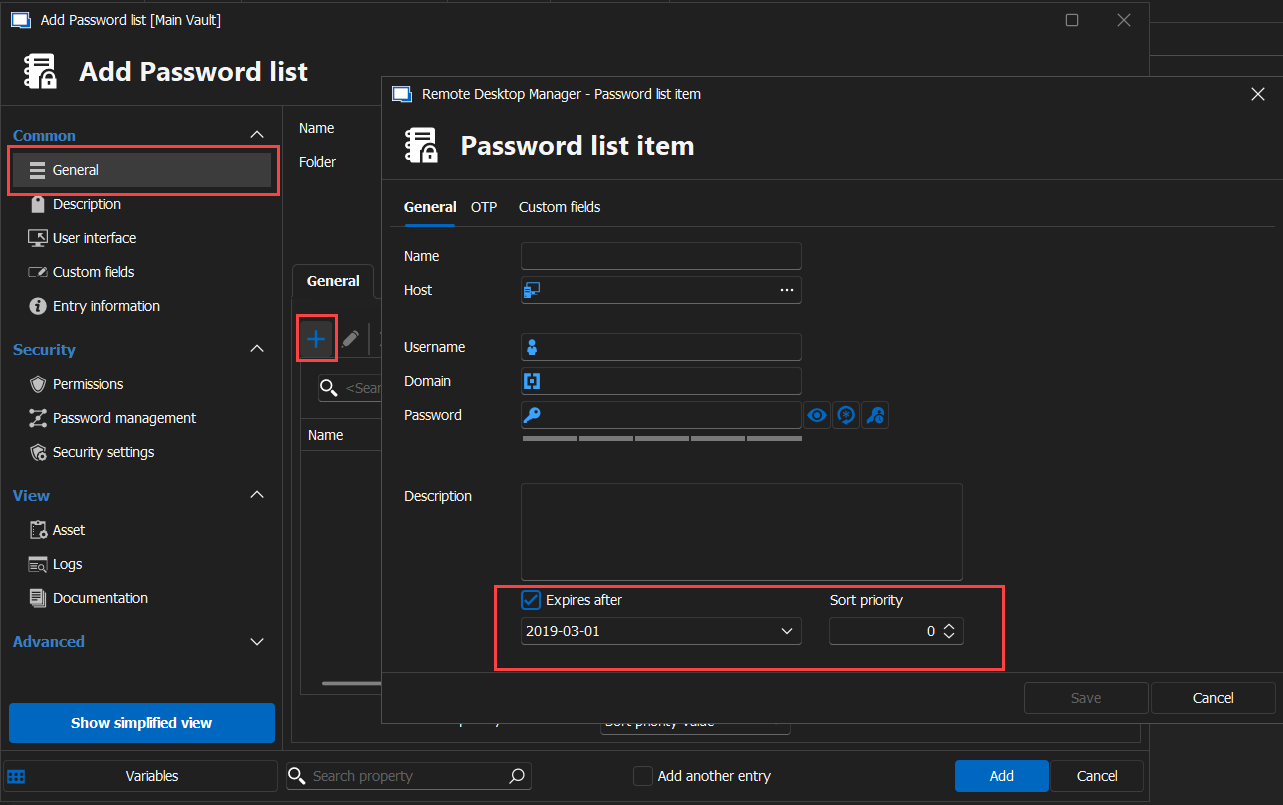
Would it be possible to specify where you added your expiration date?
Best regards,
84df9c84-dad1-4590-928f-4c874891b93e.png
2e7ab26c-a463-44c2-acd7-303411ad19b6.png
Hello,
After testing, only the expiration date on the entry will make the entry visible in the report.
Best regards,
Hello William,
I added the expiration date on the single password and not on the entire entry because I have multiple passwords in an entry, with of course different expiring dates.
So I would need the report for the single password if possible.
Thanks
Hello,
We already had a discussion opened internally about this, I will talk with our internal team regarding this since I've found the option in the web interface to set the expiration date on a single item of the list but we don't seem to use this for anything.
At the moment, I think the only thing worth doing would be to open a feature request here: https://forum.devolutions.net/forums/34/devolutions-server--feature-request
Simply explain that setting an expiration date on a single item of a password list entry doesn't get flagged in the Expired Entry List report. You can also add a link to this thread as well.
Best regards,