Delay on RDP Login with Windows Credential Dialog

Hi,
we have problems when login to RDP servers. The Windows credential dialog appears and we enter the credentials. After hitting OK the dialog keeps open for 20 to 30 seconds and nothing in the RDM can be clicked. 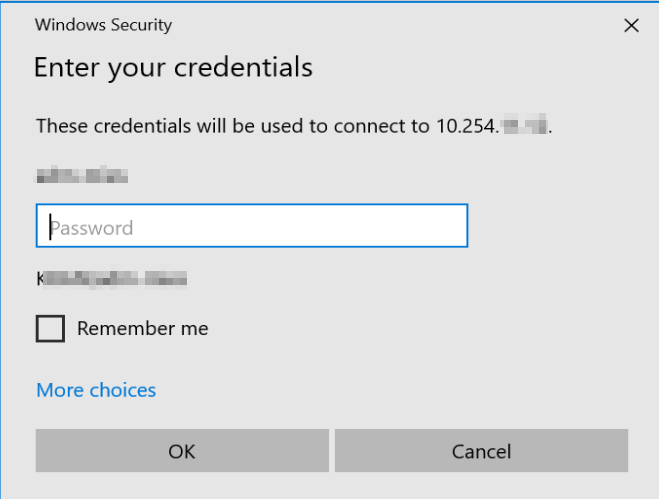
After that time the login windows closed and login is going on. What is the cause for that delay?
Using mstsc.exe directly without RDM, the same credentials dialog is used and login is executed directly with no delay.
When entering credentials here, the login is also fast: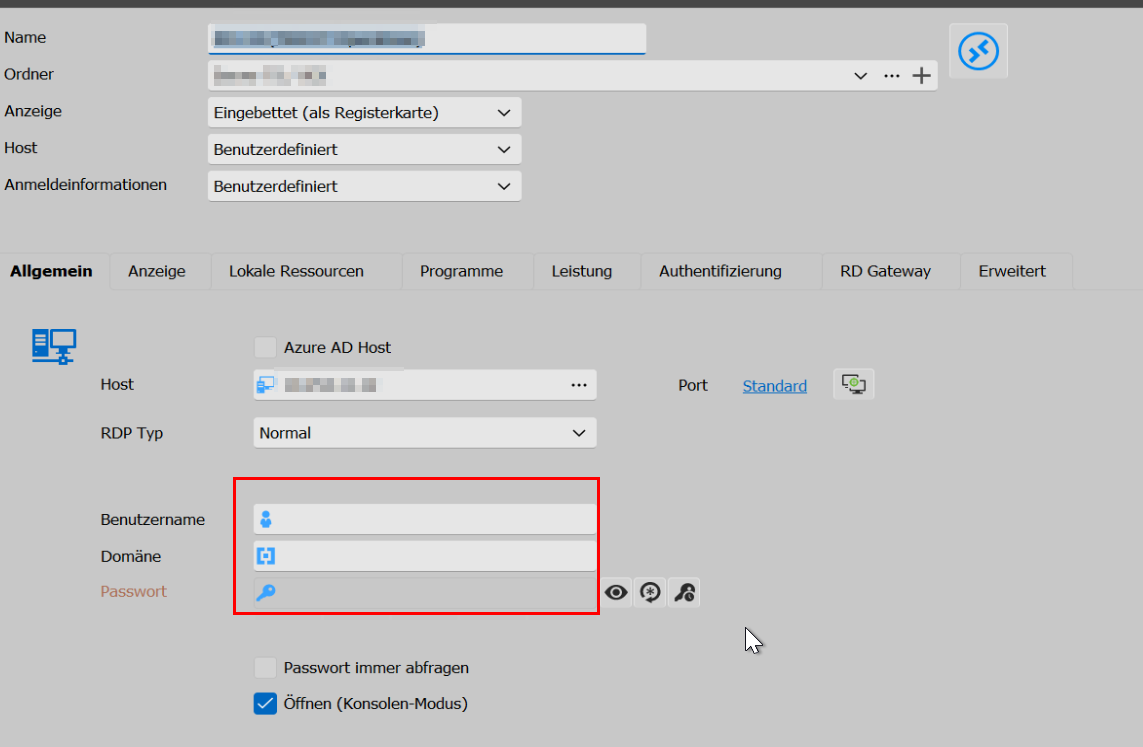
We need help on this because that delay is realy painful.
Regards,
Sebastian
b6533f23-3e0f-4ab7-bbcd-be59dcb31fa7.png
2cc84d99-41de-4cf2-88d8-945973ab6401.png
All Comments (5)
Hello,
Thank you for reaching out to Devolutions Support.
Unfortunately, I was unable to reproduce the issue. To help us further investigate, could you please test if the issue persists when using a portable version of RDM? Here are the steps to follow:
1. Download the .zip file from this link: [https://remotedesktopmanager.com/home/thankyou/rdmbin](https://remotedesktopmanager.com/home/thankyou/rdmbin).
2. Close your current installation of RDM.
3. Create a new folder on your Desktop.
4. Extract the contents of the .zip file into the folder you created in step #3.
5. Navigate to this folder after extracting the .zip file and run `remotedesktopmanager.exe`.
6. Connect to your data source.
This test will help us determine whether the issue is related to your local installation of RDM.
We appreciate your cooperation in resolving this matter. If you have any questions or need further assistance, please don't hesitate to reach out.
Best regards,
Carl Marien
Hi,
I tested it in the qay you requested. Its the same problem - even with a new datasource.
Regards,
Sebastian
Hello,
In this case, I would like to see the issue firsthand. Would it be possible to have a session together?
If yes, I have sent you a link via email to request a session. If not, you can simply ignore the email and continue the discussion here.
Best regards,
Carl Marien
Hi,
sorry for the late response. We found some issue in our network. Problem seems to be in that.
We will fix that first and when the problem persists after that, I will come back.
For now there is no ToDo.
Regards,
Sebastian
Hello,
Perfect. Please keep me informed if the issue reoccurs.
Best regards,
Carl Marien