RDM Synchronizer Recreate Entries/Mismatch behavior

Hello!
I've been using the RDM synchronizer and have noticed that when updating a description or other properties in the RDM file, it does not update the entries in my vault on the next synchronizer run.
Why is the 'mismatch' not able to see the mismatched description/other properties? Which properties is it checking for mismatches?
I thought I could work around the limitation by using the recreate entries checkbox, but it seems that now I need to run the synchronizer twice to actually allow it to recreate them. The first execution it deletes the entries, and the second execution it adds them back... Is this the intended behavior?
Is there any other RDM features I could use to fit the use case of wanting my vault to be fully and completely synced with the RDM file (including all entry properties) each time I run the RDM synchronizer?
Thanks in advance for all the help, this product is very helpful.
All Comments (10)
Hello,
Thank you for getting in touch with us. To better assist you, could you kindly provide us with the following information:
- A screenshot of your RDM Synnchronizer.
- Your current RDM version.
- The operating system you are using and is version.
- The data source you are utilizing.
- A recording showing the step that led to the issue. This will allow us to try to reproduce the issue. I sent you the information in a Direct message to where to send the recording.
- Any additional information and screenshots you believe might be relevant.
Once we have this information, we will be better equipped to diagnose and resolve the issue.
Best regards,
Maxim Robert
Thanks for your time, here is the requested information:
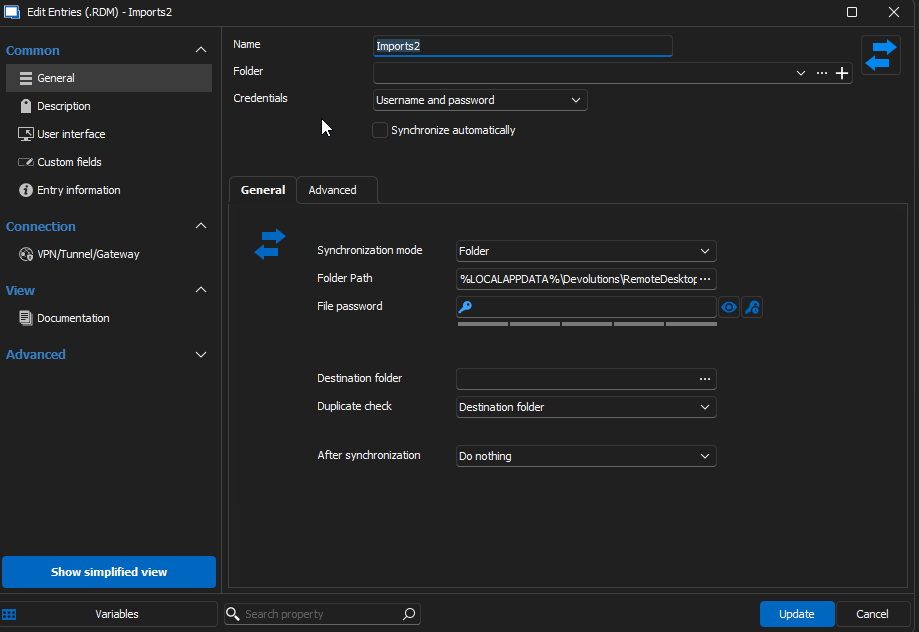
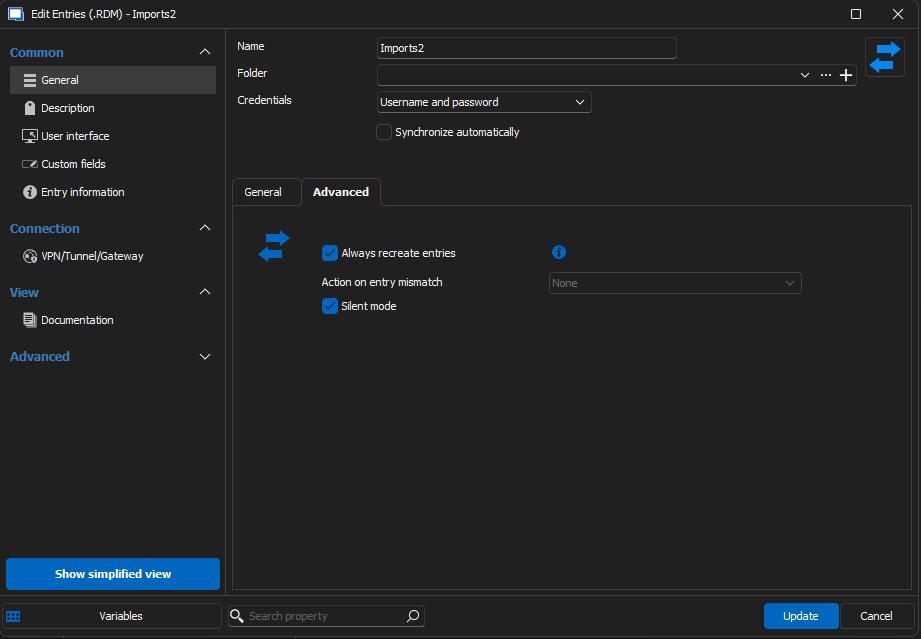
- RDM Version 2020.3.17.0 64-bit .NET 8.0.10
- Windows 11 Enterprise Version 22H2 Build 22621.4317 Windows Feature Experience Pack 1000.22700.1041.0
- Local Data Source (SQLite)
- I'll send the video shortly!
Thanks again
ecf52db3-95dc-4e20-ba88-3e5b1a3e89b1.png
432a161f-3894-48f4-8abb-dc905f2fa942.png
Recording was sent.
Thanks again for your time
Hello Addison,
Thank you for the information!
Unfortunately, I can't reproduce the behaviour. Could you please provide a screenshot showing an example of the files you modify in the RDM File?
Thank you for letting us know. If you have any other questions, feel free to let us know.
Best regards,
Maxim Robert
Here is one of the RDM files...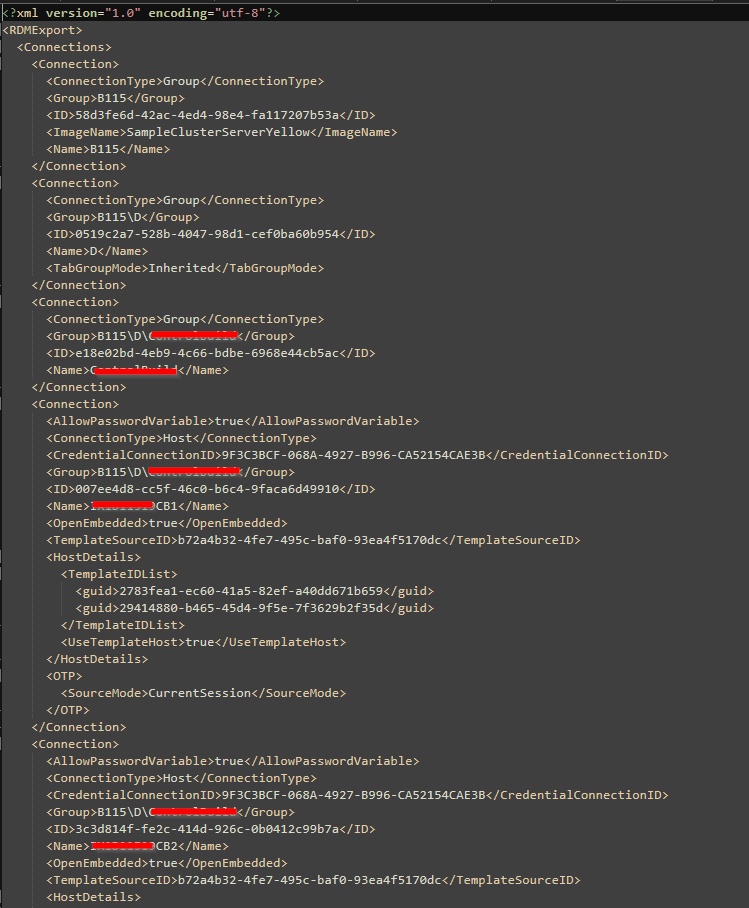
Here are all the files: 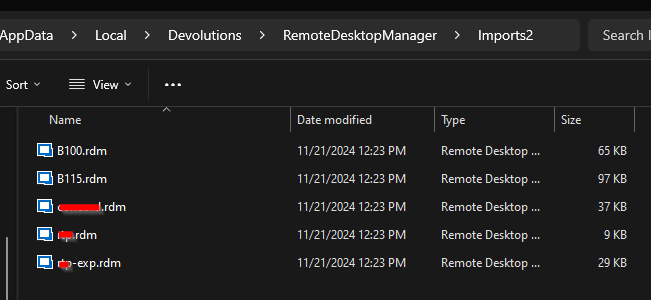
Is that what you are asking for?
b9730bc9-a7c2-4d96-ba3e-497f75703662.png
76775c9e-361d-40b3-92e5-27fc5e2edbf0.png
Hello Addison,
Thank you for being so patient!
Unfortunately, I am still unable to reproduce your issue. I opened an internal ticket to investigate the issue with you directly. Please let me know if you haven't received an email from us.
If you have any other questions, feel free to let us know.
Best regards,
Maxim Robert
Okay, sounds good.
Who should I expect the email to be from? I don't think I have an email yet.
-Addison
Hello Addison,
Thank you for your response!
It should be an email from service@devolutions.net. Could you please verify under your spam emails and see if you received the email? If not, please let me know, and I will verify to provide you with the link another way.
Best regards,
Maxim Robert
I found it, you were right it was caught in a separate spam filter. I have the link now. Thanks for your help
Further conversation occurred, and as discussed: RDM version (2024.3.22.0) resolved the issue.
This thread can be closed as resolved, thanks to the team for the fast response!
-Addison