Remote Desktop Manager crashing multiple times a day

Hi Support-Team
Remote Desktop Manager crashes, sometimes multiple times a day. The crash itself is a bit weird: A currently active RDP session is alive, I can control the host that I am connected to still without any problems. But all buttons and clicks in Remote Desktop Manager itself are without any effect. I have to kill the whole process of Remote Desktop Manager and restart it.
This problem occurs since about a year, but it feels like the instability increases. I always install the latest versions of Remote Desktop Manager and tried to switch computers to make sure that this problem is not bound to my machine exclusively. My main purpose of Remote Desktop Manager are RDP connections, barely anything else. Any chance that there might be a corrupted dataset in my Vault that could cause the crash? Very unlikely, but just pointing to it....
Thanks and kind regards,
Stefan
All Comments (18)
Hello,
Are you using Windows Insider Preview Builds to run RDM? If so, you can refer to these posts on our forum from Marc-Andre and Maurice.
https://forum.devolutions.net/topics/43176/my-rdm-crashes#199830
https://forum.devolutions.net/topics/30298/windows-insider-preview-builds
If not, what RDM version and data source type are you using?
Best regards,
Érica Poirier
Hi Erica,
thanks for the prompt reply. No Windows Insider Builds, as I said the problem persists even after changing/switching computers.
The current RDM Version is 2024.3.17.0, but it appeared in previous releases as well. The data source type is "Devolutions Hub Personal".
Many thanks,
Stefan
Hello,
Thank you for the information. next time the crash occurs, could you please share the crash report created in the Event Viewer?
If you are unable to share the log here in the forum, please let me know, and I will contact you via email.
Best regards,
Carl Marien
Hi Carl,
the only error I see is as follows. This event was produced after RDP manager freezed and I killed the process.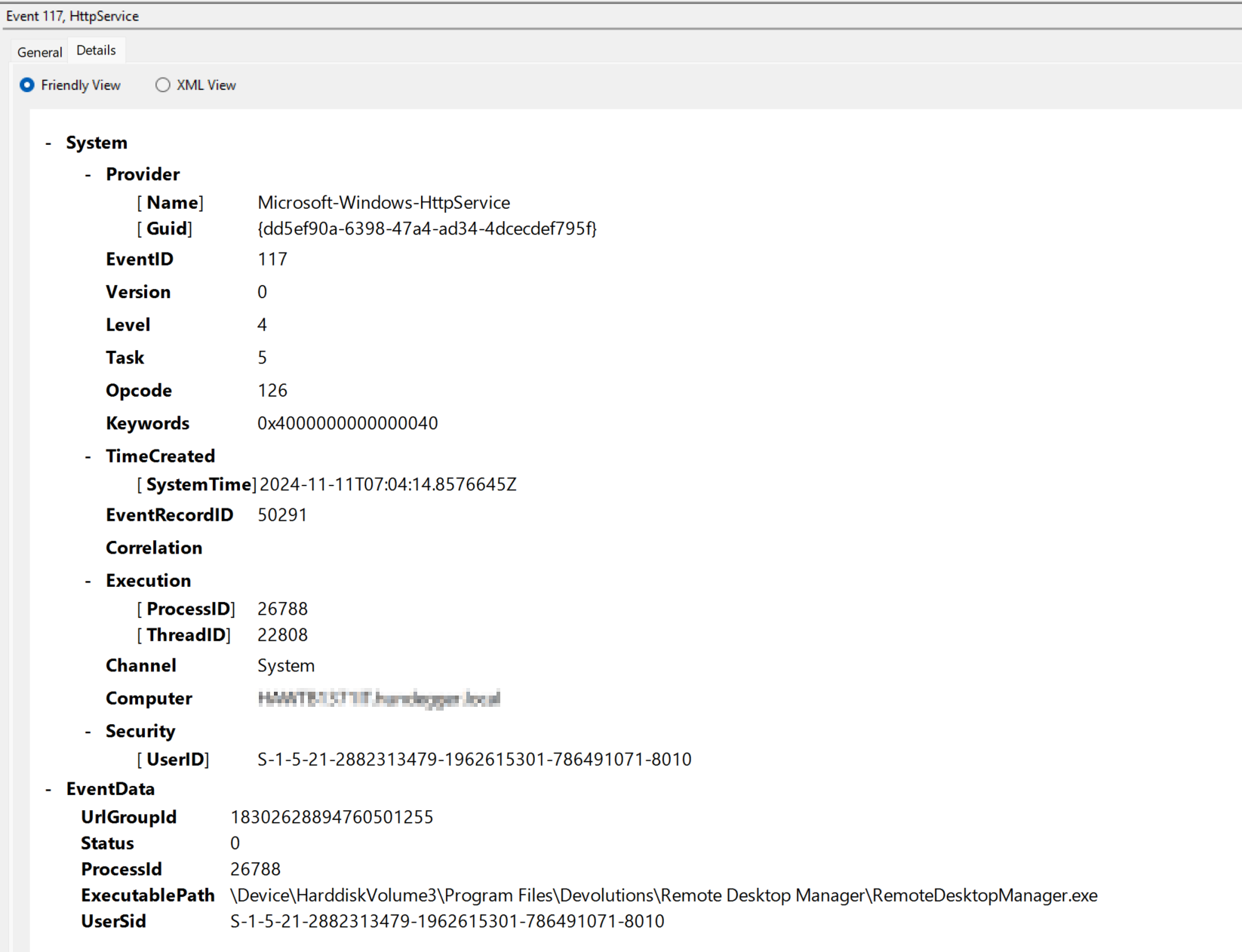
dc418300-3034-4999-a6d3-fa733d575ed6.png
Hello,
Thank you for the information. Unfortunately, it doesn’t provide enough details to help us resolve the issue.
Would it be possible for you to send us your application logs? There may be some important information contained in them. I will create a case for you and send a secure link for uploading your application logs, along with a step-by-step guide on how to retrieve them.
Best regards,
Carl Marien
Hi,
It looks like I have the same situation. Are you able to resolve the issue?
What I notice is that if I right-click on the taskbar to close the RDM, a popup display with a yes/no closer question appears, and the RDM unfreezes.
I am currently using version 2024.3.18.0 64-bit, but I have had this issue for a long time and with many previous versions.
Thanks,
Milos
Hello,
Thank you for reaching out to Devolutions Support.
Here’s an update on the steps we’ve taken and the current status:
We reviewed the application logs located at `%LocalAppData%\Devolutions\RemoteDesktopManager\RemoteDesktopManager.log.db`. However, these logs were either empty or did not contain relevant crash data.
A video recording of the issue was captured and shared, which effectively highlights the freeze behavior.
An online session has been scheduled to further investigate. During this session, we aim to reproduce the issue, gather more detailed logs, and test various scenarios.
Thank you for your patience as we work to resolve this issue.
Best regards,
Carl Marien
Hi,
Is there any update about freezing RDM?
Best,
Milos
Hello
One thing that is worth trying, is disabling the UDP transport for the RDP client. You can follow the directions here. I'd recommend the third approach - disabling UDP using the registry - then rebooting your computer after making the change. You can see if it helps and, if not, easily revert the change at a later time.
Please let me know if you have some questions or something isn't clear
Kind regards,
Richard Markievicz
Hi,
It looks like no help with these settings. Maybe it seems like there is less freezing but that is a subjective feeling as I can't tell when and why this bihave like this.
If there is something I can share with you, logs, etc. please let me know.
Best,
Milos
Hi milos
The next time the application freezes in this manner, I'd recommend following the instructions here to create and submit a mindump to the support team.
Please let me know if something isn't clear
Best regards,
Richard Markievicz
Hi,
Minidump was sent to the support. I hope you/they will find some useful information. :)
Best,
Milos
Hello
Thanks for sending that. This is interesting, because it looks identical to another issue we have open at the moment, although I can't find the link for that right now.
The dump strongly indicates that some other application is interacting with RDM using accessibility features on your machine. You would have a better idea if that is the case - likely culprits could be the system accessibility features (like narrator), screen readers or screen recorders, automation tools; or anything that inspects the windows and text of another application.
Let me know if you can think of something
Kind regards,
Richard Markievicz
Hello
Are you still having an issue with this? I'm tracking another case internally with a similar conditions; and I wonder if Grammarly is causing that. Do you have Grammarly installed?
Kind regards,
Richard Markievicz
Hi,
Yes, I have it. From your support team, I got info that Grammarly could be the issue, so I removed it. Yesterday, I didn't have any issues with RDM. Let's see a few more days; so far, it looks like we have found the root cause of the issue.
Best,
Milos
Hello,
Thank you for your response. Please keep us informed if Grammarly was indeed the root cause of the issue.
Best regards,
Carl Marien
Hello
I've seen your support ticket where you confirm that this looks like the issue. I thought I'd post some more information here in case anyone else is having the same problem in future.
Programs like Grammarly use the UIAutomation (Accessibility) feature of Windows to access the controls of other applications (in the case of Grammarly for example, it will look at the text fields in the other applications and modify them to provide the hints and corrections). The way that this works under the hood is; nearly every application (depending on the UI framework it's built with) starts a server (a named pipe) that accessibility applications can connect to, and gives them API access to the UI automation functions. This is handled automatically at the framework level, not by the application developer themselves.
In this case, when I looked at the crash log you sent; I don't see any of our code on the crashed thread: it's all UI automation (Microsoft APIs), and completely outside of our control. I don't know if the cause of the crash itself is a bug in the Microsoft API, or a misuse of the API from the Grammarly side; there's simply no way to tell. We were only able to identify Grammarly as a possible cause by examining the named pipes on the system and looking for likely culprits.
I've spent some time researching if it's possible to turn off or block applications from using Accessibility features against RDM. It seems extremely difficult, or perhaps not possible at all, and would have the negative side effect of blocking all accessibility applications (which would be unfortunate for users that rely on that feature). I will keep hunting for a way to do that, perhaps making it optional, but right now it doesn't seem possible.
In the meantime, it does appear that Grammarly has a way of either being turned off, or excluding specific applications. You might investigate if one of those solutions is viable rather than completely uninstalling the product. It's also possible that a future update to Grammarly or Windows will resolve the issue.
Otherwise, I apologize for the inconvenience. Please let me know if you have any further questions or comments.
Kind regards,
Richard Markievicz
Hi,
I can only say thank you. :)