Opening website with alternate address and non-standard protocol port defined
Opening website with alternate address and non-standard protocol port defined

I often use Alternate hosts for some records, for case when DNS is not working etc.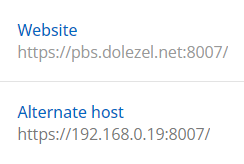
Saved definition looks ok. I use Prompt option.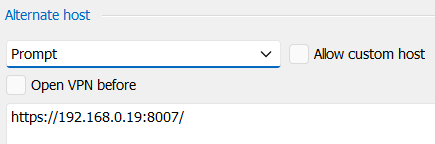
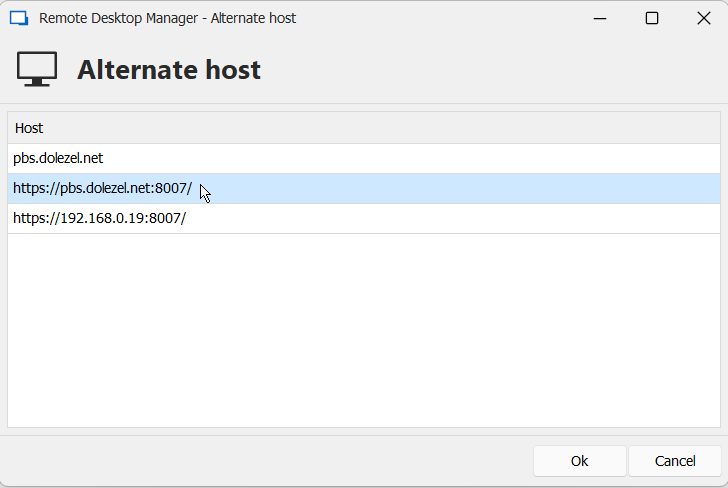
I am using RDM 2024.3.16.0 64-bit now (the latest available). When I click on "Open session" the following prompt window appears.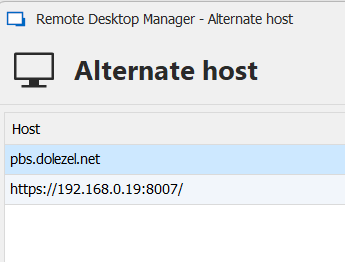
And when I click on the first row with FQDN I get an error because it doesn't open web page on 8007 port. It was working in earlier versions because I use this feature very often.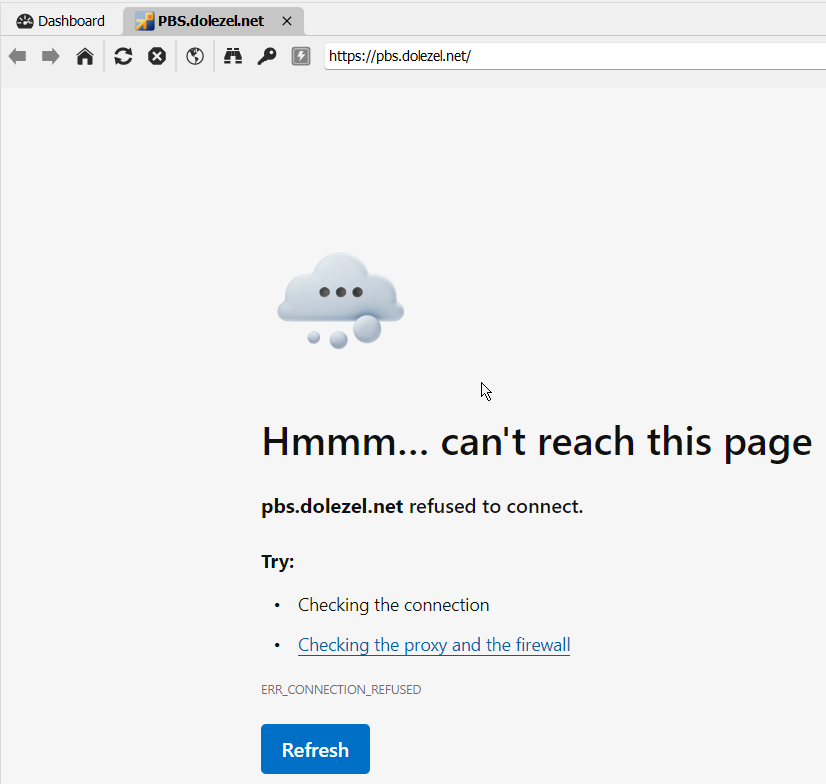
If I change Prompt to None the correct page https://pbs.dolezel.net:8007/ is open.
3af8a05d-c310-4e5c-b467-e6dcadc521b0.png
1a91d314-7a89-4bec-8c87-070062311697.png
c2bf663a-9757-4ca2-8678-e2c358456b8e.png
c082f2fd-8c5a-4795-abe3-1ab819f9e853.png
All Comments (10)
Hello,
Thank you for reaching out to us regarding this,
I see, If you add https://pbs.dolezel.net:8007/ in the Alternate hosts directly is it included in the URL as expected when selecting that option?
Let me know,
Best regards,
Samuel Dery
Yes, it is. If I add another option and choose it then the webpage is displayed as expected.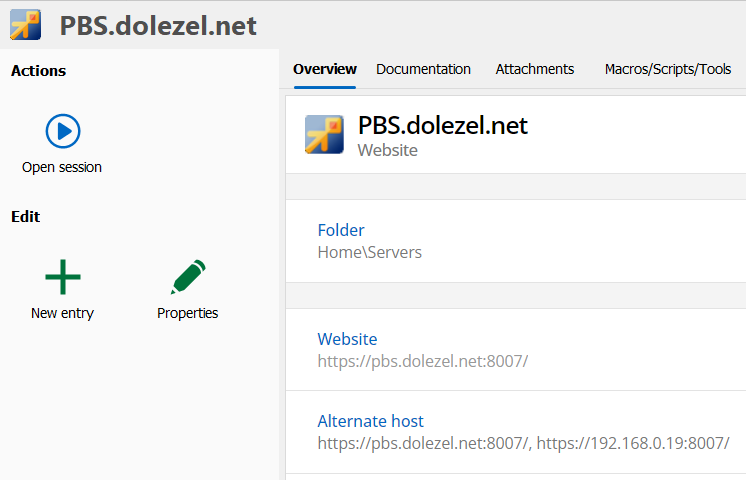
cd360894-4f42-40f5-9166-3de880b99bb0.png
5c36f7ad-0357-4882-be04-e547b72860d3.png
BTW the same problem appears with SSH connections listening on non-standard ports.
If I remove or disable alternate connection (so only FQDN entry exists with non-standard port defined) then it's also displayed as expected.
The problem exists only if Prompt is chosen, non-standard port is defined and at least one Alternate host exists.
I discussed it with my colleagues and we all think it has been broken in this RDM 2024.3.16.0 64-bit version.
Hello,
Thank you for your patience,
I've been able to reproduce the behavior on my end,
I will open a case with our development team regarding this and keep you updated with any news I receive,
Best regards,
Samuel Dery
Hello
it seems today's 2024.3.19.0 release fixed the bug.
Feel free to close this incident.
Regards
Radek Dolezel
I can also confirm that the issue has been resolved in v2024.3.19.0. Thank you!
Hello,
Thank you for your feedback!
I'm glad to hear this is now working.
Best regards,
Samuel Dery
Hello,
I am satisfied with RDM on Windows. Today, my colleague who bought MacBook Air has just informed me he met the very same problem on RDM for MacOS.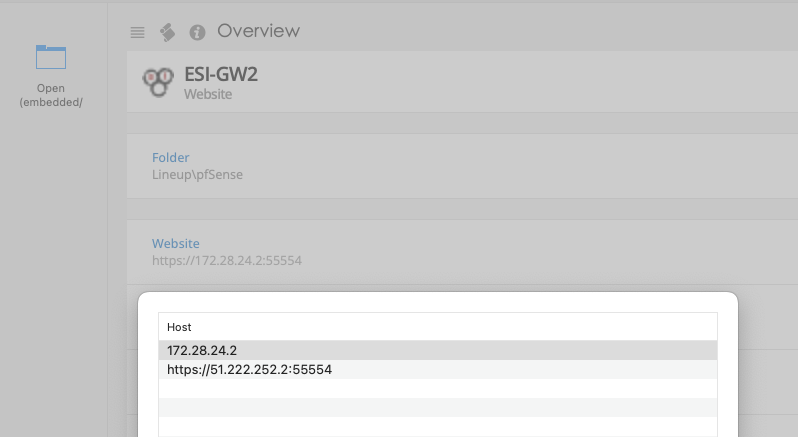
fdb524f1-7f0d-4aa5-b717-0b5d8941b8b2.png
fa1b310c-7dcf-42fc-8942-93ea10a82c49.png
Hello,
Thank you for your reply,
I see, I can reproduce the issue on RDM Mac,
I will open a case with our development team regarding this,
Best regards,
Samuel Dery
Hello,
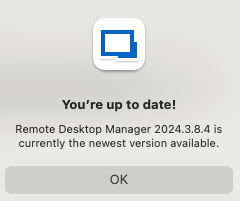
The issue should be solved in the latest version of RDM Mac(2024.3.9.0)
If there's anything, don't hesitate to communicate with us.
Best regards,
Michel Lambert