Existing SSH terminal sessions with SSH term gateways failing to open
Existing SSH terminal sessions with SSH term gateways failing to open

Hi,
I'm relatively new to RDM, but I had a bunch of SSH sessions using SSH term gateways configured and working yesterday, but since upgrading these seem to have stopped working. Version 2024.3.16.0 64-bit.
I guess there must be a setting it now doesn't like in my existing connections but I'm struggling to find out what it is.
The error is :
An unexpected error occurrred: Error code : FAIL
These connections have an SSH terminal gateway configured, the SSH key for the gw box is loaded in the SSH agent. The target systems use username and password auth.
Even if I remove the gateway (which at the moment should still allow me to access to the target systems) the connection fails.
But if I also remove the gw _and_ deselect 'Allow SSH authentication agent forwarding', and deselect 'Use SSH authentication agent' then the connection works.
I'm a little confused as to what has changed?!
Guy
All Comments (7)
Hello,
Thank you for reaching out to us regarding this,
Could you confirm which type of data source you are using in RDM?
Which version of RDM were you using before the upgrade?
I'm also wondering if you could provide us with a screenshot of this error message?
Let me know,
Best regards,
Samuel Dery
Hello,
Thanks for replying. What is the 'Data source', I'm not sure what to provide here.
I'm sorry, I don't know what version I was on previously.
But trying this on my MacBook (which has not been upgraded, it's running 2024 3.5.1) rather than my Win 10 PC I am getting the same error message - this is odd because it seemed to be working fine before! I did have to play with this for quite a while before it worked earlier this week (setting it up so that it went through a gateway) so I wonder if I'm getting confused. I do have a connection to another target host which goes through the same gateway and that works fine - the difference here is that the target host uses a key (the same key as the gateway) so with Agent forwarding turned on that works no problem.
The hosts that are not working are all through the same gateway as the working host - the gateway uses the same key as the working host, but the targets all use username & password not a key (I linked to the saved username & password credentials in those server settings). So this must be something to do with the problem?
I've tried so many variations in the same settings I think I'm losing track of what I've tried and not tried!
When connecting it asks for the username to use for the gateway which I give it, and then it displays the error below.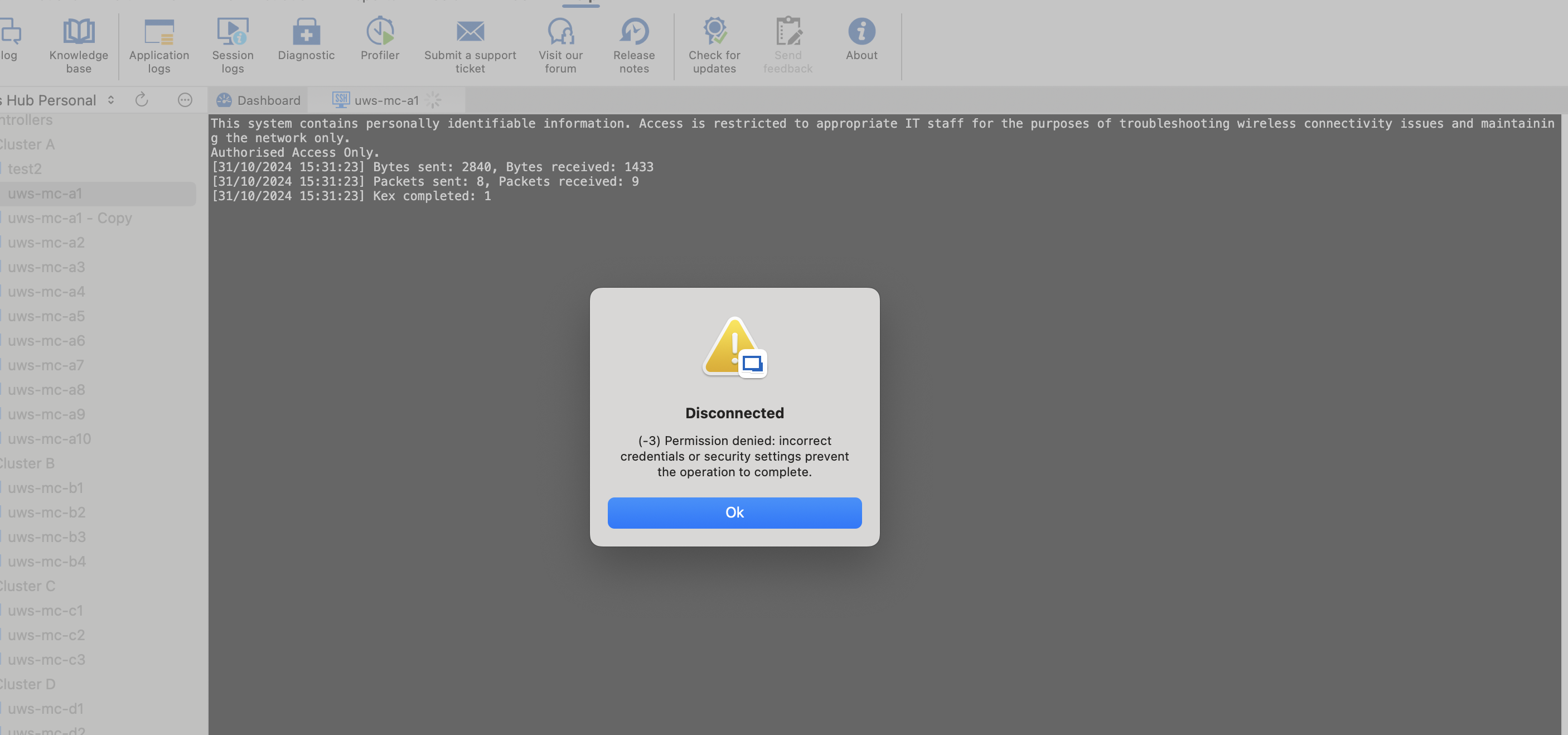
Screenshot 2024-10-31 at 15.31.45.png
Hello,
Thank you for your reply,
I see, that is indeed odd, would you be able to provide me with some screenshots of your entry configuration? Blur or remove any sensitive information.
This will allow me to more closely reproduce it on my end and see if I encounter the same problem.
Best regards,
Samuel Dery
I really appreciate the help. Ok so here are the settings for one of the target boxes (auth = username and password). And I'll put the gateway settings below that...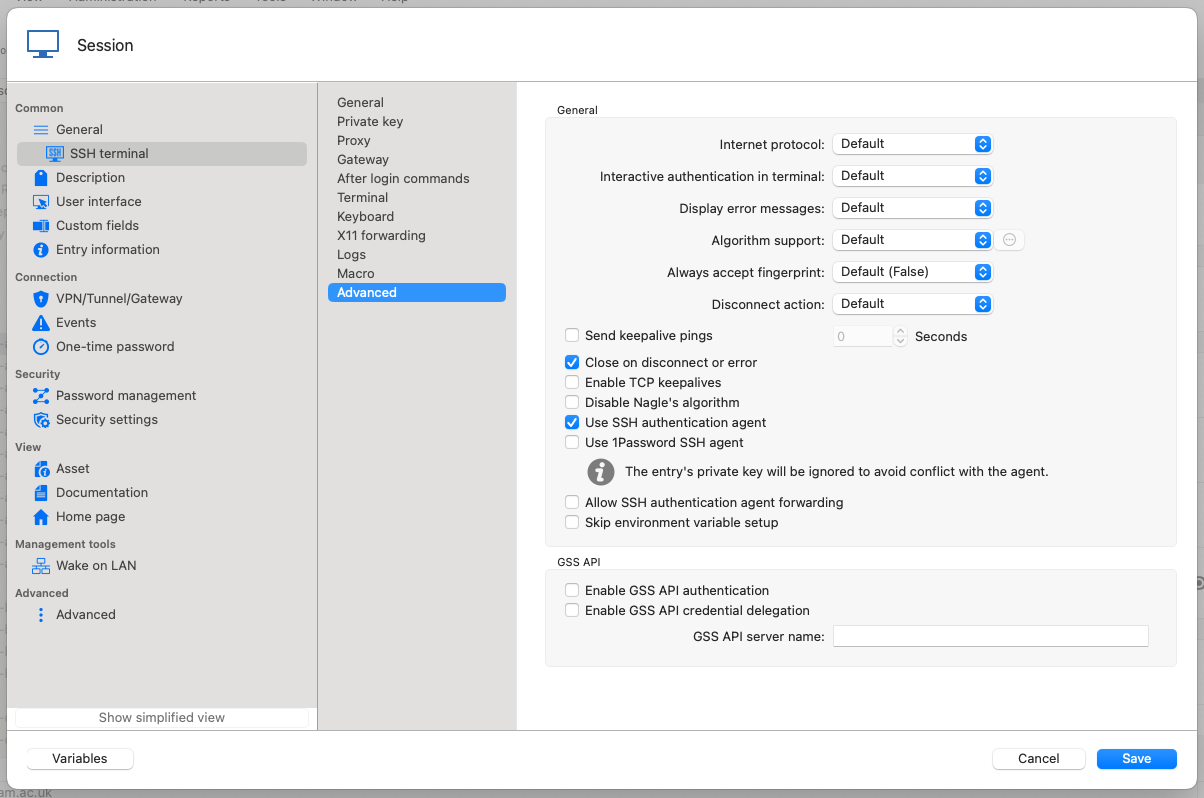
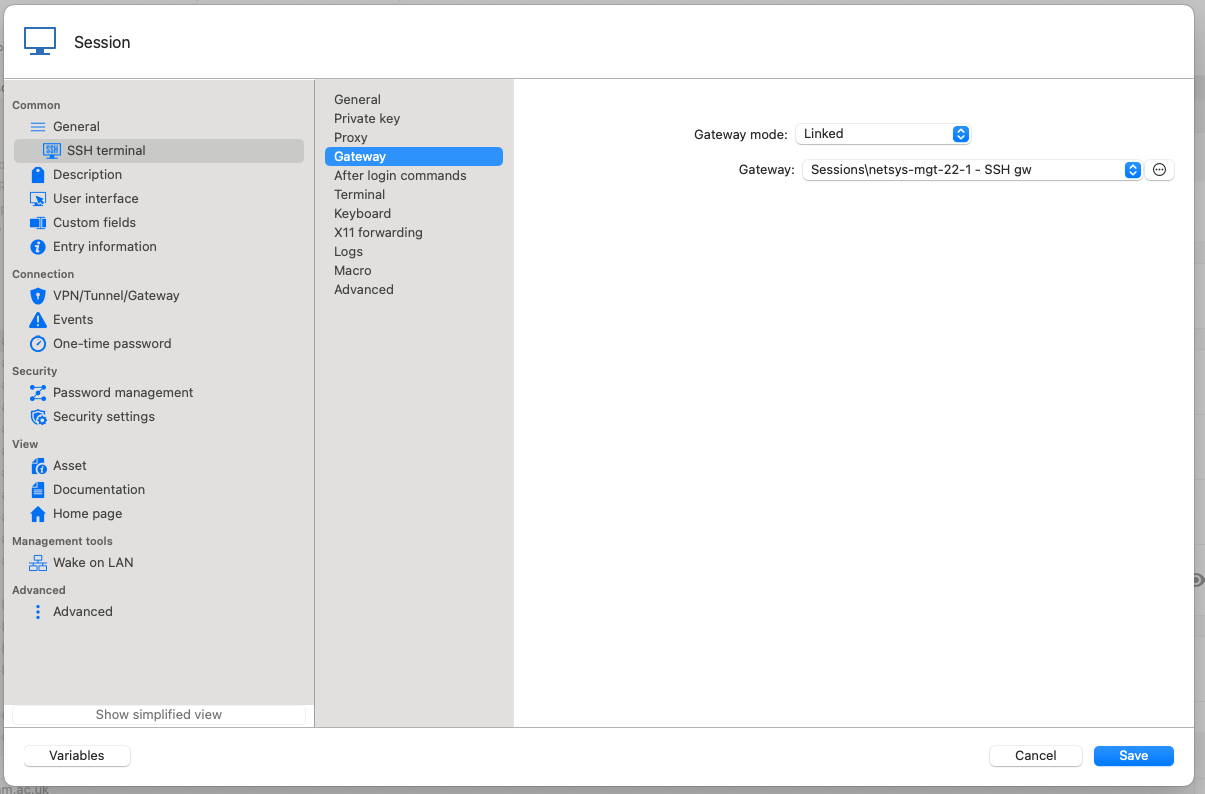
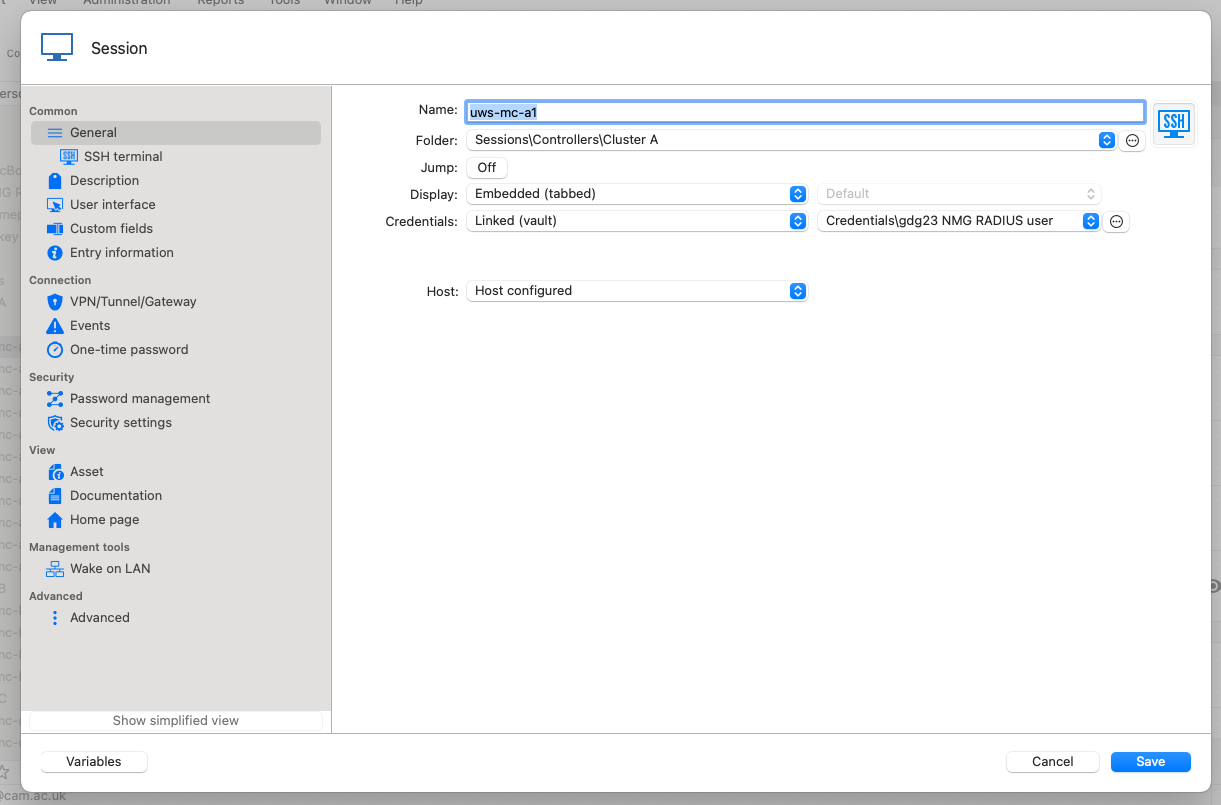
As an aside - It seems a bit weird to have the SSH agent setting enabled for the target host as it doesn't use a key, but if I deselect that then I get the following error as the _gateway_ then won't accept the key: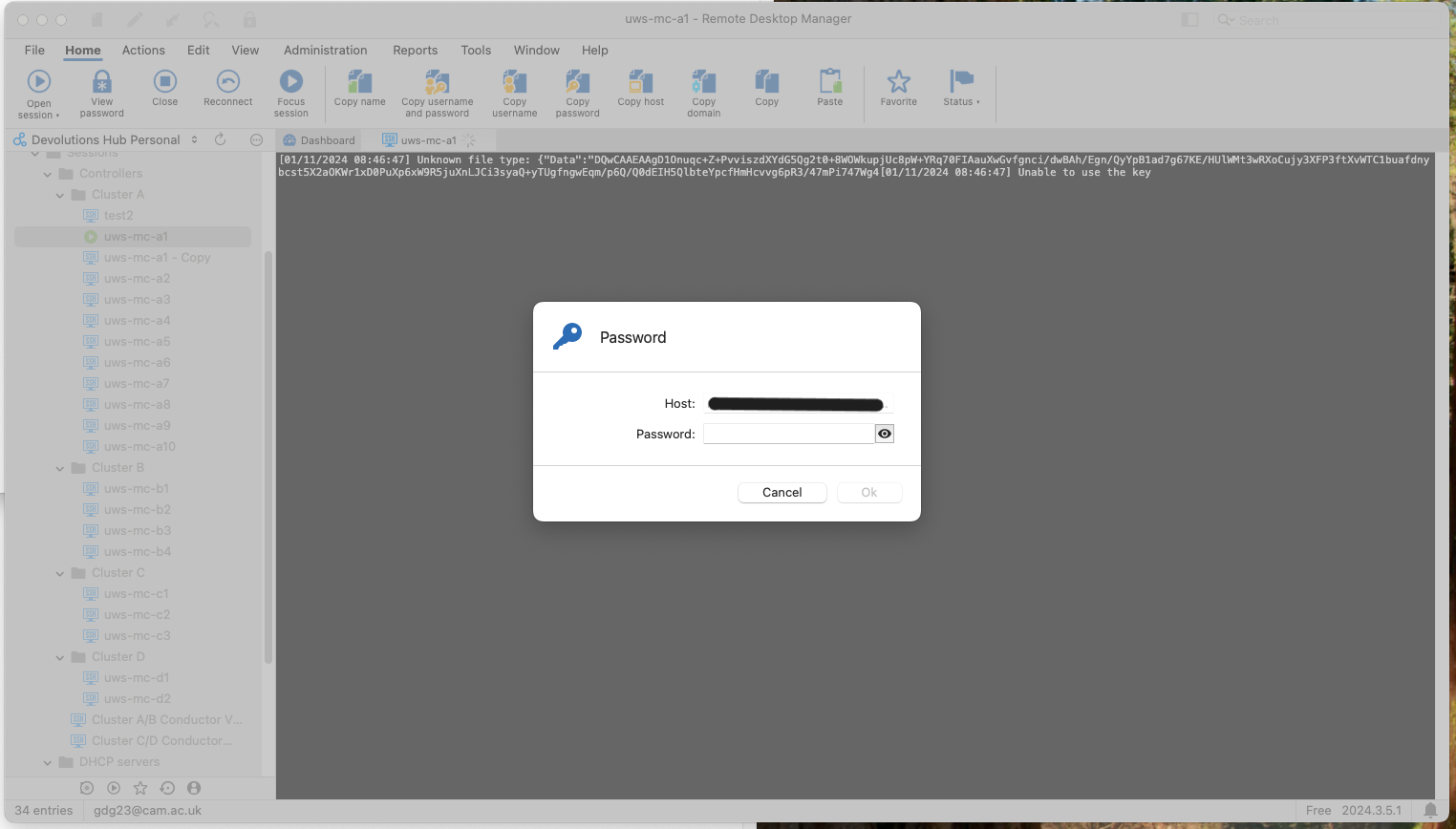
If I change the gateway to use a different key I still get that message. Maybe a key format problem, but what's weird is that I can (in RDM) use that key to connect to that server if it isn't configured as a gateway in RDM. Should I have SSH agent enabled for the target host?
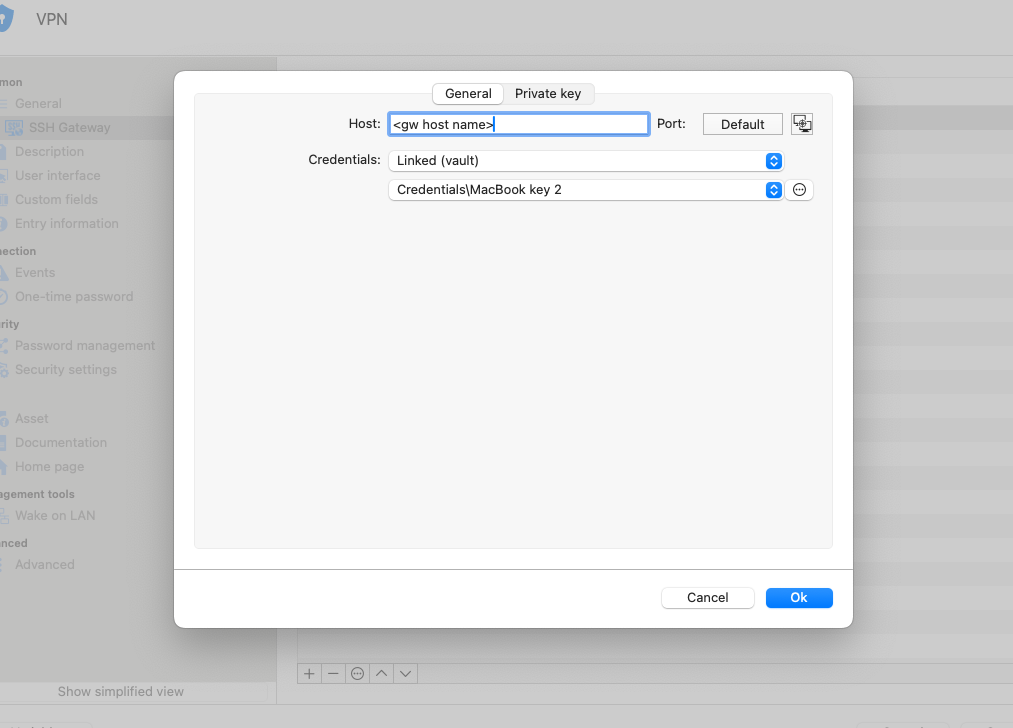
SSH TERM GATEWAY
==================
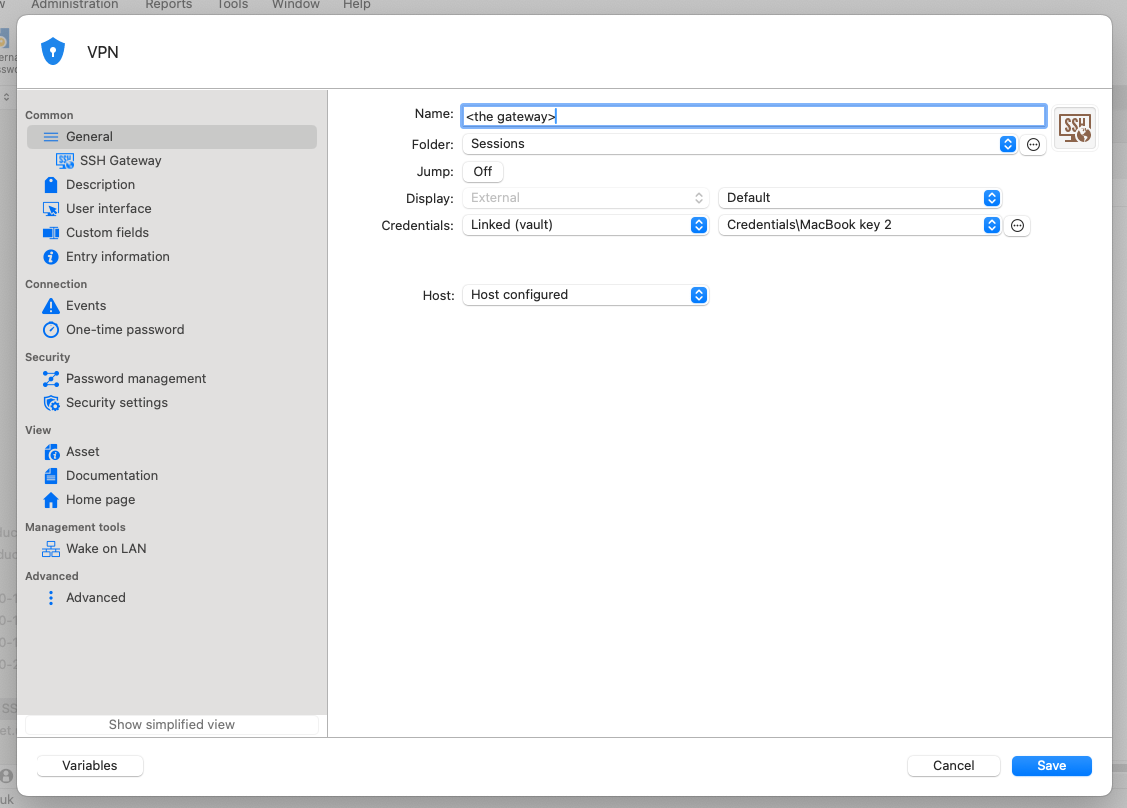
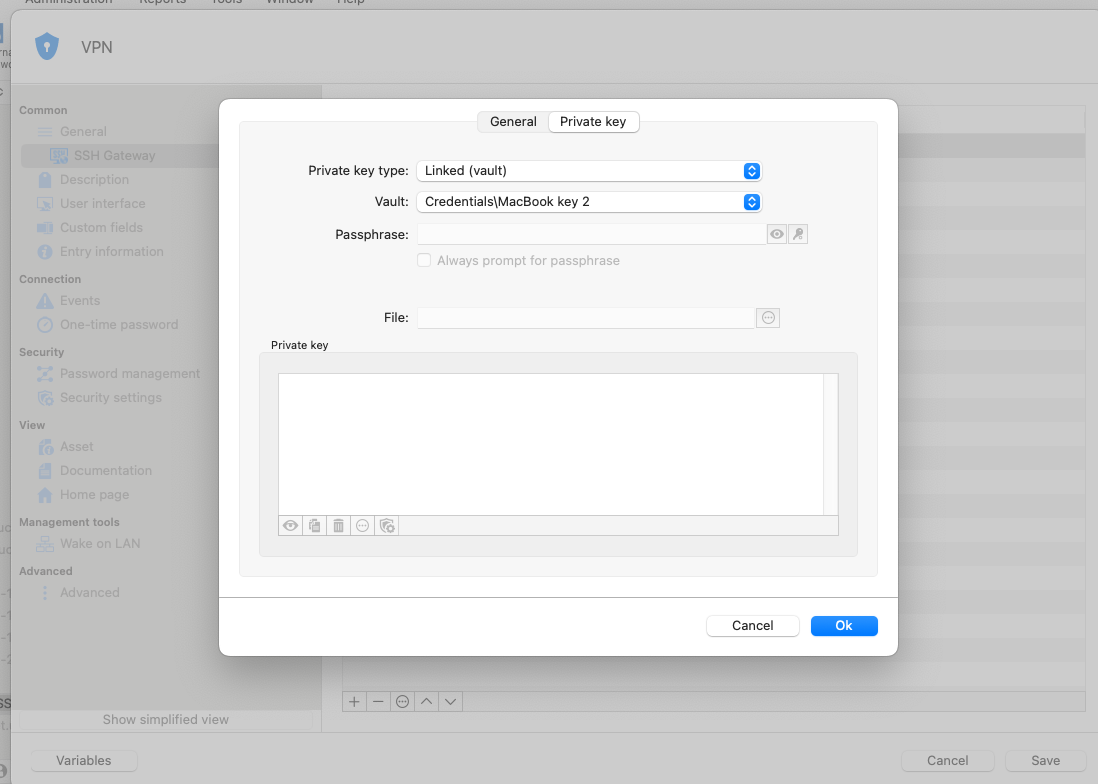
Let me know if I can give you any more info.
Guy
Screenshot 2024-11-01 at 08.48.34-B.png
Screenshot 2024-11-01 at 08.41.48.png
Screenshot 2024-11-01 at 08.37.23.png
Screenshot 2024-11-01 at 08.36.44.png
Screenshot 2024-11-01 at 08.32.02.png
Screenshot 2024-11-01 at 08.31.05.png
Screenshot 2024-11-01 at 08.30.42.png
Screenshot 2024-11-01 at 08.30.20.png
Hello,
Thank you for the reply and the many screenshots!
I will reproduce a similar configuration on my end and keep you informed of the results,
Best regards,
Samuel Dery
Hello,
Thank you for the reply and the many screenshots!
I will reproduce a similar configuration on my end and keep you informed of the results,
Best regards,
Thanks Samuel, your help is appreciated.
Guy
Hello,
Thank you for your reply,
Are you encountering this issue also?
Let me know,
Best regards,
Samuel Dery