RDM Offline Mode with domain user without notebook in domain

Hello,
we are using Devolution Server (2024.3.3) with domain authentication RDM (2024.3.12).
Offline mode for domain users with notebooks that are domain members works fine.
Now we want to use RDM offline mode with laptops that are not domain members.
When I'm online I can authenticate via browser with my domain credentials.
But when my notebook is offline, this is not possible and local cache is not available.
Are there settings for this?
Regards
Stefan
All Comments (5)
Hello Stefan,
Thank you for contacting us on that matter!
Would it be possible to show us the behaviour through a recording? I sent you the information in a Direct message on where to send us the information.
If you have any other questions, feel free to let us know.
Best regards,
Maxim Robert
Hello Maxim,
I have uploaded the reuqested video (FORUM-RDM-OFFLINE-MODE.mkv).
Please be patient, RDM needs a while to be started.
regards
Stefan
Hello Stefan,
Thank you for the recording!
Could you please provide me with the following information?
- Could you reproduce the issue with the Profiler? Here's a helpful topic on activating it.
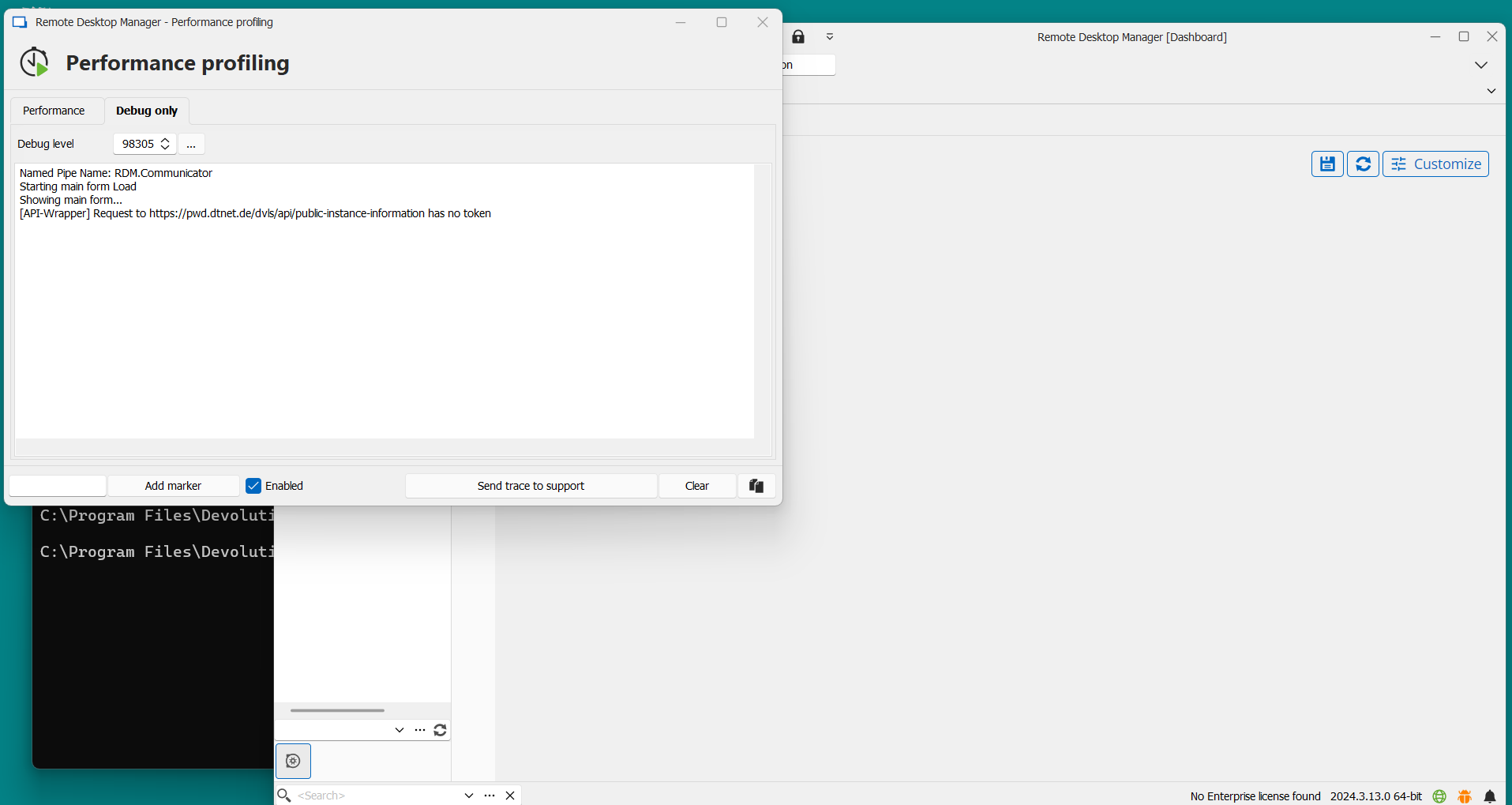
https://docs.devolutions.net/rdm/commands/help/support/profiler/ Please set the number of the Debug to 98305 and reproduce the issue with the Profiler minimized. Then, when the issue is reproduced, open the Profiler from your taskbar, and please provide us with the information shown in Performance and Debug.
- A screenshot of your Application logs showing the error message you get.
Thank you for letting us know. If you have any other questions, feel free to let us know.
Best regards,
Maxim Robert
Hello Maxim,
when I'm offline (Laptop disconnected from network) I cannot set Debug to 98305 because I can enter profiler only when offline error has already occured.
Nevertheless I've done so and send you Screenshots.
Is this what you have expected?
regards
Stefan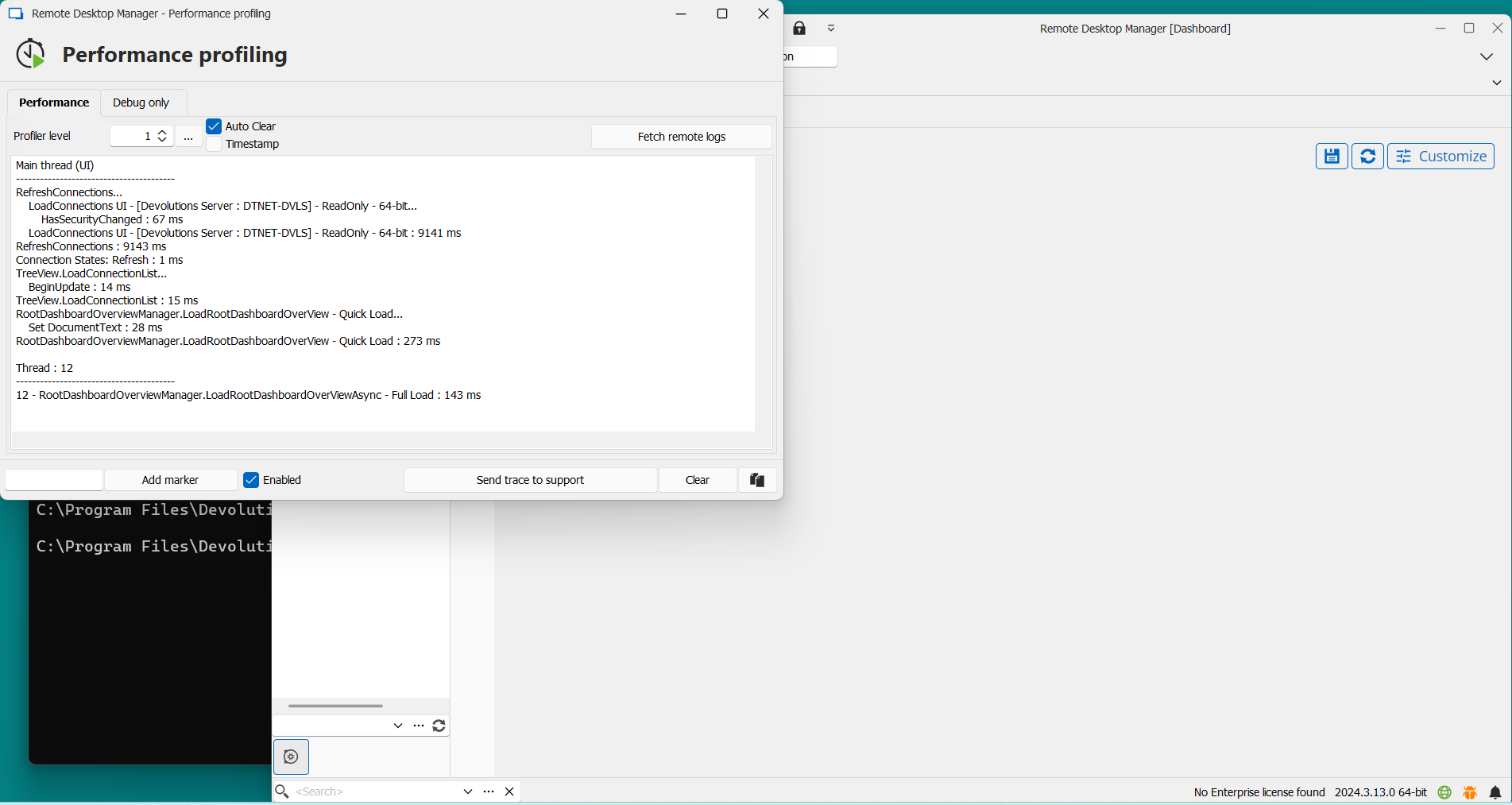
Screenshot 2024-10-11 172442.png
Screenshot 2024-10-11 172252.png
Hello Stefan,
Thank you for your response!
I've opened a case regarding your issue and sent you a link to schedule a session so that I can investigate the issue with you directly.
Please let me know if you haven't received an email. If you have any other questions, feel free to let us know.
Best regards,
Maxim Robert