Size of the Secure note content window/pane
0 vote

Dear Support,
can you help me, how to solve the problem with the size of the content window/pane of the Secure note object? See the attached image - the content is in the right part to the red line. I put there the red line over the divider line to emphazis that. Time to time it happens (most often probably after update), that RDM resest the sizes of the windows and moving the divider is very clumsy (you have to pin the mouse super precisely to be able to resize it and especially when you are in hurry, it looks like an impossible task :-) ). Having wider divider or something like auto-resize would be helpful. But I am first asking here, in case it has an easy solution.
Best regards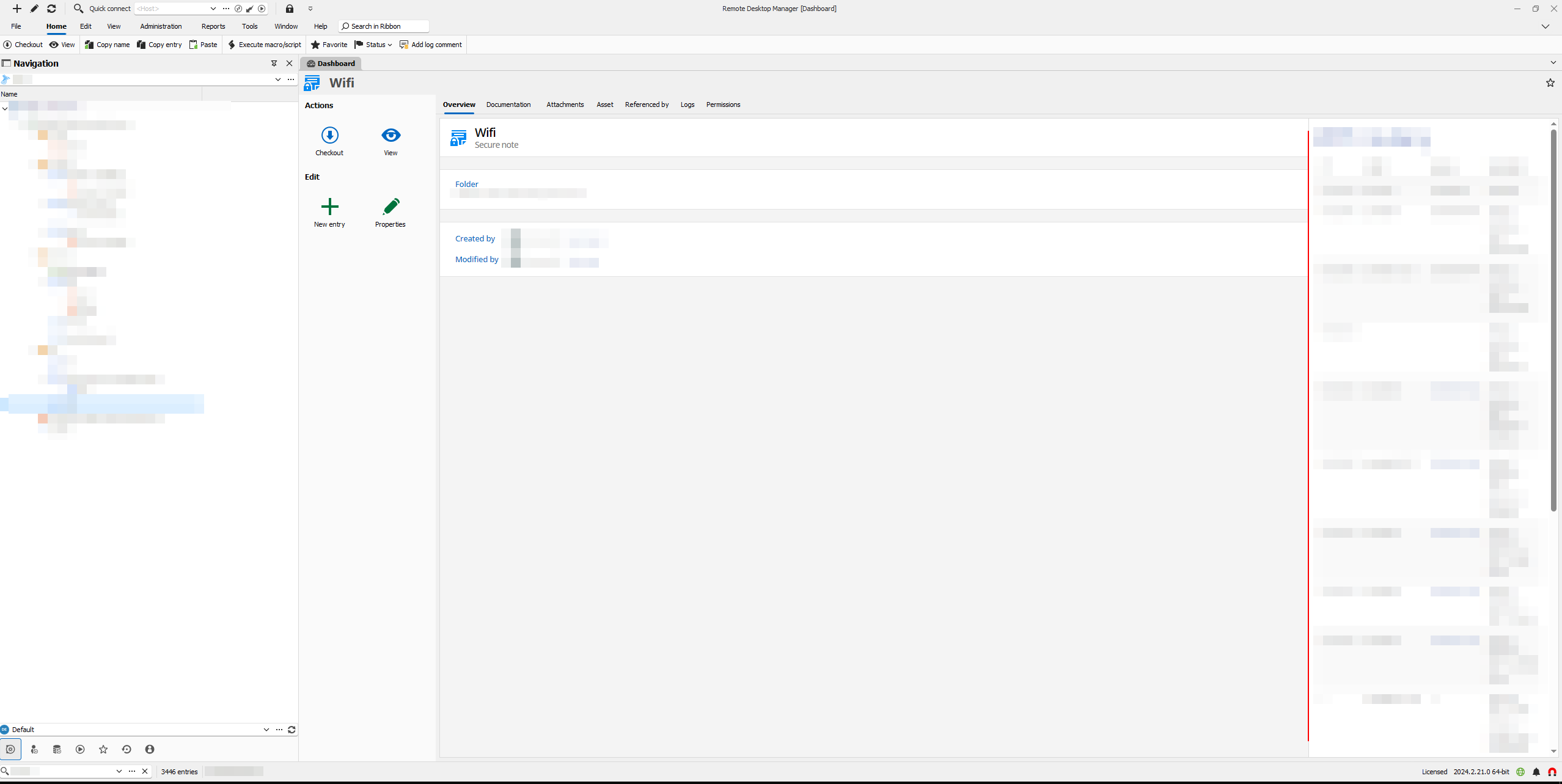
secure_note.png
All Comments (4)
Hello,
Thank you for reaching out to Devolutions Support.
Currently, there isn't a built-in feature to automatically resize or widen the divider. However, I will forward this issue to our feature request forum, where our development team can consider it for future updates.
Best regards,
Carl Marien
Hello,
I've opened a ticket for this. It should definitely be possible to increase the size of the "draggable" part of the divider which will make it much easier to resize. For the auto-size, we'll see what we're able to do regarding this.
Regards,
Hubert Mireault
Hello,
that's great news, thanks!
Hello,
We've increased the size of the border area to ease the dragging of the the secure note section. You can expect this change to take effect for the 2024.3.16 version.
Regards,
Jafran Majeau