Hyper-V VM Auto-Login

Hi,
I've setup my Hyper-V VM in RDM just fine, and as long as I don't specify any credentials I can connect ot the VM. However I have to enter my username and password. Is there any way to pass those to the connection, so that I'm immediatly logged in, just like when connecting to a RDP-session to a remote Windows host?
FYI: RDM (Free) 2024.3.10.0 64-bit
All Comments (8)
Hello Eiben,
Thank you for contacting us on that matter!
Could you please provide us with the following information?
- Are the credentials you are referring to used to connect to the VMs or the Hyper-V Dashboard?
- Does it used to work differently in an older version of RDM?
Thank you for letting us know. If you have any other questions, feel free to let us know.
Best regards,
Maxim Robert
Hi Maxim,
I'm trying to connect to the VM not the Hyper-V Dashboard. The connection to the dashboard works fine. I can't tell if this used to work, since this is the first time I tried to set this up.
So I used these red marked fields to enter the credentials for the username within the VM: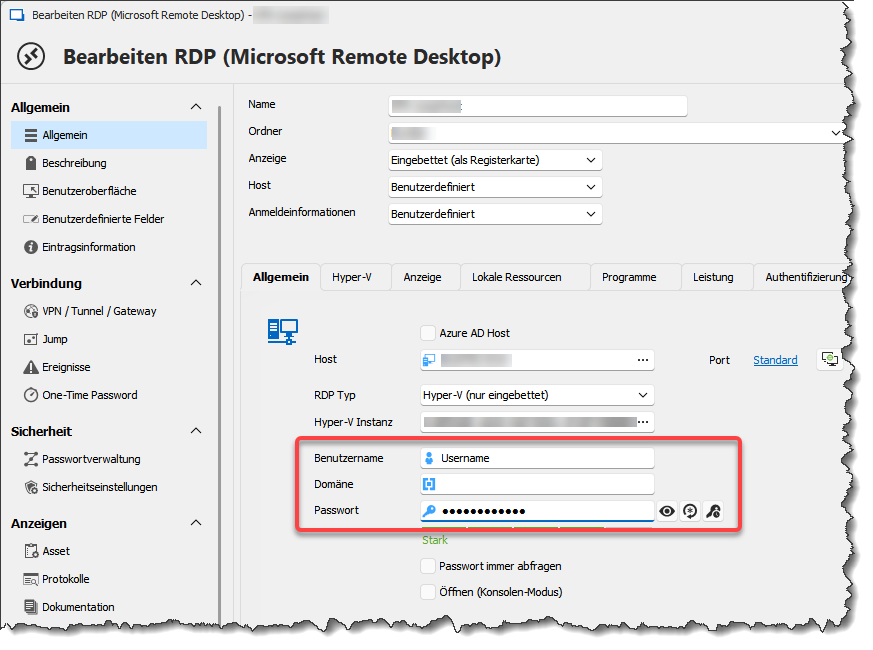
c56a6355-8259-4626-b232-1fd0af49b429.png
Hello eiben,
Thank you for this feedback.
Could you tell me if you can access Hyper-V using the Dashboard entry in RDM?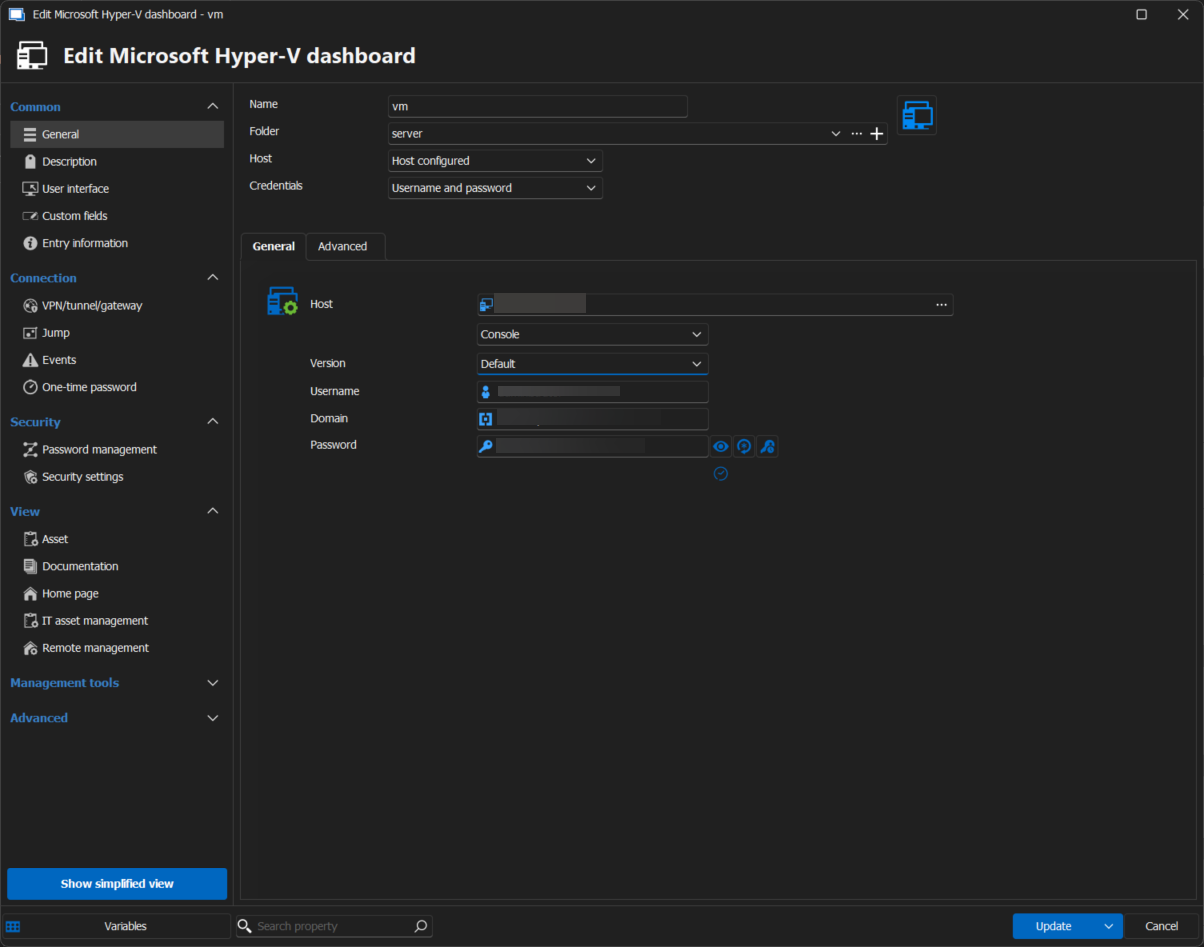
Best regards,
Patrick Ouimet
Hyper-V.png
Hello eiben,
Thank you for this feedback.
Could you tell me if you can access Hyper-V using the Dashboard entry in RDM?
Best regards,
yes, that works: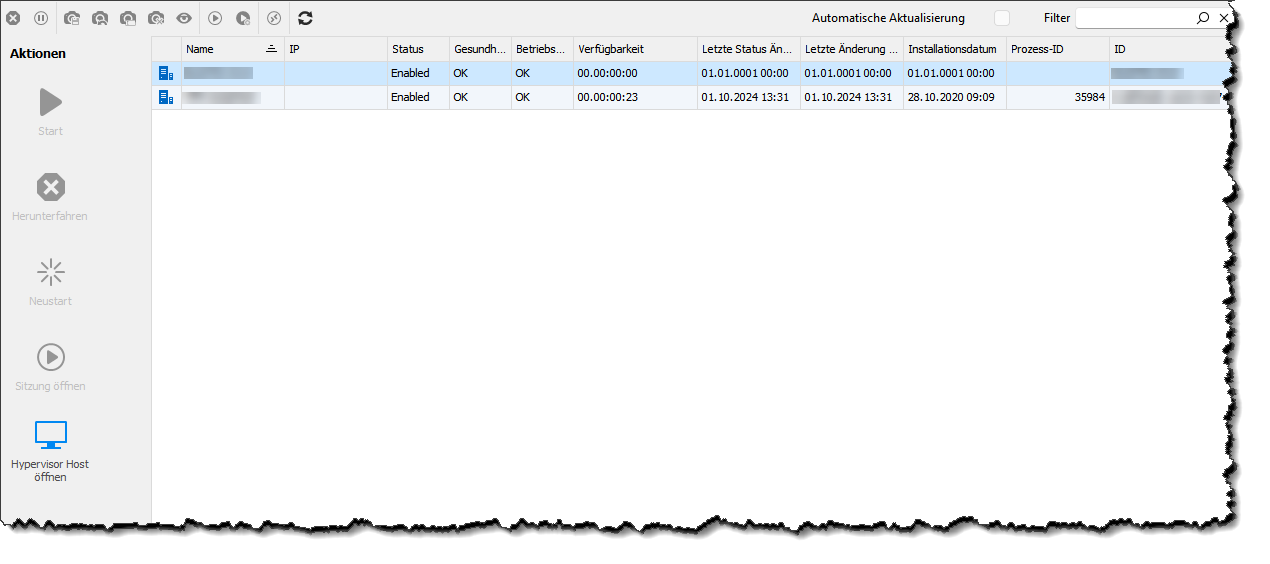
cb3caf11-ed85-4bc2-99cb-607c5f437c22.png
Hello eiben,
Thank you for this feedback.
After some tests, it looks like if you specify a Hyper-V instance, you cannot connect.
I suggest using RDP to connect to your VM as a workaround until this is resolved.
Best regards,
Patrick Ouimet
After some tests, it looks like if you specify a Hyper-V instance, you cannot connect.
I suggest using RDP to connect to your VM as a workaround until this is resolved.
Well, if I leave the credentials blank, I can connect to the VM without problems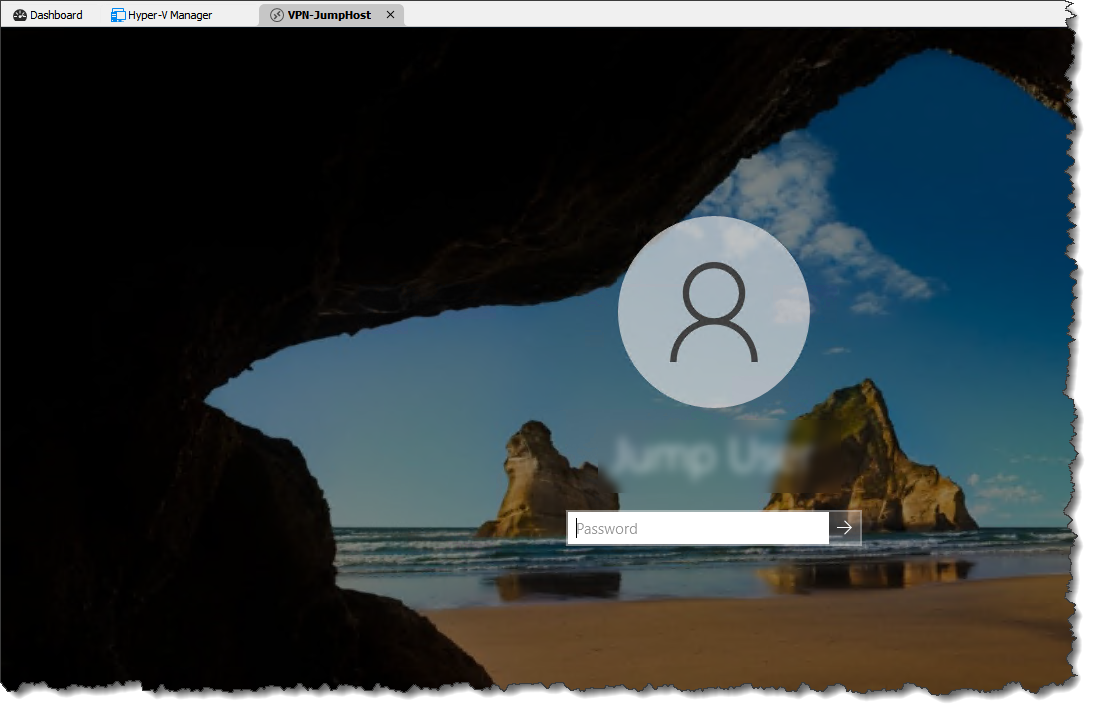
7258d102-7539-4528-98a4-7a6d68e0d01d.png
After some tests, it looks like if you specify a Hyper-V instance, you cannot connect.
I suggest using RDP to connect to your VM as a workaround until this is resolved.
Well, if I leave the credentials blank, I can connect to the VM without problems
@Patrick: any hints on this one? Can you reproduce this behaviour?
Hello eiben,
Thank you for your feedback.
We are still investigating this issue and will inform you of any updates.
Best regards,
Patrick Ouimet