After upgrading to 24.3.4.2 I am getting "database password is invalid"
After upgrading to 24.3.4.2 I am getting "database password is invalid"

I cannot connect to database file on Google Drive. When I am copying file to local disk, I cannot open in with "database password is invalid "
I've lost all my info ?
All Comments (5)
Hi,
are you referring to the xml datasource file ?
if so can you try the step in the following documentation and see if it work :
https://docs.devolutions.net/rdm/kb/rdm-windows/troubleshooting-articles/access-your-en-rdm-entry-in-google-chrome-if-google-drive-integration-does-not-work/#export-the-xml-data-source-file-from-google-drive
Best Regards,
Gabriel Dufresne
It's .DB file. It looks like crypted one. May be it is crypted XML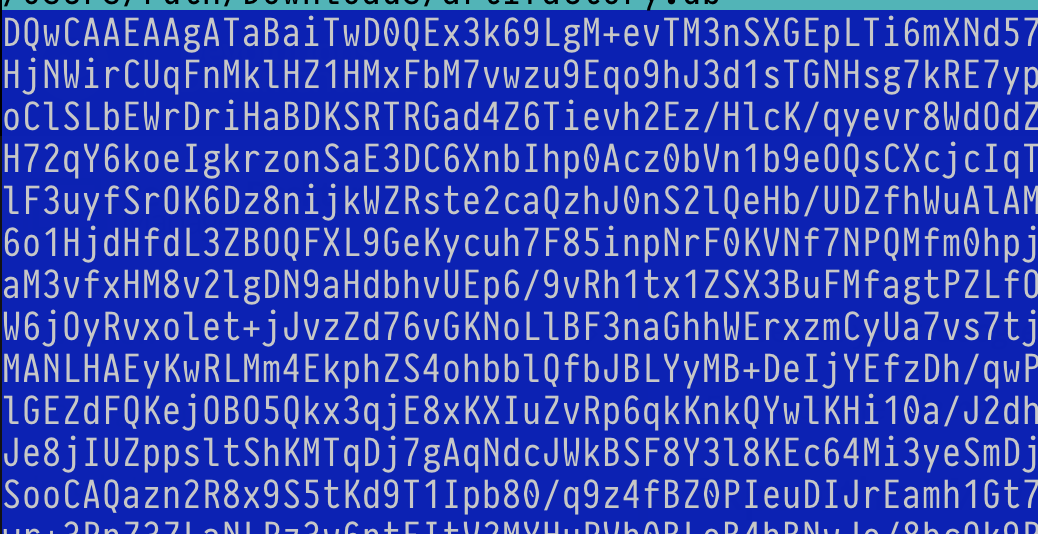
Screenshot 2024-09-25 at 19.12.06.png
Hi,
Could you try these step :
- Rename the downloaded file to connection.xml.
- In Remote Desktop Manager, go to File - Data source.
- Create a new data source and select XML.
- Click the three dots next to the filename field and select the connection.xml file you downloaded.
- Click on Add to finish.
Best Regards,
Gabriel Dufresne
WOW! This helped! Thank you very much! but 24.3.4.2 update seems to be little bloody...
Hello,
We understand your frustration, and for your information, we were unaware that Google would block our product.
That being said, we are glad to hear that the issue has been resolved on your end.
Best regards,
Carl Marien