Editing Entry Greyed Out

Just testing the Devolutions Personal Hub
I imported my local data source connections from RDM file into the hub
When I open RDM connecting to the online data source, the New Entry, Add, Edit, Delete options are greyed out
All Comments (6)
Hello,
Thank you for contacting us on that matter!
Could you please try the steps below?
- Remove the data source from Hub Personal and recreate it. (No entry will be lost when removing the Data Source)
Please let me know if the problem persists after this step. If you have any other questions, feel free to let us know.
Best regards,
Maxim Robert
I did the following steps :
In RDM for Windows / File /Data Sources
Delete the Devolutions Data Source
Save Exit
Open RDM / Re-attached the Dev Data Source
Same issue
Right Click on any connection and All the edit/add/delete features are greyed out
Hello,
Thank you for your response!
Could you kindly provide us with the following information:
- Your current RDM version.
- Are you able to connect to your Hub Personal through the web?
- A screenshot of your RDM Dashboard
- A screenshot of your File > Data Source. (Ensure not to show your email in the screenshot)
Once we have this information, we will be better equipped to diagnose and resolve the issue.
Best regards,
Maxim Robert
2024.1.32.0 64-bit
Yes - Can Connect via Web - Can edit the Entries there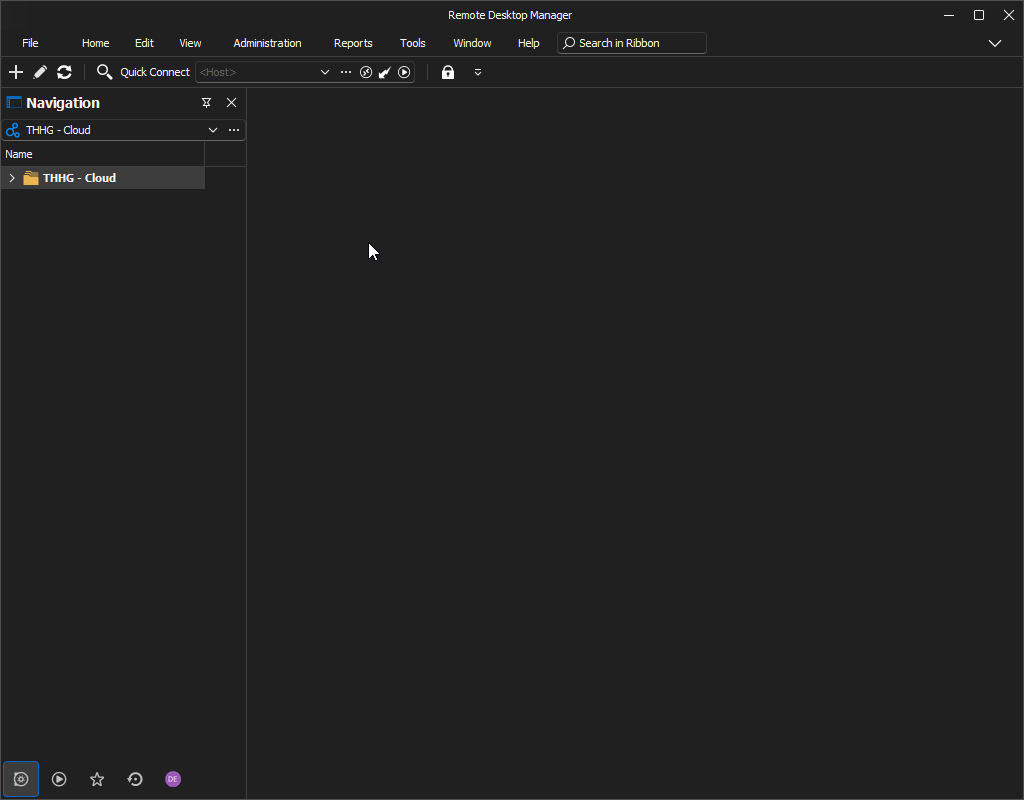
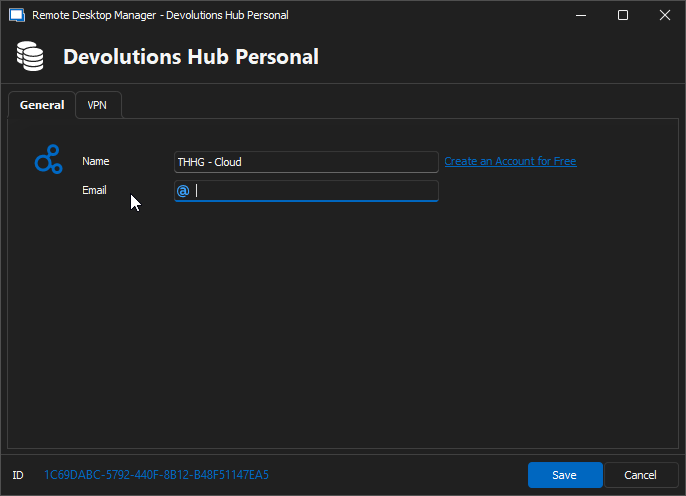
d5789b8f-4e46-4ef9-b237-2700e216a70c.png
a20eac63-6f76-41d3-93c8-cd9be53bf8e3.png
Hello,
Thank you for your response!
Could you please update your RDM to the latest version (2024.2.21.0)? This issue is occurring because the Hub Personal is on version 2024.2, and your current RDM version is 2024.1, so the version is mismatched, so RDM is put on Read-Only Mode. To update RDM, you can go under the "Help" tab at the top and click on "Check for Updates," and select "Download and install now."
Updating RDM should resolve your issue. If the problem persists after updating, let me know. If you have any other questions, feel free to let us know.
Best regards,
Maxim Robert
Updating the Version worked - Thanks