AD Dashboard (MacOS) - Not showing all OUs

Just been playing around with this today and saw that it was an option. I have it configured and it seems to connect, but not all the OUs seems accessible. It looks like I can see some OUs as objects, but can't go into them. The only thing I seem to be able to access is the root OU (in our case the Computers OU) that things fall into by default. Is there something I need to configure to be able to manage the entire tree through this? Or is this just a limit of the MacOS version?
Settings: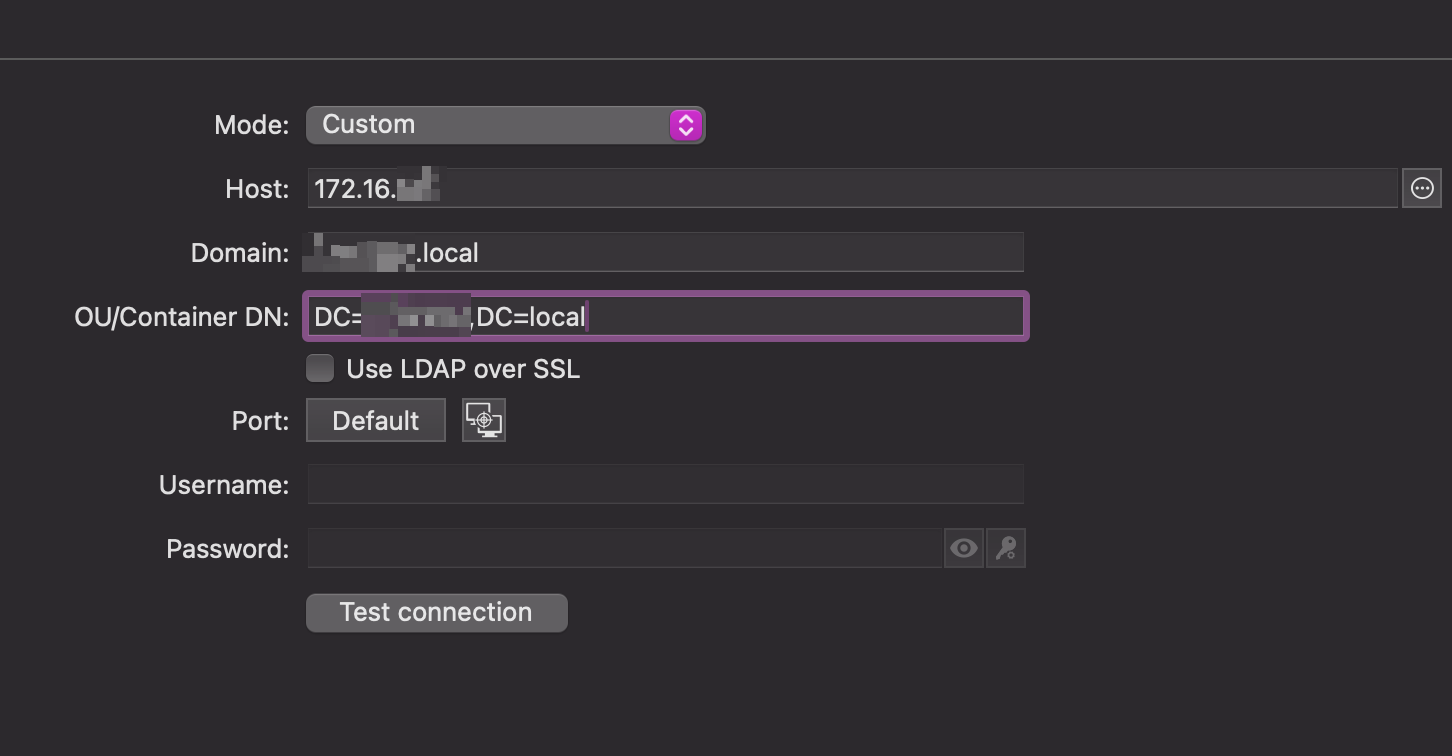
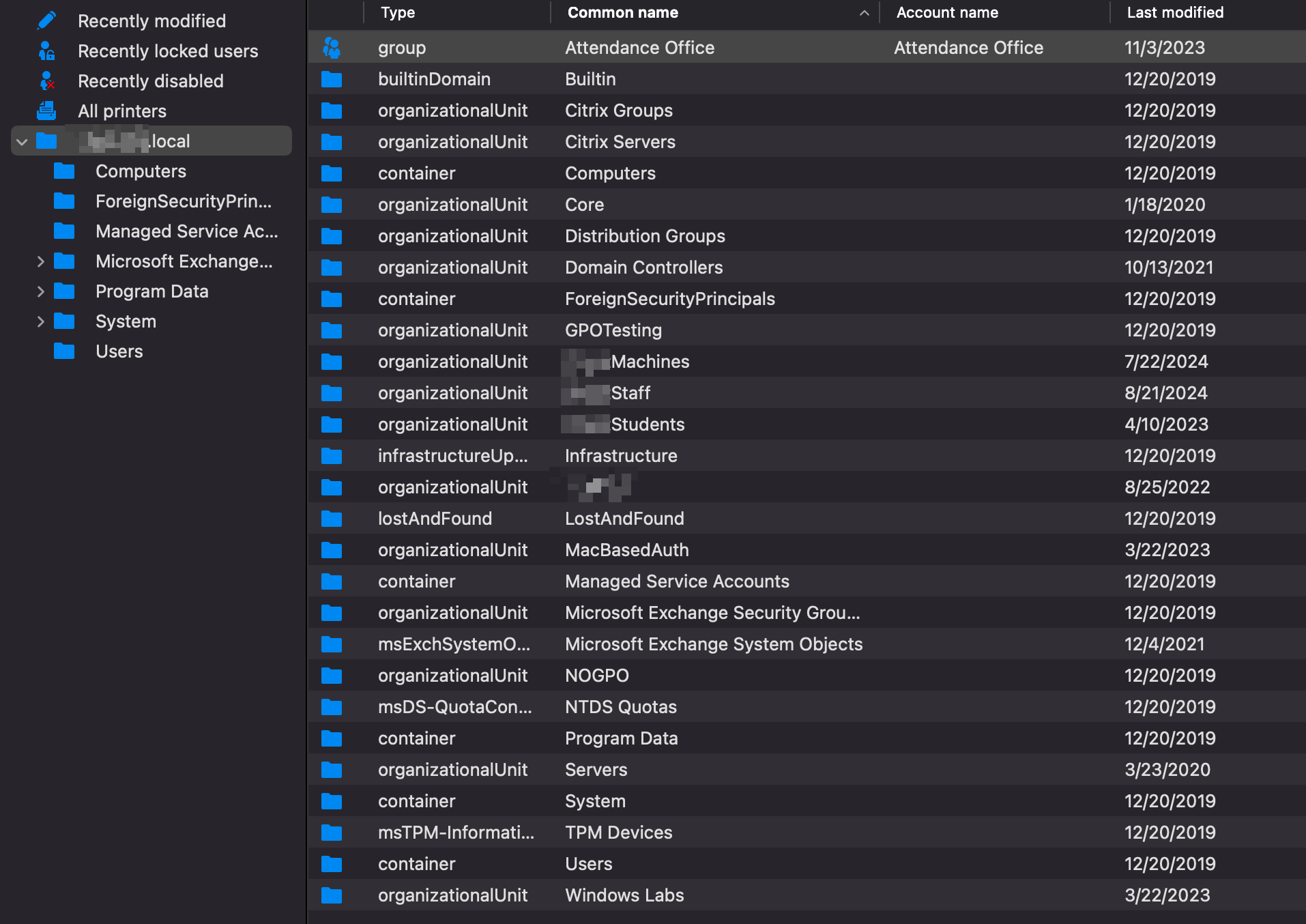
724c9043-114a-4aa5-9cbf-819c0af51dd4.png
4451cafb-70a0-4ed8-87c7-346cf597d364.png
All Comments (3)
Hello,
I tried to recreate the issue you are experiencing but was unable to do so. Would it be possible for you to send us a video of the issue? This would help us better understand the problem.
I will send you a link via email where you can securely upload the video.
Best regards,
Carl Marien
Thank you, I have uploaded a video showing how I am connected in RDM, what my AD Dashboard shows, and my AD tree that shows all the OUs in our domain.
Thanks!
Joe
Hello,
Thank you for the video.
I wasn't able to recreate the issue, which might be because I cannot connect externally like you can.
Would it be possible for you to test if the issue reappears when using a Windows version of RDM? I want to ensure the problem isn't limited to the Mac version.
Best regards,
Carl Marien