CSV import

Afternoon,
I am having issues with the CSV import, appears to have stopped working.
All attempts to import come back with the following: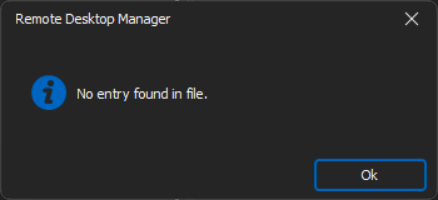
The details in the CSV are simply IP, Host name and connection type. CSV contains 47 lines.
Here are the below steps taken:
1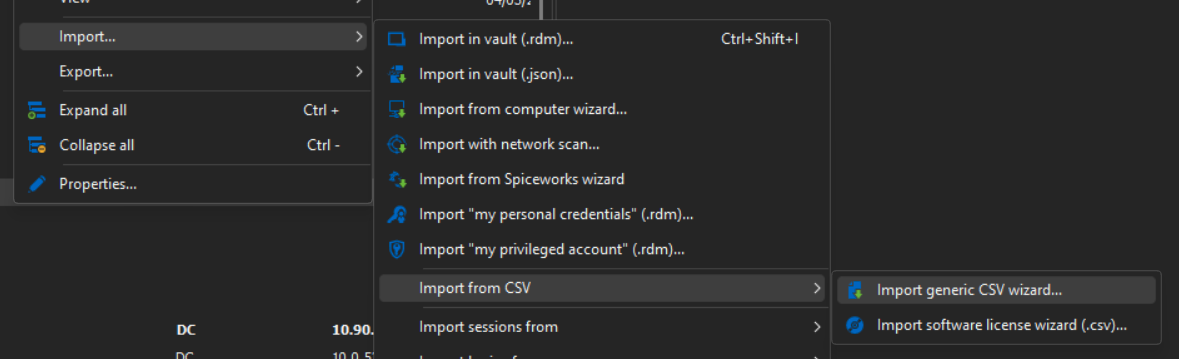
2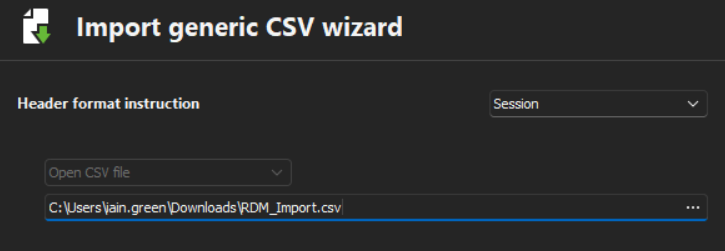
3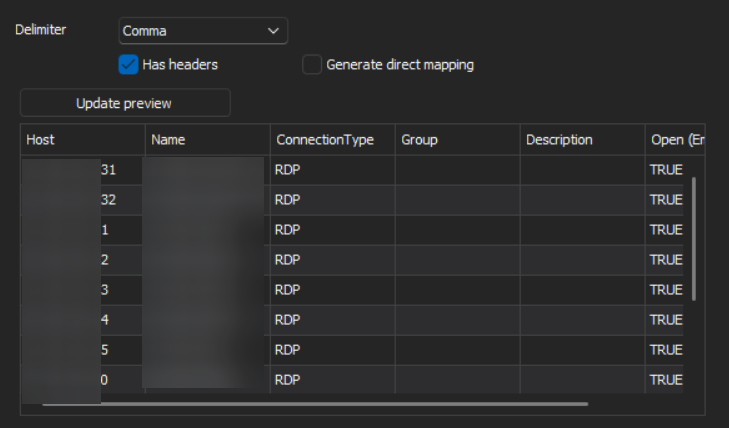
4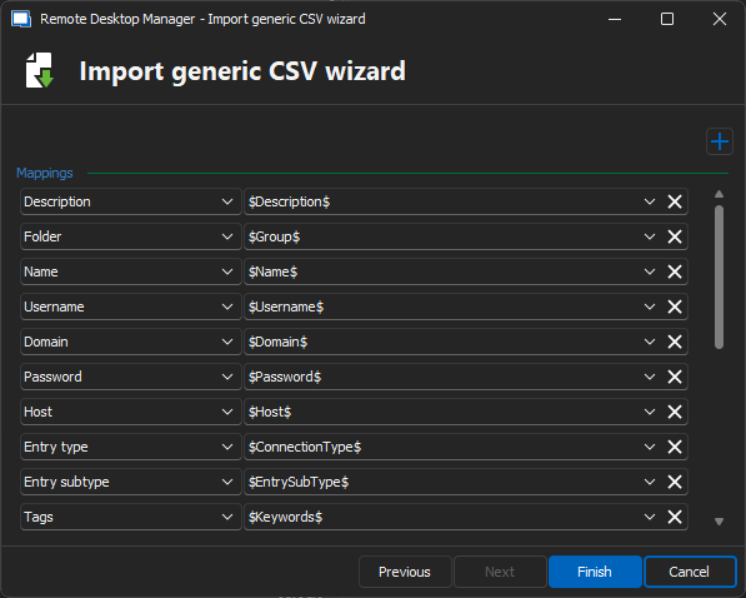
5
Thanks
Iain
Version 2026.1.20.0 64-bit
Data Source SQL
3a791884-2046-48d2-822f-c1f69d9ccd38.png
8564a485-35a2-448d-9863-c44a36462637.png
2645f57d-4e69-418a-ba7a-3a2479e930aa.png
4fc2483d-6d3c-4e76-bc7c-df0a39cb135e.png
c77c899e-88bf-4d40-b87d-b989b16589e6.png
All Comments (5)
Hello,
Thank you for reaching out to us regarding this,
Would you be able to provide me with a sample of your .CSV without any sensitive data?
I will send you a private message so that you can provide us this file.
Best regards,
Samuel Dery
Hi Samuel,
I have uploaded the file, names and IPs are all fake.
Regards
Iain
Thanks
Iain
Version 2026.1.20.0 64-bit
Data Source SQL
Hello Iain,
Thank you for your reply and for the sample,
I see; I believe the issue is with the ConnectionType column. Can you change the value to RDPConfigured instead of RDP and let me know if the import works as expected?
Best regards,
Samuel Dery
Hi Sam,
Yep that's resolved the issue (facepalm!)
Thanks, clearly been a while since we used CSV import!
Thanks for sorting.
Regards
Iain
Thanks
Iain
Version 2026.1.20.0 64-bit
Data Source SQL
Hello Iain,
Thank you for your reply,
No worries, glad to hear this works for you!
Let me know if you have any additional questions regarding this,
Best regards,
Samuel Dery
