Attachments as list

Is there a way to view the attachments as a list (details) and not as large icons. It often cuts off the name of the file.
JD_14 augustus_15-15-40.jpg
All Comments (2)
Hello Johan,
Simply right-click in the Attachments List and select "Details" as display mode :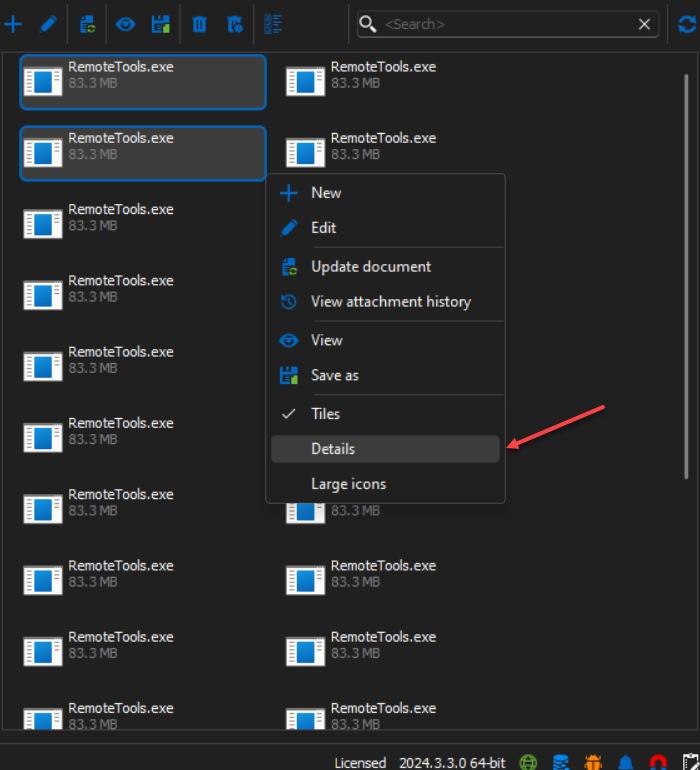
It will be displayed as followed :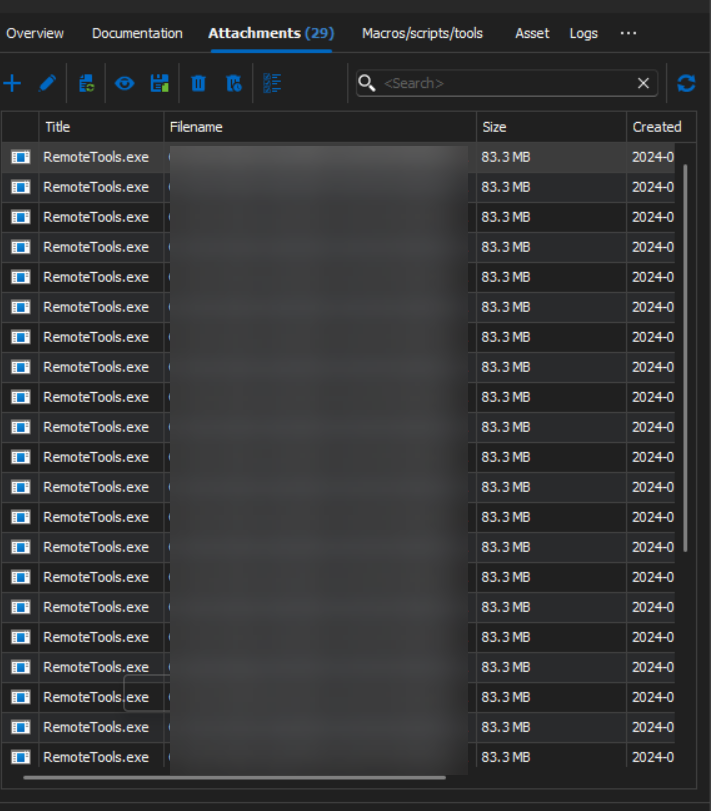
Best regards,
Nathan Beauregard
a017f864-dff0-4bea-8f45-4bd8b1d58b09.png
dbc7cd1f-1825-459a-91b7-f0c6ec078854.png
Boy... Do I feel stupid now. Thank you very much, Nathan! That did the trick! :-)