Entries missing/ moved around after computer restart (RDM/Devolutions Password Manager)
Entries missing/ moved around after computer restart (RDM/Devolutions Password Manager)

I just restarted my computer and now inside of my RDM one folder is completely empty and all of the sub folders and entries are in the main vault. I thought maybe I had accidentally dragged them out but when I attempt to move one in I get an error for a circular reference. I then opened workspace to see if the entries were messed up there as well; instead of being messed up they seem to be completely hidden I can only tell because I have a historical event from 4 days ago and can access it that way. Any help or information would be greatly appreciated.
UPDATE: When I sign in to check the entries on the web portal, the folder is marked as Unhealthy, I assume this is an issue on Devolutions side as nothing has changed today, nor have I even accessed that particular folder today.
e85615dd-a055-49c9-996b-5bb64217852f.png
All Comments (5)
Hello Adam,
Thank you for contacting us regarding this,
- Could you please specify the version of RDM/Workspace you are currently using?
- What type of data source are you using? Am I correct in assuming this is Hub Business?
Let me know
Best regards,
Samuel Dery
I am using a Hub Personal and I am on version 2024.2.17.0 64-bit.
I have the same entry in a business Hub and it was fine on that end.
Please note that I was thankfully able to restore them to the initial import from months ago and it seems fine at this point. But would Still like to know what happened if possible.
Hello Adam,
Thank you for your reply,
I'm glad to hear this resolved your issue,
No problem, do you by any chance have a screenshot of the "Health" -> "Advanced" section of the entry that was marked as Unhealthy? 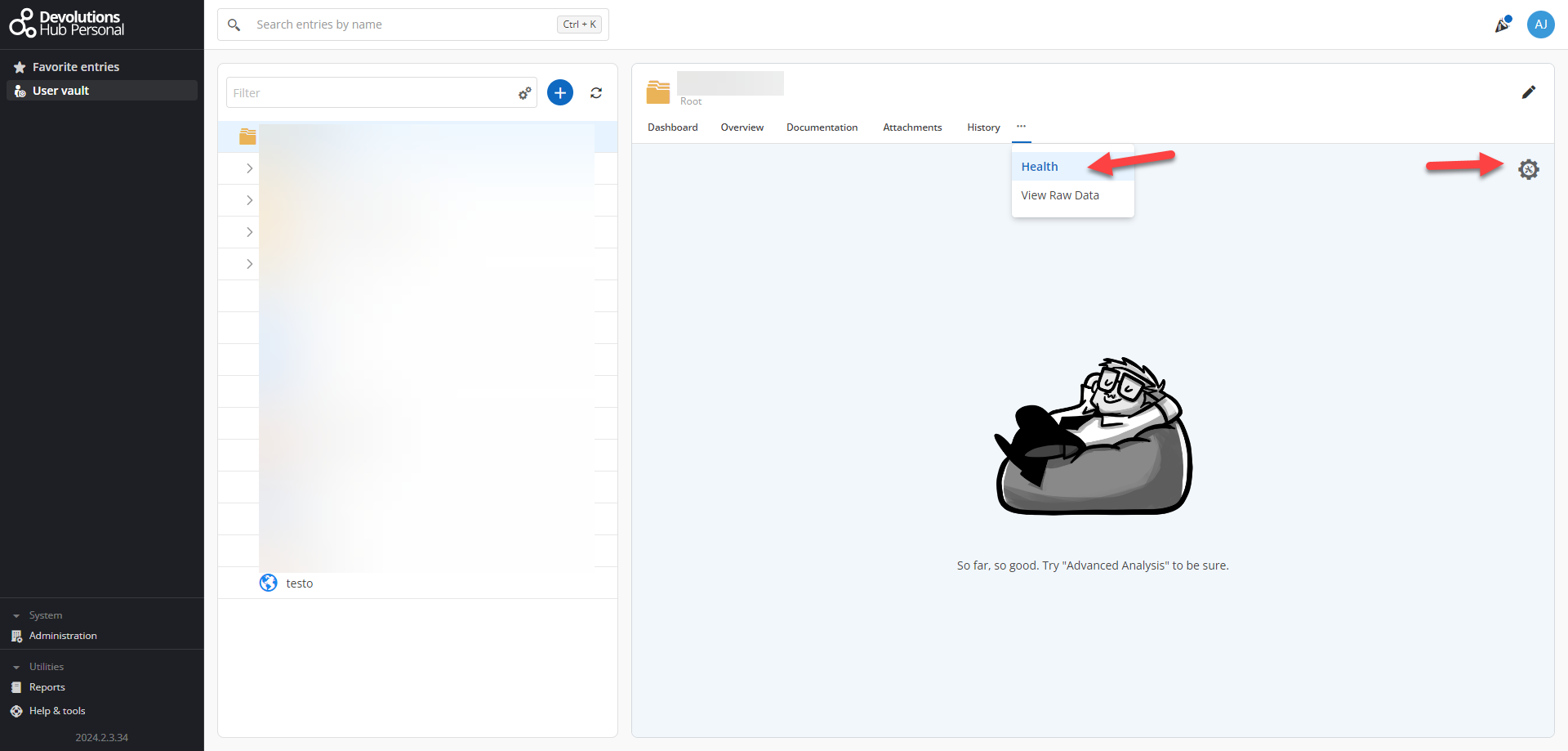
This would provide us with some additional details on what might have caused the issue.
Our development team is also wondering how many nested folders deep your configuration goes? For example, this would be 4 folders if we exclude the root.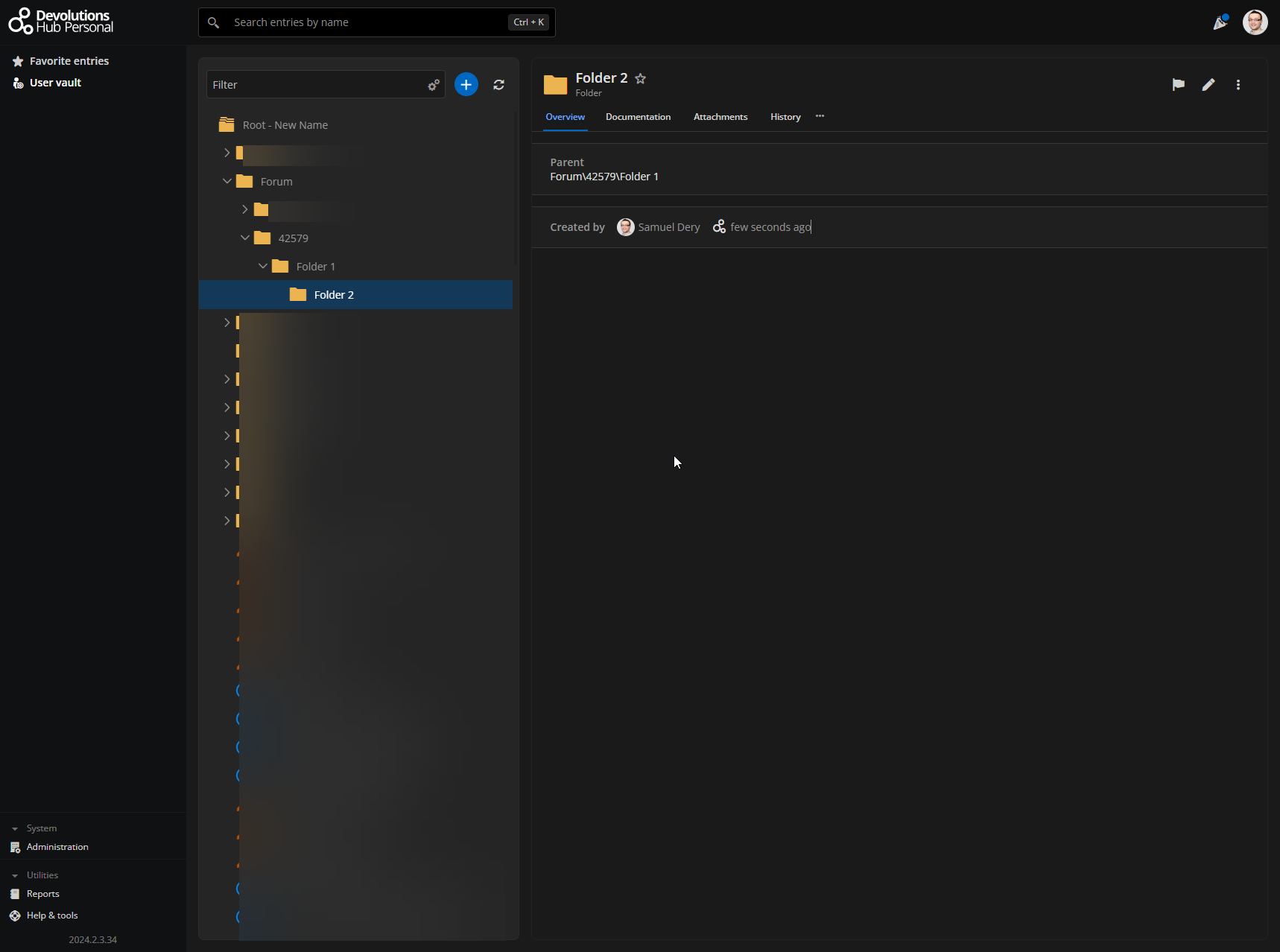
Let me know,
Best regards,
Samuel Dery
640b5c97-f1e2-4576-95da-679fab6222f9.png
b1549562-8482-4010-90f1-6be23536ec15.png
Apologies for the slow response, I do not have screenshots but at the time the health and advanced health section said healthy. But in the devolutions portal on the web the icon stated unhealthy. The entries in question are only 2 nested deep excluding root.
Hello Adam,
Thank you for your reply,
Has the issue returned since the initial report and after you've reimported the entries?
Let me know,
Best regards,
Samuel Dery