FTP upload returns error

RDM Free 2024.2.16.0 64-bit. Windows 11 Professional 64-bit.
I'm using an FTP profile that has worked just fine in the past. No TLS. When I try to upload a file it reports a crazy high bandwidth rate then produces an error. Below are the errors and the FileZilla Server log. FileZilla reports mode is set to S (streaming?). I'm not sure if that is the problem or not. I created a WinSCP profile with the same credentials and ran it inside RDM. The progress bar on it jumps all over the place but it seems to in the end copy the file. However I don't have confidence there weren't corruptions.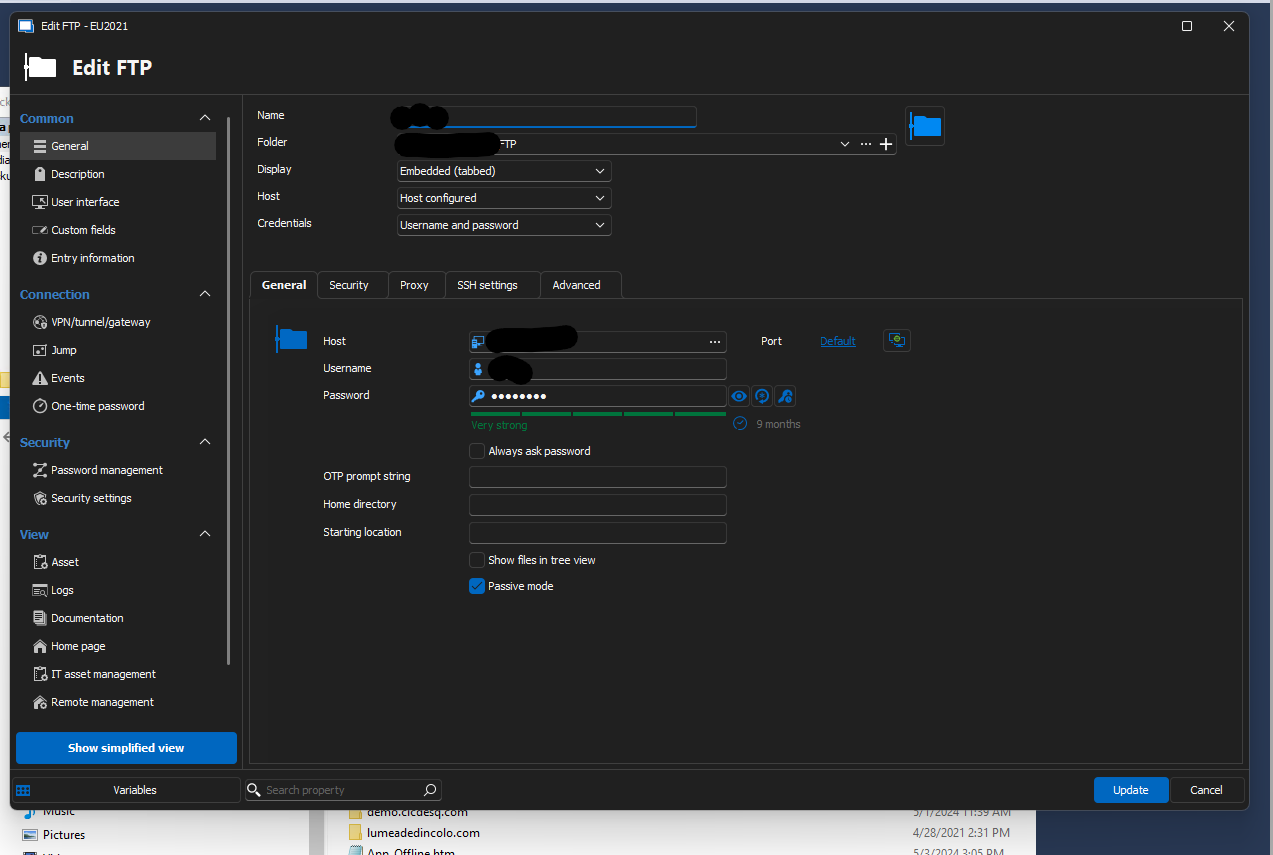
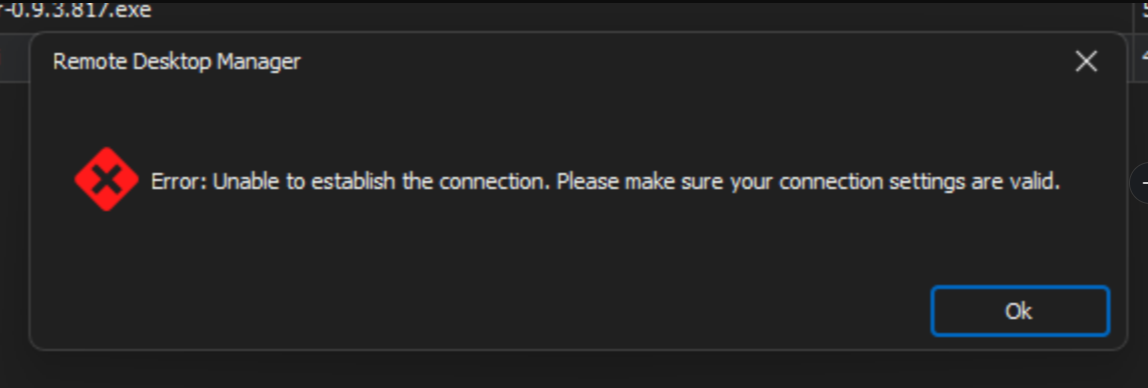
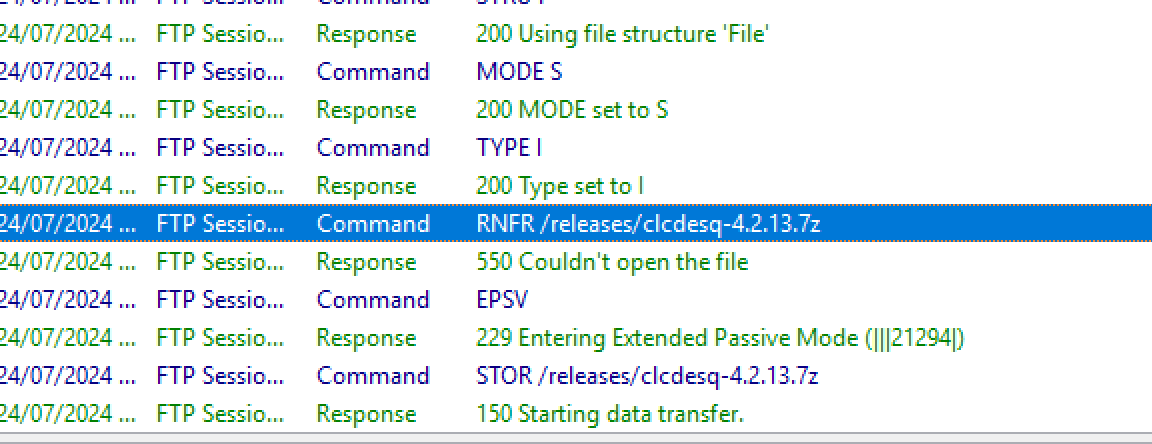
96c67f31-4349-4f9b-8b14-8d94d486c577.png
3bbb02ce-7680-490e-b5f0-aed236d0755e.png
b6ccb08b-3e7b-4e7b-a212-0dac8b033d4c.png
All Comments (5)
Hello,
Thank you for reaching Devolutions support.
Would it be possible to test if you receive those error messages when you use FileZilla outside of RDM?
Best regards,
Carl Marien
I'll test it now. While I'm doing that, I have something to add. When the files are smallish (< 100mb) the upload completes, but when they are larger than that it creates the file on remote and dies almost immediately. I'm not sure if RDM is collecting logs. I can post them if you tell me where to find them.
FileZilla outside of RDM was able to complete the transfer. I also restarted the server, but that did not resolve the issue.
Hello,
Good news! I was able to recreate your issue and have created a bug report. I will keep you informed about any advancements in this case.
Best regards,
Carl Marien
I'm convinced that a developer or support tech telling you that they were able to replicate an issue has the same psychological effect as a psychologist telling you that you're not crazy. Super satisfying. I'm saying that as someone who has been on both sides of the conversation.